Trending Searches

    History

      Clear All
      Word Search - Fun Word Puzzle

      Word Search - Fun Word Puzzle

      • Sizes: 108.49MB
      • Version: 4.9
      • Update: 2023-04-20
      Install by Apple Store

      Word Search - Fun Word Puzzle Description

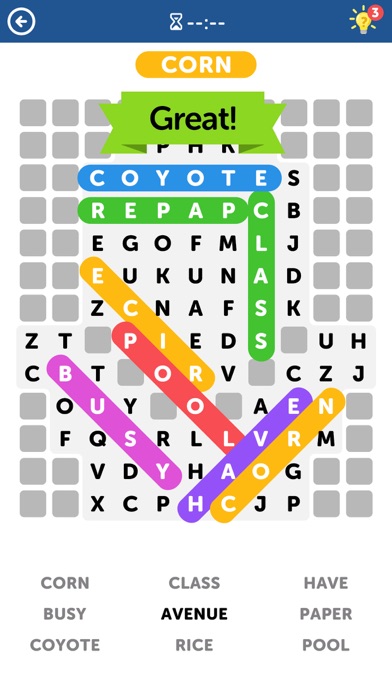
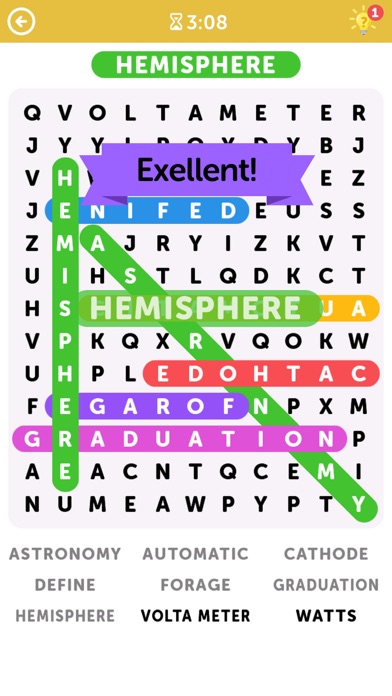
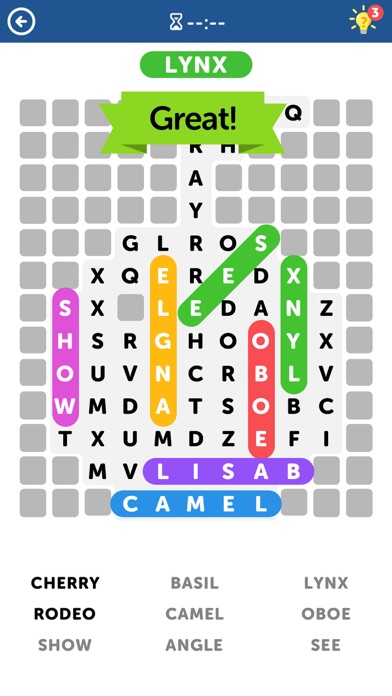
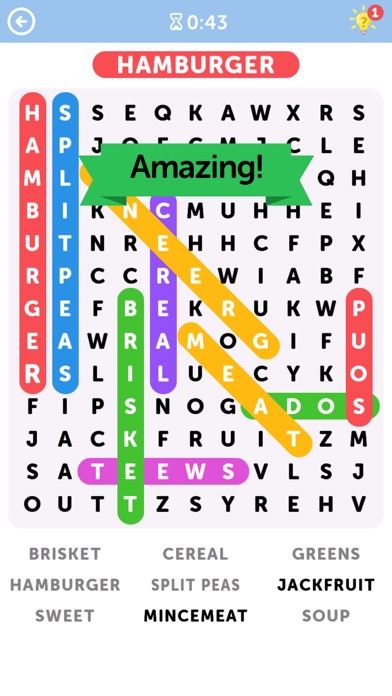
      Get the incredibly addicting word search game that everyone is talking about! Expand your vocabulary and show off your spelling skills as you search for all the hidden words. Word Search (also known as Word Seek, Word Find, Word Sleuth or Mystery Word) is a word game that consists of the letters of words placed in a grid. The objective of this puzzle is to find and mark all the words hidden inside the box. The words may be placed horizontally, vertically, or diagonally. Word Search Features: - 100+ different categories for your different moods - Starts off easy but gets challenging fast - Replay categories in Time mode or Classic mode - Daily challenges to earn extra rewards - Use the Hints when you get stuck - Enjoyable graphics with easy controls - NO WIFI? NO PROBLEM! Enjoy the word search puzzle anytime, anywhere! Forget the pen and paper - You'll never experience a dull moment once you have this most addicting word search game!

      Word Search - Fun Word Puzzle Information

      Name Word Search - Fun Word Puzzle

      Category Games

      Developer Doodle Mobile Limited

      Version 4.9

      Update 2023-04-20

      Languages EN

      Size 108.49MB

      Compatibility Requires iOS 10.0 or later. Compatible with iPhone, iPad, and iPod touch.

      Other Original Version

      Word Search - Fun Word Puzzle Screenshot
      Word Search - Fun Word Puzzle
      Word Search - Fun Word Puzzle
      Word Search - Fun Word Puzzle
      Word Search - Fun Word Puzzle
      Word Search - Fun Word Puzzle

      Rating

      4.6

      410 Ratings

      Tap to Rate

      Please use Safari on iPhone/iPad to access the current page

      Because Panda Helper VIP service is based on iPhone/iPad device information (UDID), please access the current page in Safari on iPhone/iPad:
      • Scan the QR code on your iPhone/iPad
      • Copy the link below and open it in Safari on your iPhone/iPad
      * Safari only. Other browsers cannot get device information
      copy successfully!

      Follow us on social media

      panda helper top hover