Trending Searches

    History

      Clear All
      Widgy Widgets

      Widgy Widgets

      • Sizes: 181.02MB
      • Version: 2.2.1
      • Update: 2023-03-06
      Install by Apple Store

      Widgy Widgets Description

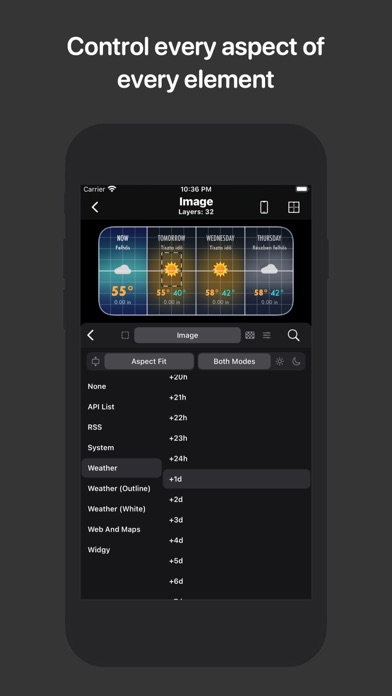
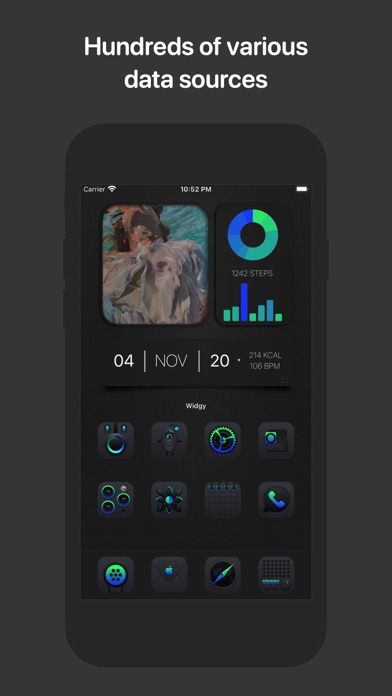
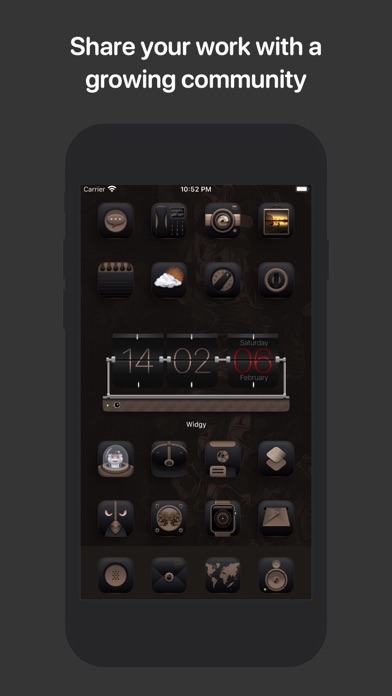
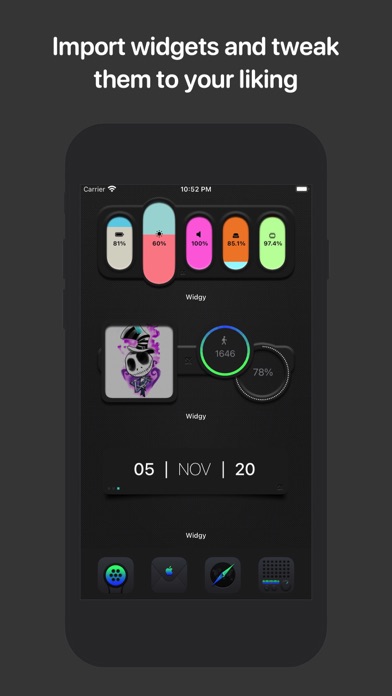
      With Widgy, your home and lock screens becomes YOUR screens. You can make any kind of widget imaginable that perfectly matches the rest of your aesthetics. All the information you need can be easily surfaced through a widget that you designed. You don't have to clutter your screen with the information you don't want, it's just what you want, how you want it. • It's simple to make a widget • You don't need to be a professional designer, you just need to know what you want. Once you figure that out, it's a matter of letting your creativity flow. Just add an element, pick a data source, throw on some effects, and put it where you want. Then repeat to add another element. After a while, you'll have a perfect widget, and all you need to do is to assign it to a widget slot and drop it on your home screen. There it is, marvelous! The Widgy editor only has two parts. The preview and the layer list. When editing a layer, you get a couple of different sections that let you tweak the appearance and data of that layer. Each section has several special things you can do to the layer. The Preview will always show you a live display of exactly how the widget will look on your home screen, so you don't have to constantly go back and forth between the editor and home screen. • Everything you need • Widgy provides all the different elements that you would ever need to make your widget perfect. Along with that, there are all the data sources you could ever need, everything from system info to weather. And with all these data sources, there are several ways to display the data, whether it's a text, a nice chart, or something else. • There's no limits • This isn't an app full of templates, everything is 100% customizable and interchangeable. It's your widget, and you choose how to make it. The only limit is your imagination. • Sharing and discovering is easy • You can privately share widgets with your friends or publicly with all Widgy users, all with a couple of taps. You can share your widget as a URL, QR Code, JSON data, a file, or you can publish it to be shown in the Explore section for all the Widgy users to see. Other than the Explore section, Reddit (r/Widgy) and Discord communities have produced thousands of Widgy widgets so far. So if you just want to browse widgets or if you need some inspiration you can get that too! NOTE: Widgy optionally integrates with Apple Health. This integration is used to display your data if you select one of those widget types. Permission for Widgy to access this data is controlled through the Apple Health app. As with Health, all other permissions for Widgy are optional and are there just to show you the data you want to be displayed. Widgets for screenshots designed by SCOSeanKly. Some of the icons packs in screenshots designed by bulldog5278.

      Widgy Widgets Information

      Name Widgy Widgets

      Developer Woodsign

      Version 2.2.1

      Update 2023-03-06

      Languages HR,NL,EN,FR,DE,IT,JA,KO,PT,RO,ZH,ZH

      Size 181.02MB

      Compatibility Requires iOS 14.2 or later. Compatible with iPhone, iPad, and iPod touch.

      Other Original Version

      Widgy Widgets Screenshot

      Widgy Widgets
      Widgy Widgets
      Widgy Widgets
      Widgy Widgets
      Widgy Widgets
      Widgy Widgets
      Widgy Widgets

      Rating

      4.5

      1382 Ratings

      Tap to Rate

      Please use Safari on iPhone/iPad to access the current page

      Because Panda Helper VIP service is based on iPhone/iPad device information (UDID), please access the current page in Safari on iPhone/iPad:
      • Scan the QR code on your iPhone/iPad
      • Copy the link below and open it in Safari on your iPhone/iPad
      * Safari only. Other browsers cannot get device information
      copy successfully!

      Follow us on social media

      panda helper top hover