Trending Searches

    History

      Clear All
      Widgets for YNAB

      Widgets for YNAB

      • Sizes: 1.66MB
      • Version: 1.2.1
      • Update: 2022-02-01
      Install by Apple Store

      Widgets for YNAB Description

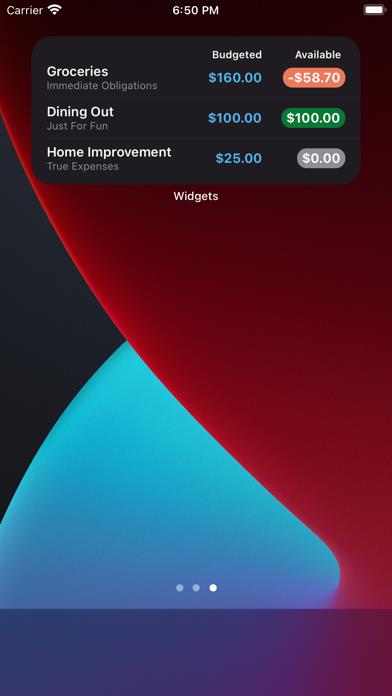
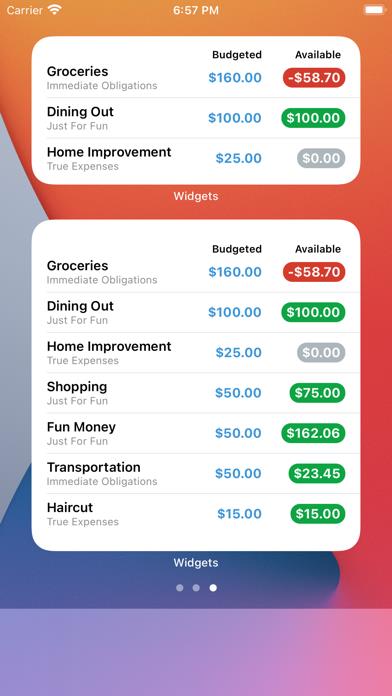
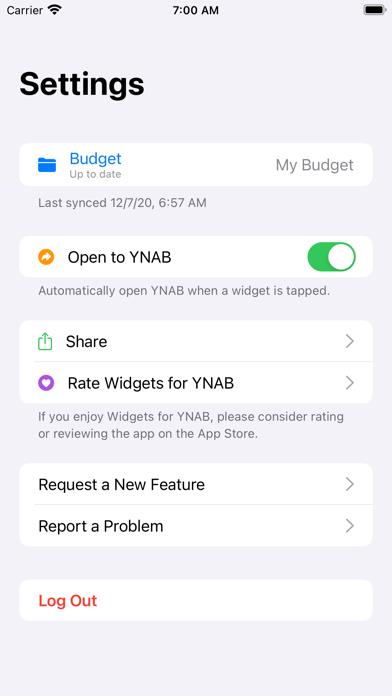
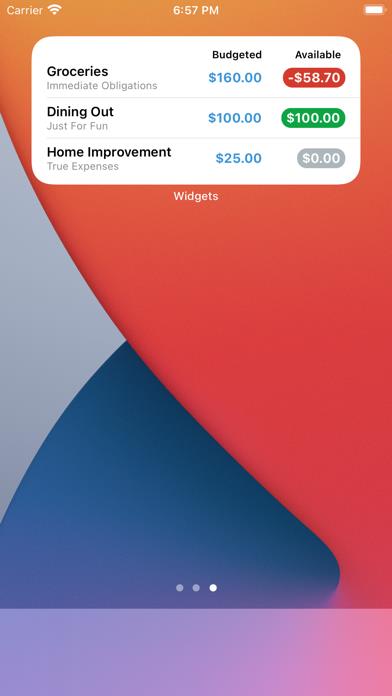
      iOS Home Screen Widgets for YNAB! Widgets for YNAB brings your YNAB categories to your iOS home screen as beautiful widgets made to match the YNAB themes. "Thanks so much for making the widget. It works so well and looks so good!" -Tom "The widgets are awesome, I want more!" -Josh == FEATURES == * The Categories widget allows you to see your categories at a glance * Add up to 3 categories to the medium widget * Add up to 8 categories to the large widget * Tapping the widget can launch you straight to the YNAB app * Dark mode!! And it matches the YNAB dark mode theme * Refreshes automatically: keeps your categories up to date as often as the system allows (which is every ~15 minutes or so) == A note on privacy: == Privacy is important to me. Your data is kept private and secure. I do not knowingly send any of your data to third parties and I don't store your data anywhere other than on the device which is stored securely in the iOS Keychain. You can remove the stored data at anytime by logging out of the app.

      Widgets for YNAB Information

      Name Widgets for YNAB

      Category Finance

      Developer Nathan Armstrong

      Version 1.2.1

      Update 2022-02-01

      Languages EN

      Size 1.66MB

      Compatibility Requires iOS 14.0 or later. Compatible with iPhone, iPad, and iPod touch.

      Other Original Version

      Widgets for YNAB Screenshot
      Widgets for YNAB
      Widgets for YNAB
      Widgets for YNAB
      Widgets for YNAB

      Rating

      4.9

      606 Ratings

      Tap to Rate

      Please use Safari on iPhone/iPad to access the current page

      Because Panda Helper VIP service is based on iPhone/iPad device information (UDID), please access the current page in Safari on iPhone/iPad:
      • Scan the QR code on your iPhone/iPad
      • Copy the link below and open it in Safari on your iPhone/iPad
      * Safari only. Other browsers cannot get device information
      copy successfully!

      Follow us on social media

      panda helper top hover