Trending Searches

    History

      Clear All
      What's In My Freezer

      What's In My Freezer

      • Sizes: 15.38MB
      • Version: 3.6
      • Update: 2020-06-19
      Install by Apple Store

      What's In My Freezer Description

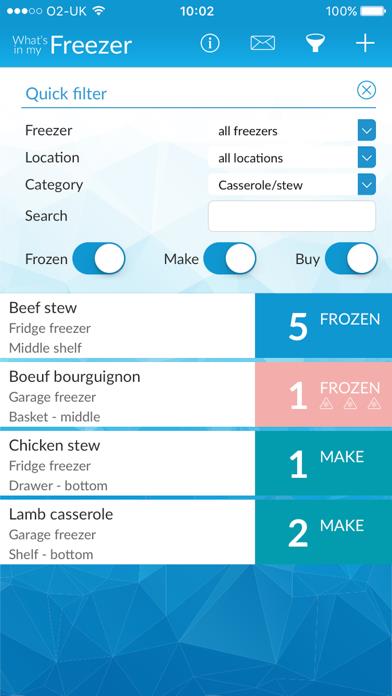
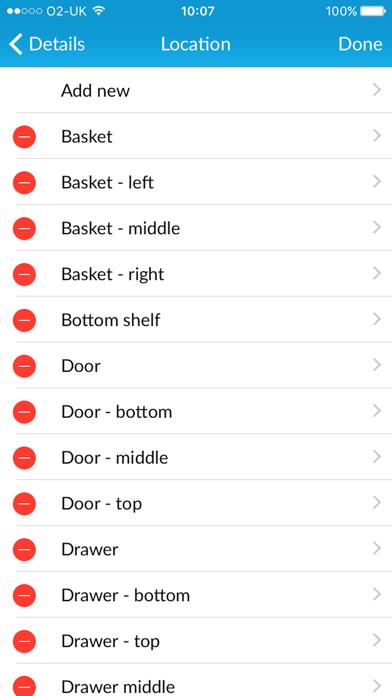
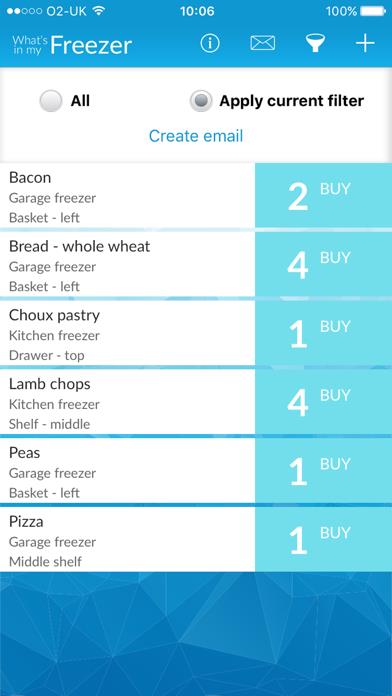
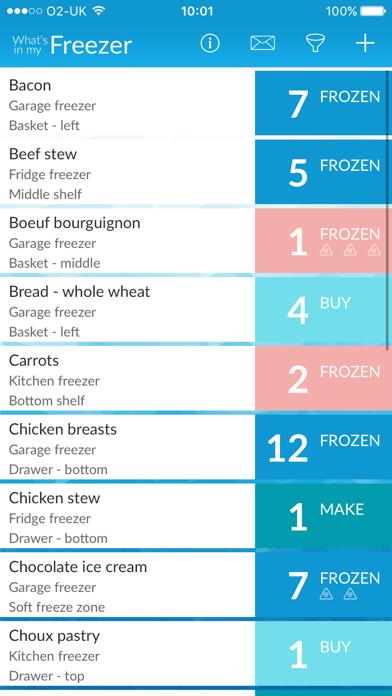
      What’s in my Freezer™ has always been one of our most popular apps Now, it has just got even better! In response to requests from customers, What’s in my Freezer now comes with two freezers as standard and the option to purchase more freezers as an in-app purchase, Spotlight search let’s you find things immediately without even opening the app and in addition to the automatic age indicators you can set an expiry date of your own What’s in my Freezer™ will help you to • Know what you’ve got frozen • Know what you need to make or buy • Know where everything is • Know when it needs to be used by • Save time when you need to find something • Save money by using what you’ve got • Save money by not buying things you already have • Free up space So easy to use • Enter an item and quantity • Allocate to a Freezer, Location and a Category • Select Frozen, Make or Buy • Add notes if you wish Then • Browse to see what you’ve got and what’s getting out of date • Filter by any combination of Freezer, Location and Category • See what you need to Make or Buy to replace what you’ve used • Email yourself or someone else to let them know what you have or what you need • Backup, Restore and Share to Dropbox What’s in my Freezer™ is a product from Intelligent Maintenance LLC

      What's In My Freezer Information

      Name What's In My Freezer

      Category Food

      Developer Intelligent Maintenance LLC

      Version 3.6

      Update 2020-06-19

      Languages EN

      Size 15.38MB

      Compatibility Requires iOS 9.3 or later. Compatible with iPhone, iPad, and iPod touch.

      Other Original Version

      What's In My Freezer Screenshot
      What's In My Freezer
      What's In My Freezer
      What's In My Freezer
      What's In My Freezer

      Rating

      4.6

      519 Ratings

      Tap to Rate

      Please use Safari on iPhone/iPad to access the current page

      Because Panda Helper VIP service is based on iPhone/iPad device information (UDID), please access the current page in Safari on iPhone/iPad:
      • Scan the QR code on your iPhone/iPad
      • Copy the link below and open it in Safari on your iPhone/iPad
      * Safari only. Other browsers cannot get device information
      copy successfully!

      Follow us on social media

      panda helper top hover