Trending Searches

    History

      Clear All
      Unity Face Capture

      Unity Face Capture

      • Sizes: 65.37MB
      • Version: 1.2.0
      • Update: 2022-10-31
      Install by Apple Store

      Unity Face Capture Description

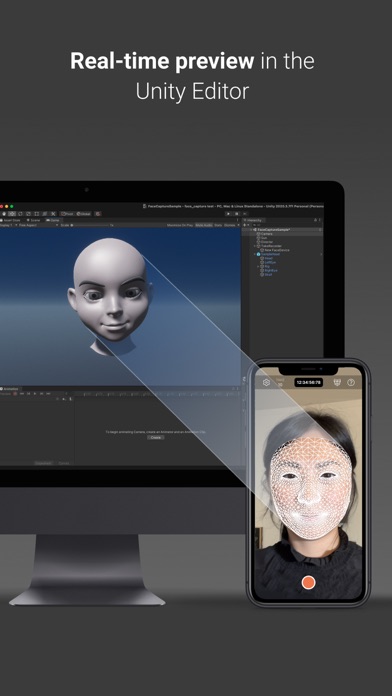
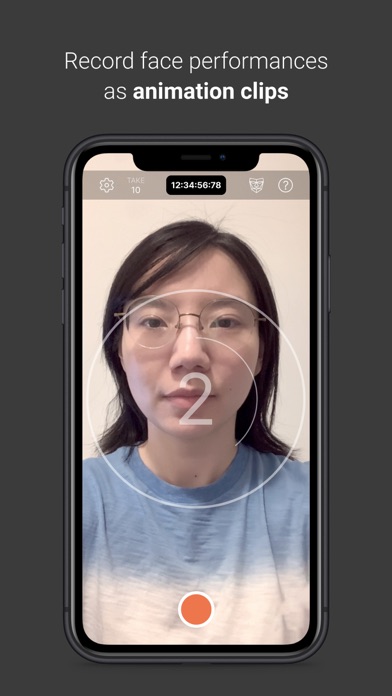
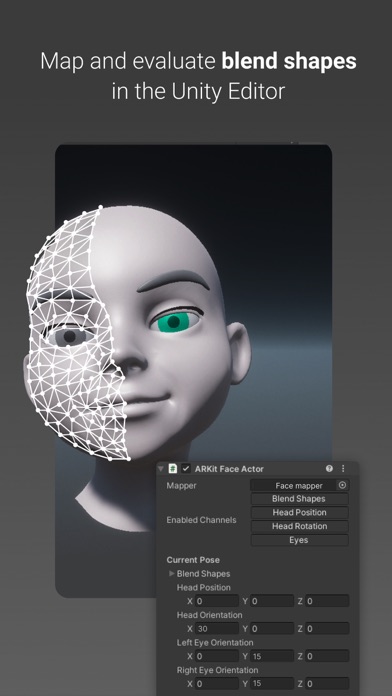
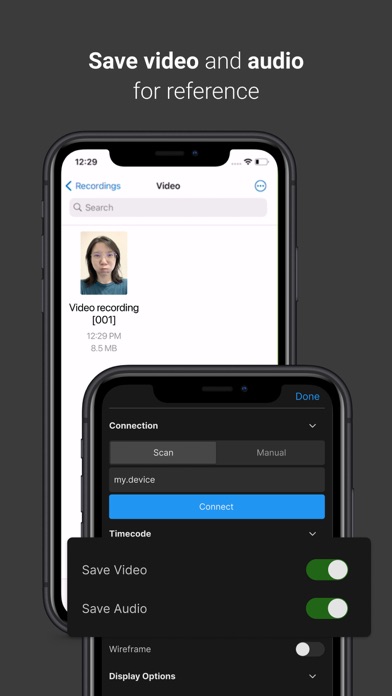
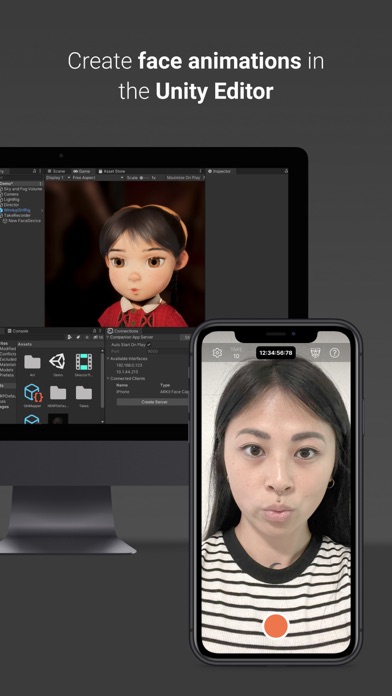
      **This app requires a connection to the Unity Editor to function (see the requirements below).** Unity Face Capture helps you easily add realistic face animation to your characters, saving animators many hours of time and effort. It captures your facial expressions and head movements to control a character in Unity in real time. Key features: - Capture and animate facial expressions and head poses using ARKit. - See a live preview of your performance in the Editor. - Set up per-character mapping and overrides - Apply recorded animations to any compatible rig. - Use customizable settings to amplify or dampen the performance on a per-blend shape basis. - Record audio and video during the face data capture for reference. - Synchronize the app data with other connected devices using a centralized timecode source. Requirements: - Computer running Windows or macOS - Unity Editor 2020.3 or later version - Live Capture (Unity package) - Private network access for both the app and the Unity Editor Documentation: (Use the App Support link for easy access) - Detailed installation and setup instructions: https://forum.unity.com/threads/1111255/ - Live Capture (package and apps) reference: https://docs.unity3d.com/Packages/com.unity.live-capture@latest

      Unity Face Capture Information

      Name Unity Face Capture

      Developer Unity Technologies ApS

      Version 1.2.0

      Update 2022-10-31

      Languages EN

      Size 65.37MB

      Compatibility Requires iOS 14.5 or later. Compatible with iPhone, iPad, and iPod touch.

      Other Original Version

      Unity Face Capture Screenshot
      Unity Face Capture
      Unity Face Capture
      Unity Face Capture
      Unity Face Capture
      Unity Face Capture

      Rating

      4.7

      413 Ratings

      Tap to Rate

      Please use Safari on iPhone/iPad to access the current page

      Because Panda Helper VIP service is based on iPhone/iPad device information (UDID), please access the current page in Safari on iPhone/iPad:
      • Scan the QR code on your iPhone/iPad
      • Copy the link below and open it in Safari on your iPhone/iPad
      * Safari only. Other browsers cannot get device information
      copy successfully!

      Follow us on social media

      panda helper top hover