Trending Searches

    History

      Clear All
      Tremors

      Tremors

      • Sizes: 5.68MB
      • Version: 3.5
      • Update: 2021-09-08
      Install by Apple Store

      Tremors Description

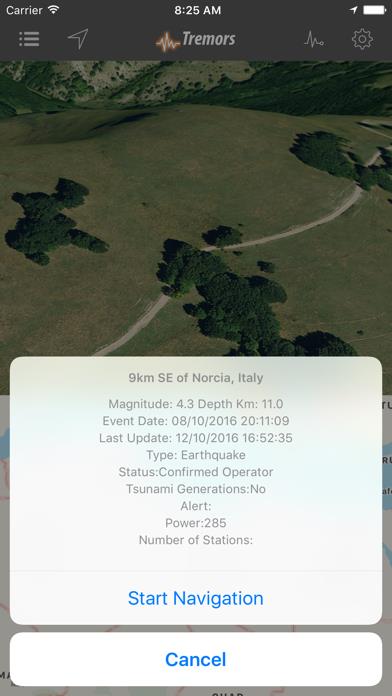
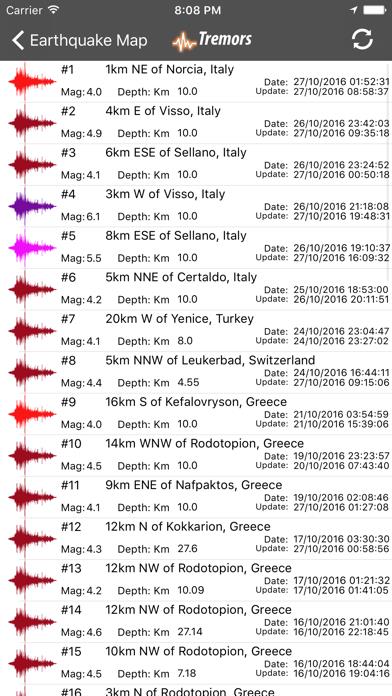
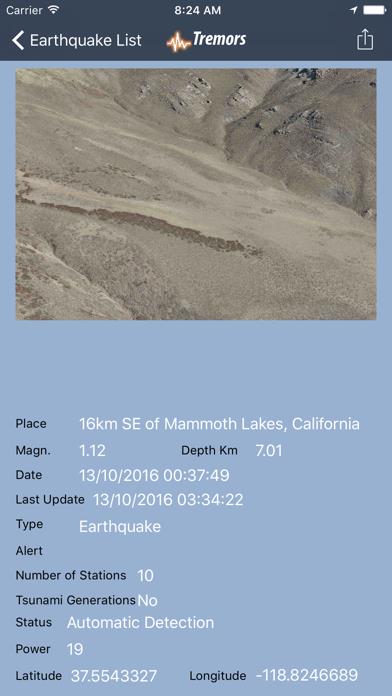
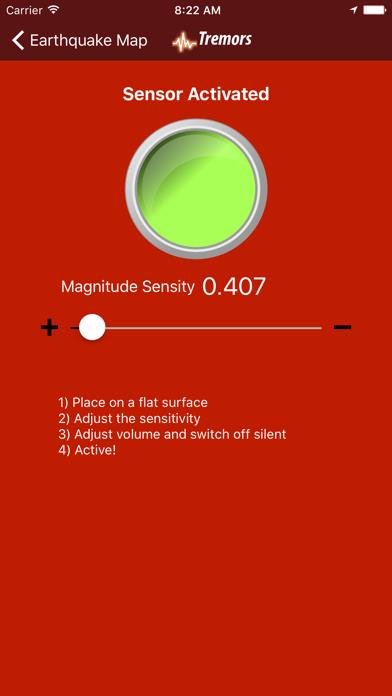
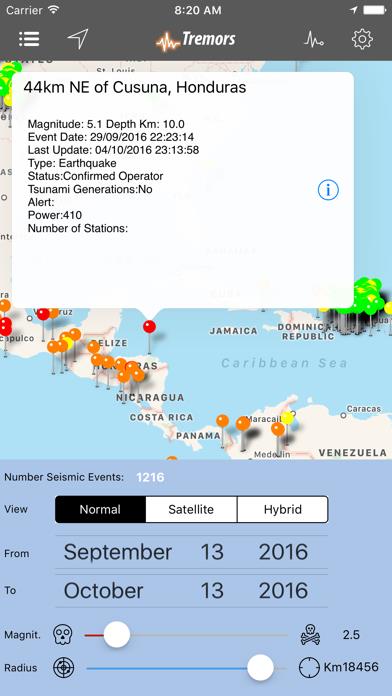
      A wonderful, easy and intuitive App like few of its kind, completely renewed in its graphics and functionalities, to know, see in real time all the earthquakes and the places where they occurred in the world !! Equipped with a seismograph that detects earthquake movements (Real Time) thanks to the sensors of your device and triggers an acoustic alarm with adjustable sensitivity! All earthquakes are displayed on the map, the map is equipped with scroll and zoom to allow you to easily move around the globe, earthquakes are displayed through colored placeholders based on the intensity of the earthquake, by clicking on the latter it is possible to have all the details, magnitude expressed on the Richter scale, number of sensors that detected the event, an operator's confirmation of the data detected, type of earthquake (Earthquake / Explosion), type of Alert, power, depth in the earth's crust of the point in origin of the earthquake expressed in kilometers, date with day and time of the event as well as the latest update on the earthquake! You can easily go there by starting navigation directly from the detail of the earthquake, for all the details, moreover, a Fly Over image of the exact point where the Earthquake occurred is included, as if you were flying over the area at an approximate height of 100 Meters! The map is easily switchable in the visual modes: Map, Space, Hybrid, the bar is equipped with a button for identifying your current position on the map. Technical features: - The network of seismic events has been standardized - Panel for setting Filters such as: a) Intensity b) Date Range (From / To) c) Magnitude (1/10) d) Distance from your position (1 / 20,000 Km) e) Number of seismic events loaded based on filters (Max 3000) - "Map" in real time with seismic events positioned on the exact place - Differentiation of earthquakes represented on the list and on the map based on colors - Detailed description with: a) Magnitude of the earthquake b) Depth of the event detected c) Date of the event d) Eventual date of last earthquake update e) Earthquake Type: Earthquake / Explosion f) Indication of Tsunami generation g) Type of Alert (Green / Yellow / Orange / Red) h) Number of Sensors that detected the event i) Operator confirmation of the detected data l) Power of the earthquake understood as 0/1000 scale impact - Ability to start "Navigation" to the point of the earthquake - "Fly Over" view of the point where the earthquake occurred both from the map and from the list - Global "Earthquake List" in order of Event Date, to always know the latest earthquake - "Detail List of Earthquakes" with all the geographical details and data of the earthquake, as well as an image in "Fly Over" of the place - Real Time Seismograph, with the possibility of adjusting the sensitivity and Alarm - Sharing with your social networks, via email, notes and many others Thanks to the new settings panel it is now possible to apply a filter, which allows faster loading based on the desired searches - Designed and tested for Ipad / New Ipad / Iphone Minimum Technical Requirements: - Data connection (Wifi / 3g / 4g) - Iphone / Ipod Touch / Ipad equipped with a Gps sensor I remind you that with a single purchase you will have included it in the price also for Ipad in HD version! (Itunes / iCloud synchronization)

      Tremors Information

      Name Tremors

      Category News

      Developer Francesco Tripicchio

      Version 3.5

      Update 2021-09-08

      Languages EN

      Size 5.68MB

      Compatibility Requires iOS 14.5 or later. Compatible with iPhone, iPad, and iPod touch.

      Other Original Version

      Tremors Screenshot
      Tremors
      Tremors
      Tremors
      Tremors
      Tremors

      Rating

      4.9

      1548 Ratings

      Tap to Rate

      Please use Safari on iPhone/iPad to access the current page

      Because Panda Helper VIP service is based on iPhone/iPad device information (UDID), please access the current page in Safari on iPhone/iPad:
      • Scan the QR code on your iPhone/iPad
      • Copy the link below and open it in Safari on your iPhone/iPad
      * Safari only. Other browsers cannot get device information
      copy successfully!

      Follow us on social media

      panda helper top hover