Trending Searches

    History

      Clear All
      TextTV

      TextTV

      • Sizes: 1.88MB
      • Version: 2.1.1
      • Update: 2021-05-13
      Install by Apple Store

      TextTV Description

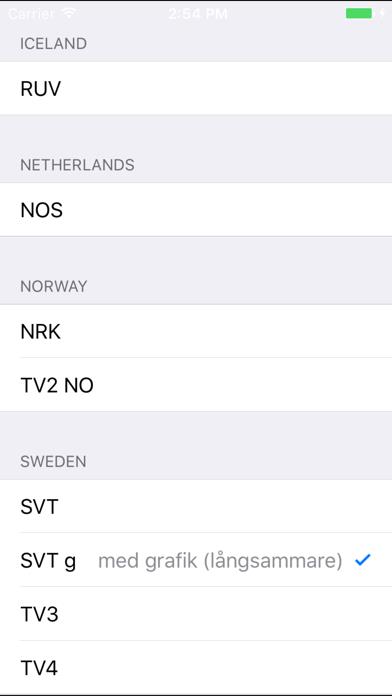
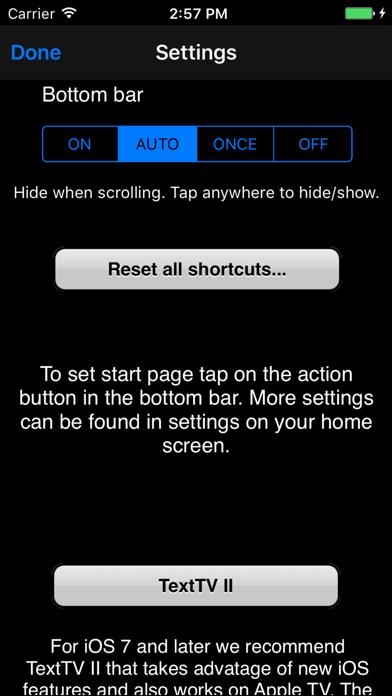
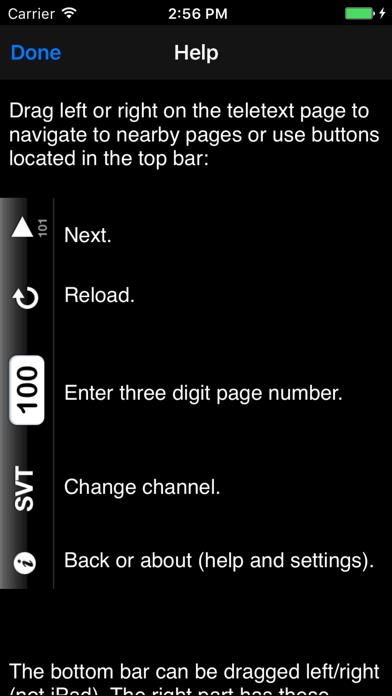
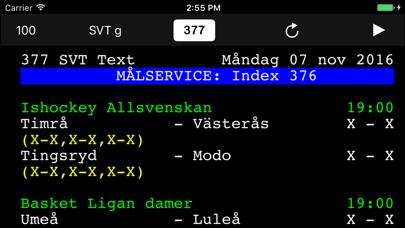
      For iOS 7 and later you should instead look at our new app: TextTV II. Text-TV viewer with tapable page numbers for iPhone / iPod touch and iPad. Currently supported channels: SVT, Sweden NRK, Norway YLE, Finland MTV3, Finland NOS Netherlands (not tapable page numbers) MDR, Germany BR. Germany Easy navigation: Drag left, right, up and down for nearby pages. Use "Back" button for previously visited pages. Click page links or tap the page number field at the top to enter page number manually. All sub pages displayed below first page. Use system settings to change start page and other preferences. Supports landscape mode. Shortcuts: Five configurable shortcut buttons for channel and page. Reconfigure by holding on the button for 3 seconds. You can swipe the page number at the top to go to a predefined page. Use settings on your home screen to configure. Default all swipes go to page 100. Miscellaneous: Some channels have a time at the top that is not the same as when viewed on a TV. This time reflects the time the page was changed. So you may think you read old news but it is the latest available on internet and the same as on TV. Please note: This is only a specialized web browser and relies on publications on the internet. This means that channels may disappear at any time. Requires OS 6.0 or later.

      TextTV Information

      Name TextTV

      Category News

      Developer Throw Lab

      Version 2.1.1

      Update 2021-05-13

      Languages EN

      Size 1.88MB

      Compatibility Requires iOS 8.0 or later. Compatible with iPhone, iPad, and iPod touch.

      Other Original Version

      TextTV Screenshot
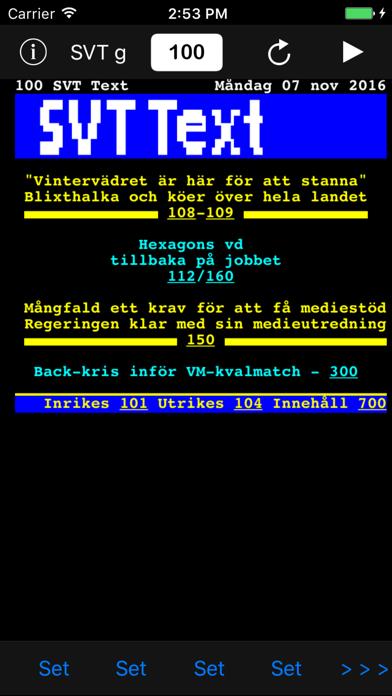
      TextTV
      TextTV
      TextTV
      TextTV
      TextTV

      Rating

      4.9

      575 Ratings

      Tap to Rate

      Please use Safari on iPhone/iPad to access the current page

      Because Panda Helper VIP service is based on iPhone/iPad device information (UDID), please access the current page in Safari on iPhone/iPad:
      • Scan the QR code on your iPhone/iPad
      • Copy the link below and open it in Safari on your iPhone/iPad
      * Safari only. Other browsers cannot get device information
      copy successfully!

      Follow us on social media

      panda helper top hover