Trending Searches

    History

      Clear All
      Teletext - TextTV

      Teletext - TextTV

      • Sizes: 1.36MB
      • Version: 1.6
      • Update: 2014-11-01
      Install by Apple Store

      Teletext - TextTV Description

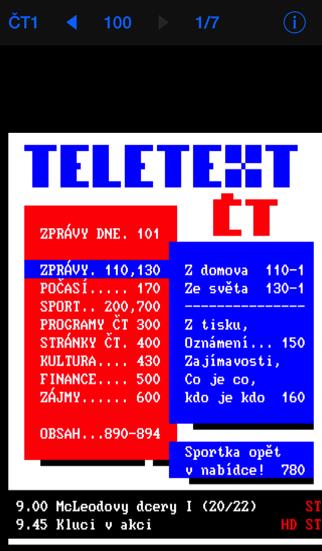
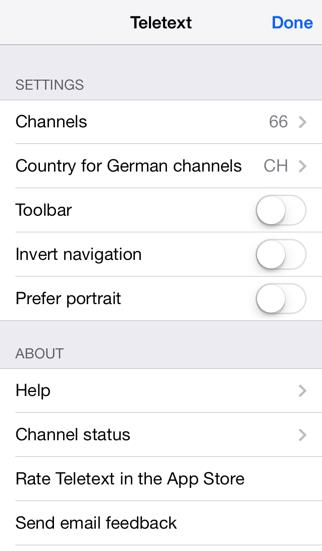
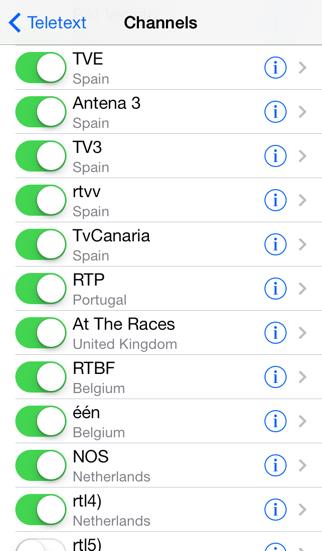
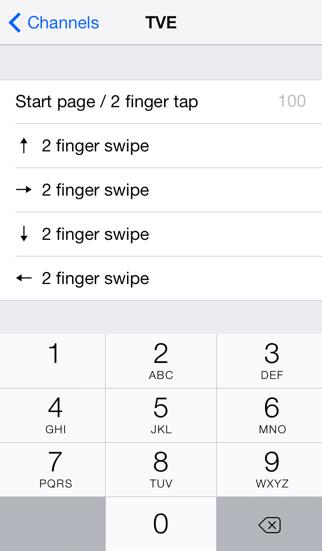
      Teletext is a browser for the teletext service of European channels. Clear and brief news, sport results and much more. Get the European view of the world or your daily reading in a foreign language. Channels AT: ORF BE: één, vtm, RTBF CH: SF1, SF2, tsr1, tsr2, RSI1, RSI2, SFinfo CZ: ČT DE: ARD, ZDF, RTL, 3sat, BR, festival, hr, MDR, NDR, n-tv, rbb, Sat.1, SR, VOX, WDR, zdf_neo, KI.KA, *arte, *plus, *phoenix, *SWR DK: DR1, DR2, TV2 ES: TVE, Antena 3, rtvv, rtvc FI: YLE, MTV3, Nelonen HR: HRT HU: m1, m2 IT: RAI NL: NOS, rtl, SBS 6, Net5, Veronica, RTVNH, Noord NO: NRK PL*: TVP1, TVP2, TVP Polonia, TVP Kultura, TVP Sport PT: RTP SE: SVT, TV3, TV4 UK: At The Races Channel availability may change at any time. Navigate through pages by swiping - left: previous page - right: next page - up: previous sub page - down: next sub page Tap on a number in the text to get to the linked page (* feature not available). Go to the start page by tapping with two fingers. Set shortcuts to your preferred pages.

      Teletext - TextTV Information

      Name Teletext - TextTV

      Category News

      Developer oxorr

      Version 1.6

      Update 2014-11-01

      Languages HR,NL,EN,FI,FR,DE,IT,NB,NN,PL,PT,ES,SV

      Size 1.36MB

      Compatibility Requires iOS 8.1 or later. Compatible with iPhone, iPad, and iPod touch.

      Other Original Version

      Teletext - TextTV Screenshot

      Teletext - TextTV
      Teletext - TextTV
      Teletext - TextTV
      Teletext - TextTV
      Teletext - TextTV

      Rating

      4.7

      1542 Ratings

      Tap to Rate

      Please use Safari on iPhone/iPad to access the current page

      Because Panda Helper VIP service is based on iPhone/iPad device information (UDID), please access the current page in Safari on iPhone/iPad:
      • Scan the QR code on your iPhone/iPad
      • Copy the link below and open it in Safari on your iPhone/iPad
      * Safari only. Other browsers cannot get device information
      copy successfully!

      Follow us on social media

      panda helper top hover