Trending Searches

    History

      Clear All
      Sun n Moon

      Sun n Moon

      • Sizes: 8MB
      • Version: 3.3
      • Update: 2015-06-18
      Install by Apple Store

      Sun n Moon Description

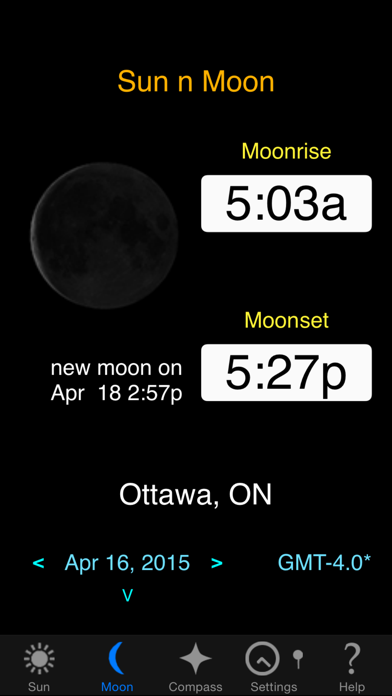
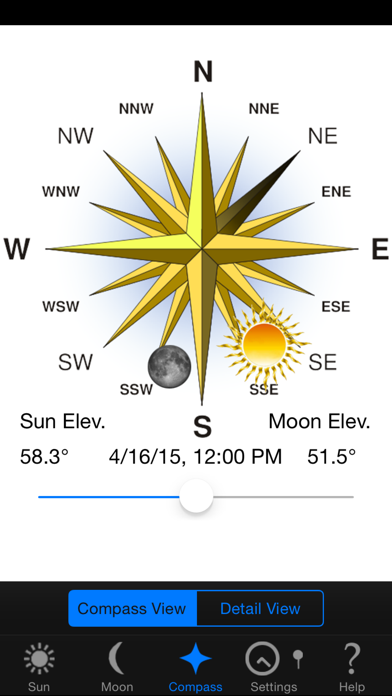
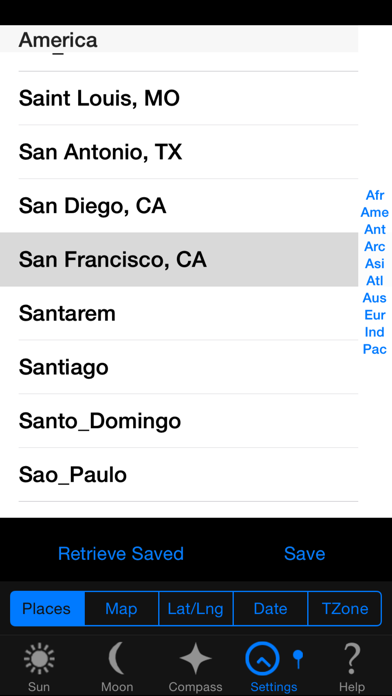
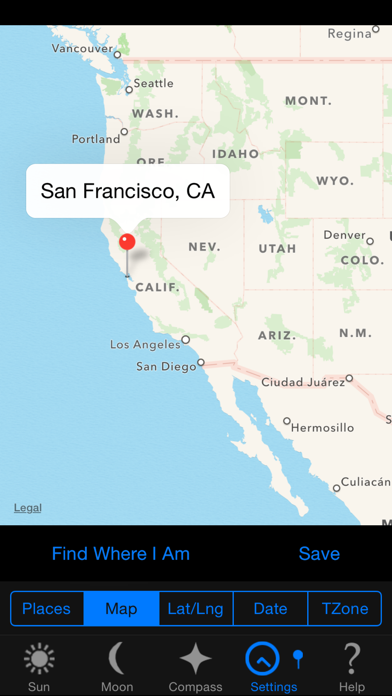
      Sun n Moon accurately calculates data for any location on earth for: - Sunrise/Sunset - Moonrise/Moonset - Moon phases animation - Compass showing sun and moon positions **Now on Apple WATCH *** WATCH a VIDEO demo at our site *** http://www.catalyst4.com/sun_n_moon Key Features • Sunrise and sunset times (no network connection required) • Moonrise and moonset times • Specify location by 4 methods: 1) GPS or location services 2) Choose from a list of cities worldwide 3) Latitude and longitude 4) Google Maps • Phase of the Moon/Percentage Illumination • Compass view for navigation showing position of sun and moon (slider animates the position and elevation for different times of the day) • Save a location (startup to the saved location or automatically find current location) • Select any date. Quickly switch between dates using arrows or return to current date. • Easy to read display (in 24 hour or am/pm format) • Handles time zones and daylight savings time • Shows past/future dates for northern/southern extremes when sun is down/up all day • Accurate times (NOAA standard) calculated right on the device (network connection not required) • Details view - time of solar noon, current altitude and elevation for sun and moon

      Sun n Moon Information

      Name Sun n Moon

      Category Weather

      Developer Catalyst4

      Version 3.3

      Update 2015-06-18

      Languages EN

      Size 8MB

      Compatibility Requires iOS 8.2 or later. Compatible with iPhone, iPad, and iPod touch.

      Other Original Version

      Sun n Moon Screenshot
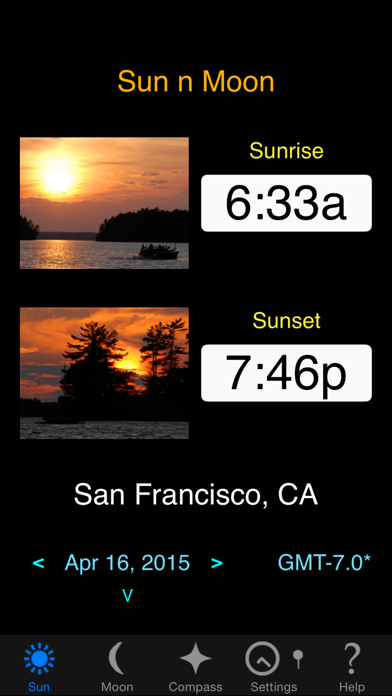
      Sun n Moon
      Sun n Moon
      Sun n Moon
      Sun n Moon
      Sun n Moon

      Rating

      4.8

      1315 Ratings

      Tap to Rate

      Please use Safari on iPhone/iPad to access the current page

      Because Panda Helper VIP service is based on iPhone/iPad device information (UDID), please access the current page in Safari on iPhone/iPad:
      • Scan the QR code on your iPhone/iPad
      • Copy the link below and open it in Safari on your iPhone/iPad
      * Safari only. Other browsers cannot get device information
      copy successfully!

      Follow us on social media

      panda helper top hover