Trending Searches

    History

      Clear All
      Sticker Drop

      Sticker Drop

      • Sizes: 70.20MB
      • Version: 1.5.0
      • Update: 2023-05-04
      Install by Apple Store

      Sticker Drop Description

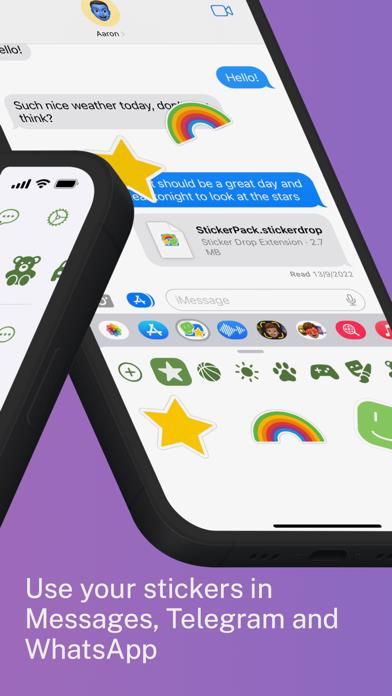
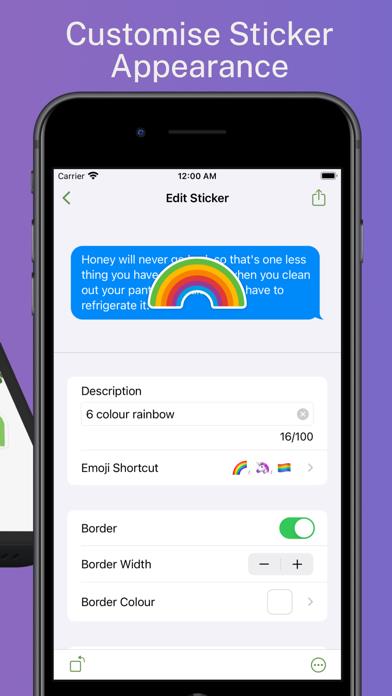
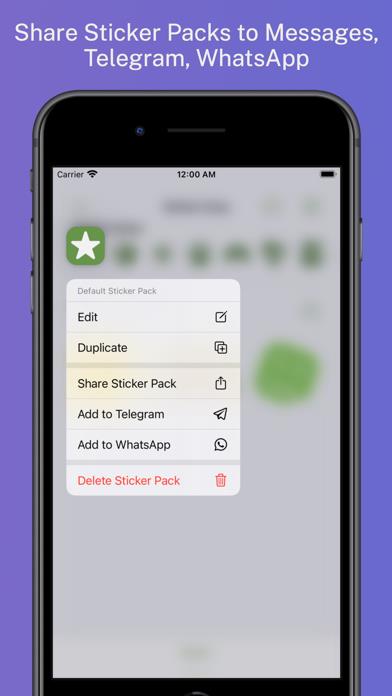
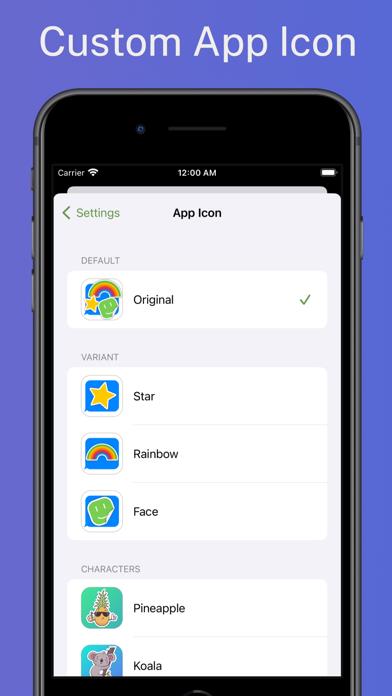
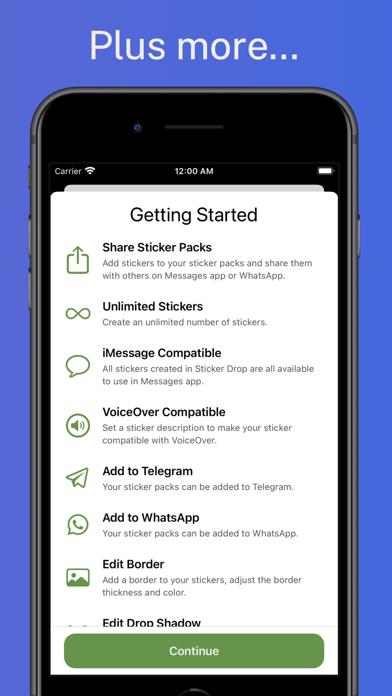
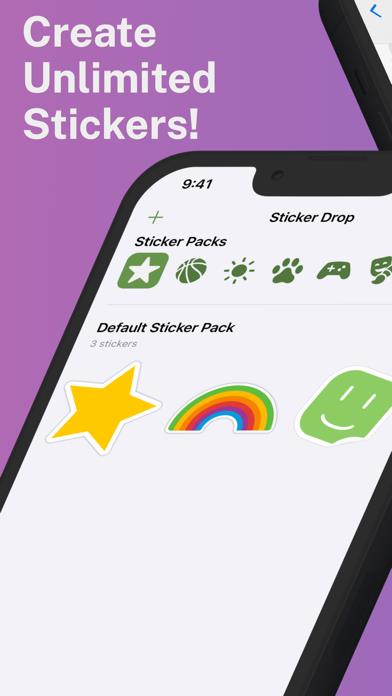
      Lift your favourite part out of an image and turn it into a digital sticker! Keep a library of your stickers to use later. Group stickers into Packs that can be shared with other Sticker Drop users. Sticker Drop is also inclusive! It can help you to add a description to the Sticker so that people using VoiceOver can join in the fun. Every part of Sticker Drop is 100% available - no up sells or subscriptions, and no accounts to create. There are also 12 different icons to choose from! Sticker Packs can be exported to use in iMessage, Telegram and WhatsApp. Sticker Drop is available in a number of languages including, English, Arabic, Chinese (Simplified), Czech, Danish, Dutch, Finnish, French, German, Greek, Italian, Japanese, Norwegian, Polish, Portuguese, Romanian, Russian, Spanish, Swedish, Ukrainian. If you have any questions, feedback or feature requests please send them to me via [email protected]. I’m a lone developer working on this app and all feedback is welcome.

      Sticker Drop Information

      Name Sticker Drop

      Category Photography

      Developer Aaron F Stephenson

      Version 1.5.0

      Update 2023-05-04

      Languages AR,HR,CS,DA,NL,EN,FI,FR,DE,EL,HE,HI,HU,ID,IT,JA,KO,MS,NB,PL,PT,RO,RU,SR,ZH,SK,ES,SV,TA,TH,ZH,TR,UK,VI

      Size 70.20MB

      Compatibility Requires iOS 16.0 or later. Compatible with iPhone, iPad, and iPod touch.

      Other Original Version

      Sticker Drop Screenshot
      Sticker Drop
      Sticker Drop
      Sticker Drop
      Sticker Drop
      Sticker Drop
      Sticker Drop

      Rating

      4.5

      684 Ratings

      Tap to Rate

      Please use Safari on iPhone/iPad to access the current page

      Because Panda Helper VIP service is based on iPhone/iPad device information (UDID), please access the current page in Safari on iPhone/iPad:
      • Scan the QR code on your iPhone/iPad
      • Copy the link below and open it in Safari on your iPhone/iPad
      * Safari only. Other browsers cannot get device information
      copy successfully!

      Follow us on social media

      panda helper top hover