Trending Searches

    History

      Clear All
      Steak Timer Pro

      Steak Timer Pro

      • Sizes: 6.50MB
      • Version: 1.2
      • Update: 2020-06-09
      Install by Apple Store

      Steak Timer Pro Description

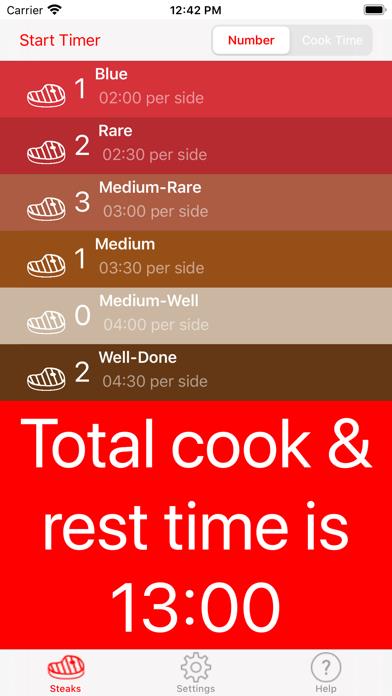
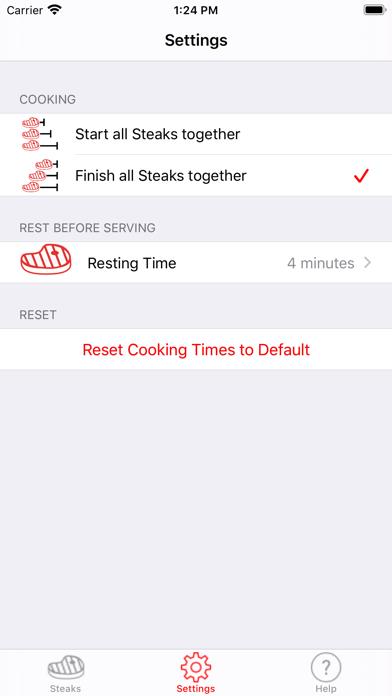
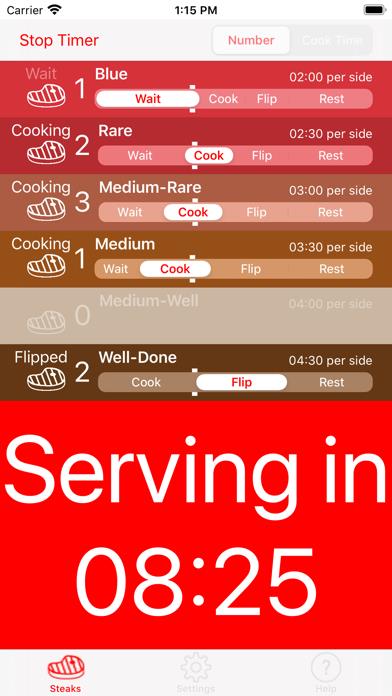
      Steak Timer is the essential app for steak lovers and steak novices alike. Get cooking tasty steaks without worrying about cooking times. At last, a beautiful iOS timer designed specifically for cooking steaks. Steak Timer does all the hard work, even if your guests want a mixture of rare, medium, well-done etc, leaving you to enjoy cooking. Simply select the number and types of steaks, select the cook time for each steak and then start the timer! You are automatically told when to start, flip, rest and serve. No-hassle cooking has reached the iPhone. Works with Notifications even if the app is in the background or your phone is turned off. The in-app tutorial gives buying, preparation and cooking tips, plus suggested cooking times for different steaks. Developed in association with Charlotte's Butchery in Newcastle upon Tyne, UK www.charlottesbutchery.blogspot.com. The app is designed to give you the confidence to cook steaks and become a master! Relax and cook perfect steaks! If you have any suggestions for enhancements to the Steak Timer, visit the developer's website.

      Steak Timer Pro Information

      Name Steak Timer Pro

      Category Food

      Developer Simon McMenzie

      Version 1.2

      Update 2020-06-09

      Languages EN

      Size 6.50MB

      Compatibility Requires iOS 13.0 or later. Compatible with iPhone, iPad, and iPod touch.

      Other Original Version

      Steak Timer Pro Screenshot
      Steak Timer Pro
      Steak Timer Pro
      Steak Timer Pro
      Steak Timer Pro
      Steak Timer Pro
      Steak Timer Pro
      Steak Timer Pro

      Rating

      4.8

      1633 Ratings

      Tap to Rate

      Please use Safari on iPhone/iPad to access the current page

      Because Panda Helper VIP service is based on iPhone/iPad device information (UDID), please access the current page in Safari on iPhone/iPad:
      • Scan the QR code on your iPhone/iPad
      • Copy the link below and open it in Safari on your iPhone/iPad
      * Safari only. Other browsers cannot get device information
      copy successfully!

      Follow us on social media

      panda helper top hover