Trending Searches

    History

      Clear All
      Sport Boards

      Sport Boards

      • Sizes: 5.58MB
      • Version: 1.1
      • Update: 2020-12-26
      Install by Apple Store

      Sport Boards Description

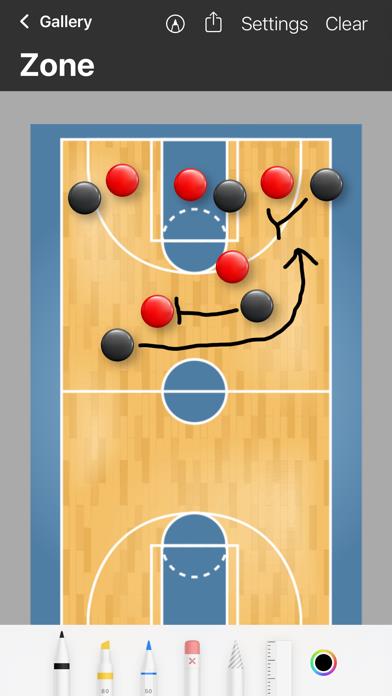
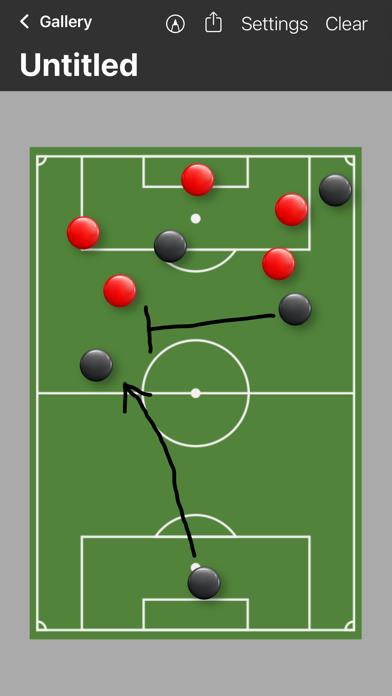
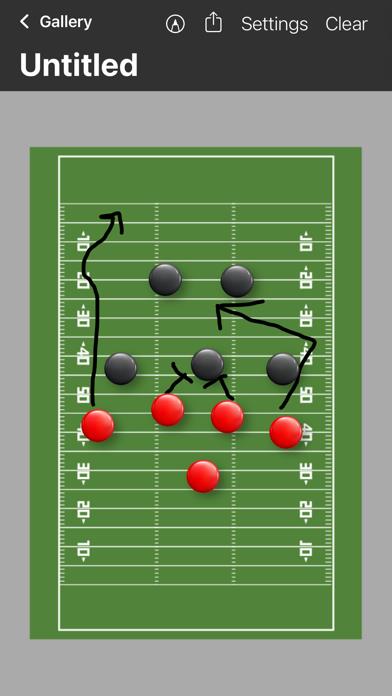
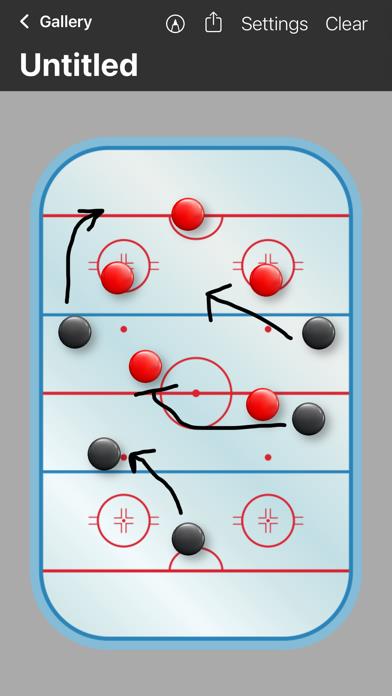
      Ready for the big game?! Do you need to quickly draw up a new play during a timeout? Or do you want to draw up a few plays before practice? Sport Boards is a feature-packed drawing app that focuses on providing easy play making solutions. With Sport Boards pre-made templates for Basketball, Soccer, Hockey and Football are at your disposal. Just draw up your desired game winning play, then easily share it with your teammates, players, coaches and friends. Board Gallery - Create a new board with any sport - Select, export and share multiple boards - Select and duplicate multiple boards - Select and delete multiple boards - Update and save board titles Board Drawing - Full support for Apple Pencil and Finger drawing - Export and share an image of the clip board - Drag and drop magnets for player positions - Show and hide magnets in the settings menu - Update clipboard title in the settings menu - Change the sport in the settings menu - Clear the drawing and reset magnet position in the settings menu

      Sport Boards Information

      Name Sport Boards

      Category Sports

      Developer Michael Quinn

      Version 1.1

      Update 2020-12-26

      Languages EN

      Size 5.58MB

      Compatibility Requires iOS 14.0 or later. Compatible with iPhone, iPad, and iPod touch.

      Other Original Version

      Sport Boards Screenshot

      Sport Boards
      Sport Boards
      Sport Boards
      Sport Boards
      Sport Boards
      Sport Boards

      Rating

      4.7

      1232 Ratings

      Tap to Rate

      Please use Safari on iPhone/iPad to access the current page

      Because Panda Helper VIP service is based on iPhone/iPad device information (UDID), please access the current page in Safari on iPhone/iPad:
      • Scan the QR code on your iPhone/iPad
      • Copy the link below and open it in Safari on your iPhone/iPad
      * Safari only. Other browsers cannot get device information
      copy successfully!

      Follow us on social media

      panda helper top hover