Trending Searches

    History

      Clear All
      SpeedLight Viewer

      SpeedLight Viewer

      • Sizes: 38.60MB
      • Version: 28.123.0138
      • Update: 2023-05-10
      Install by Apple Store

      SpeedLight Viewer Description

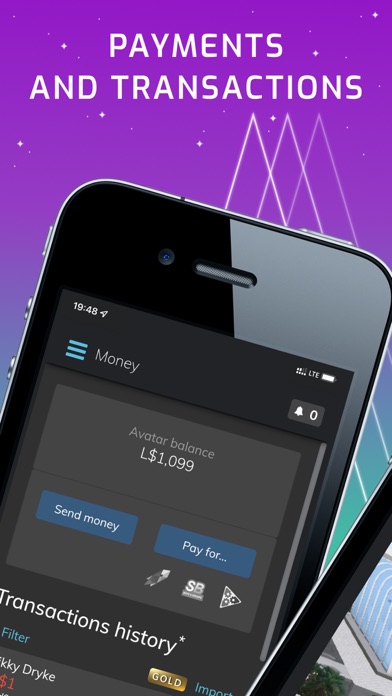
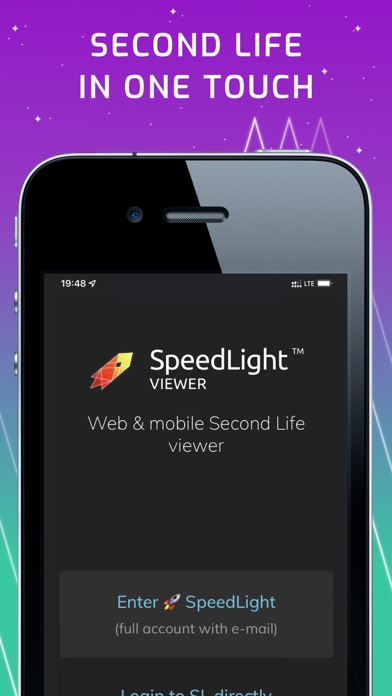
      SpeedLight is a mobile viewer for Second Life virtual universe. It is a lightweight, cross-platform viewer. It allows performing all you need in your Second Life: login, stay online, contact your friends using IMs and local chat, teleport across the world. SpeedLight is FREE on app purchase. The only limitation is 6 hour online time (you can re-login immediately). The additional Gold facility adds unlimited online time to your avatar. SpeedLight features: - Second Life 3D - Second Life search - friends list - local chat, group chats, IMs - IM autoresponder - group management - inventory management - L$ transactions history - and other Second Life features You can login on your mobile and then seamlessly access Second Life on your desktop (without logging out). All IMs and other messages are synchronized across all your devices. View IMs and L$ transactions history on any device, even when you're offline. SpeedLight is a full-feature viewer. It is an enlisted third-party viewer approved by Linden Lab.

      SpeedLight Viewer Information

      Name SpeedLight Viewer

      Category Social Networking

      Developer Oleg Borodkin

      Version 28.123.0138

      Update 2023-05-10

      Languages EN

      Size 38.60MB

      Compatibility Requires iOS 11.0 or later. Compatible with iPhone, iPad, and iPod touch.

      Other Original Version

      SpeedLight Viewer Screenshot
      SpeedLight Viewer
      SpeedLight Viewer
      SpeedLight Viewer
      SpeedLight Viewer
      SpeedLight Viewer
      SpeedLight Viewer

      Rating

      4.5

      1335 Ratings

      Tap to Rate

      Please use Safari on iPhone/iPad to access the current page

      Because Panda Helper VIP service is based on iPhone/iPad device information (UDID), please access the current page in Safari on iPhone/iPad:
      • Scan the QR code on your iPhone/iPad
      • Copy the link below and open it in Safari on your iPhone/iPad
      * Safari only. Other browsers cannot get device information
      copy successfully!

      Follow us on social media

      panda helper top hover