Trending Searches

    History

      Clear All
      Soor ▹

      Soor ▹

      • Sizes: 56.38MB
      • Version: 3.0.2
      • Update: 2022-12-27
      Install by Apple Store

      Soor ▹ Description

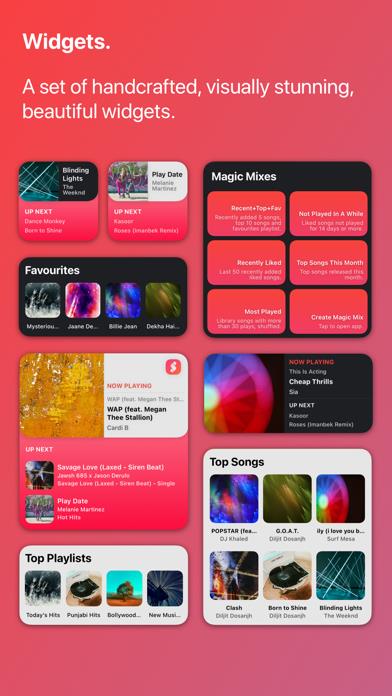
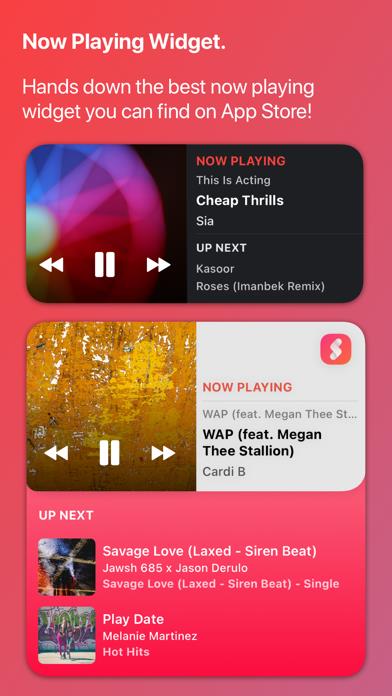
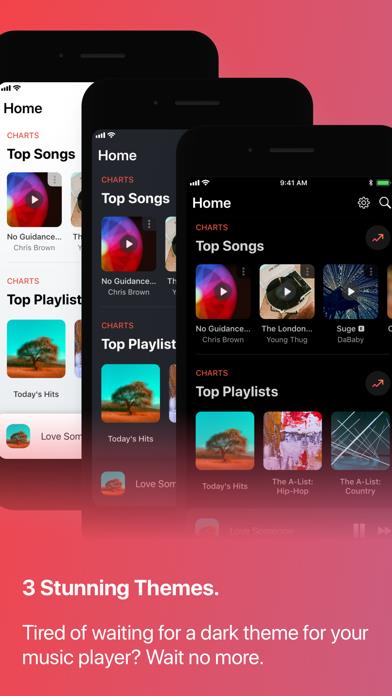
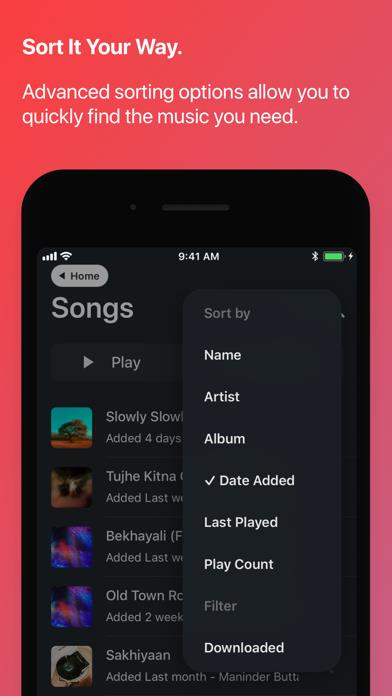
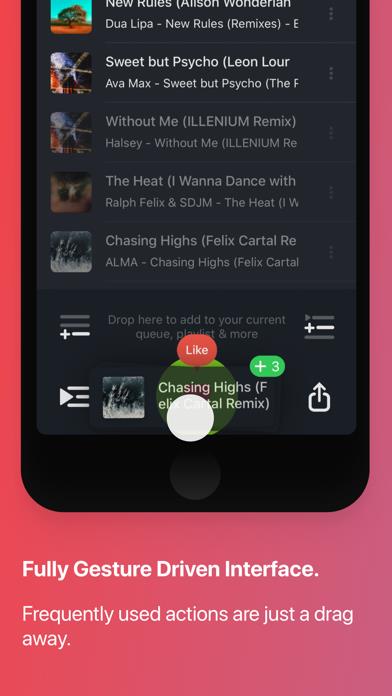
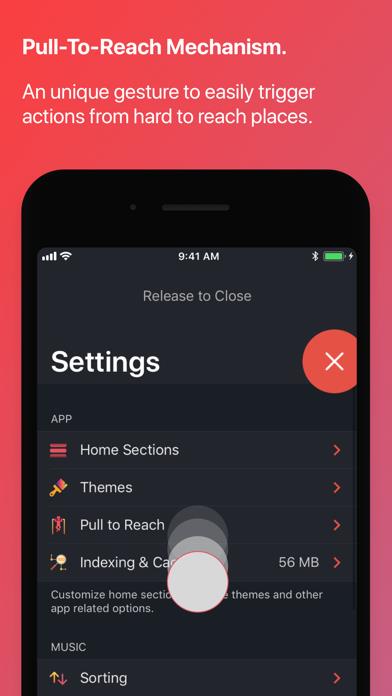
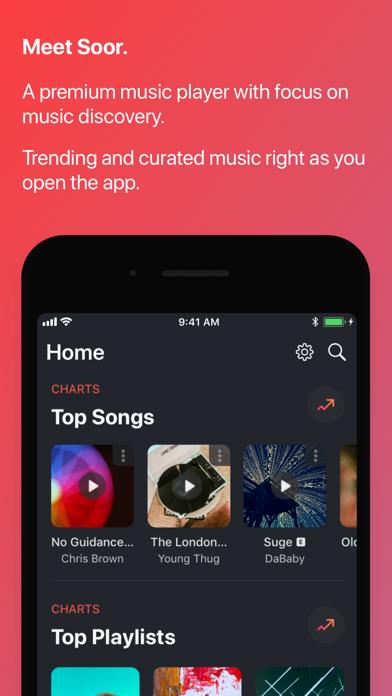
      Soor is a beautiful, premium music player for your iPhone & iPad. Features: - First feature rich 3rd party Apple Music app. - Apple curated content personalised to your listening taste. - Play, search, like, share and add songs from across the entire Apple Music catalogue. - Intuitive, fully gesture driven user interface. - Light, Dark and Black themes. - Musixmatch integration. - Last.fm auto-scrobbling. - Widgets. - Magic Mix. - Release Alerts. - iPad support including split-screen and slide-over. - CarPlay support. Requirements: - Music app is required to use Soor. - App only works with Apple Music or songs you uploaded to Music.app. No other music service is supported. In case you're wondering what Soor means, pronounced Sur (Soar), it's Hindi for melody/note. For F.A.Q. and limitations visit: soor.app/faq If you have any doubts please email: [email protected] *Soor is a 3rd party Music player. Apple, the Apple logo, Apple Music, iPhone are trademarks of Apple Inc., registered in the U.S. and other countries and regions. Album artworks used in screenshots above are not actual artwork image for the albums due to licensing concerns. Actual artworks in app will be shown correctly.

      Soor ▹ Information

      Name Soor ▹

      Category Music

      Developer Tanmay Sonawane

      Version 3.0.2

      Update 2022-12-27

      Languages AR,NL,EN,FR,DE,IT,JA,NB,PL,PT,RO,RU,ZH,ES,ZH,UK,VI

      Size 56.38MB

      Compatibility Requires iOS 14.0 or later. Compatible with iPhone, iPad, and iPod touch.

      Other Original Version

      Soor ▹ Screenshot
      Soor ▹
      Soor ▹
      Soor ▹
      Soor ▹
      Soor ▹
      Soor ▹
      Soor ▹

      Rating

      4.7

      1716 Ratings

      Tap to Rate

      Please use Safari on iPhone/iPad to access the current page

      Because Panda Helper VIP service is based on iPhone/iPad device information (UDID), please access the current page in Safari on iPhone/iPad:
      • Scan the QR code on your iPhone/iPad
      • Copy the link below and open it in Safari on your iPhone/iPad
      * Safari only. Other browsers cannot get device information
      copy successfully!

      Follow us on social media

      panda helper top hover