Trending Searches

    History

      Clear All
      SeasonEats

      SeasonEats

      • Sizes: 127.84MB
      • Version: 1.2.1
      • Update: 2020-08-05
      Install by Apple Store

      SeasonEats Description

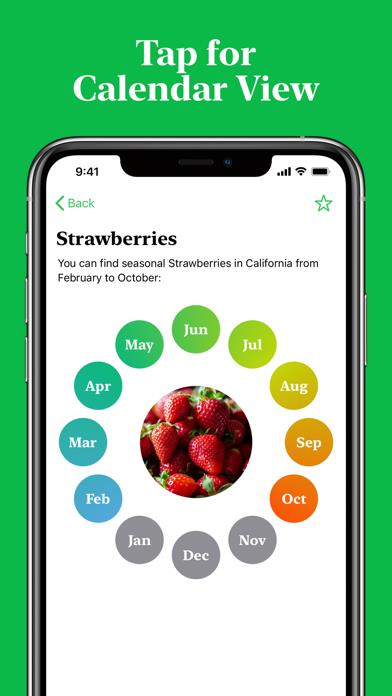
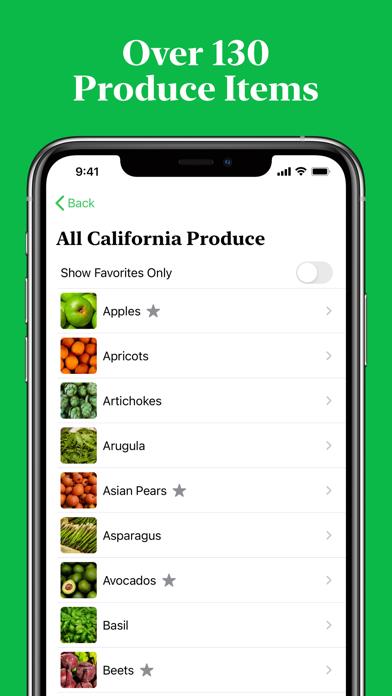
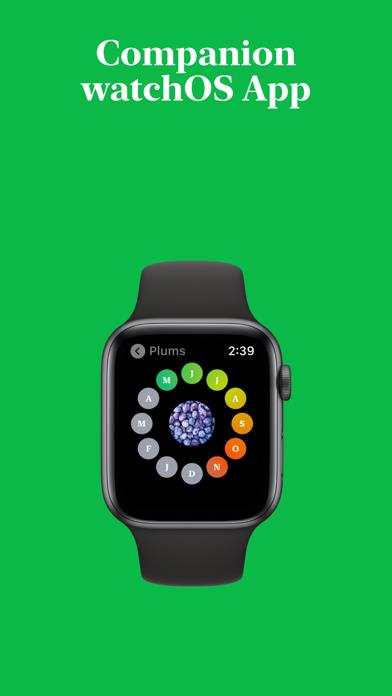
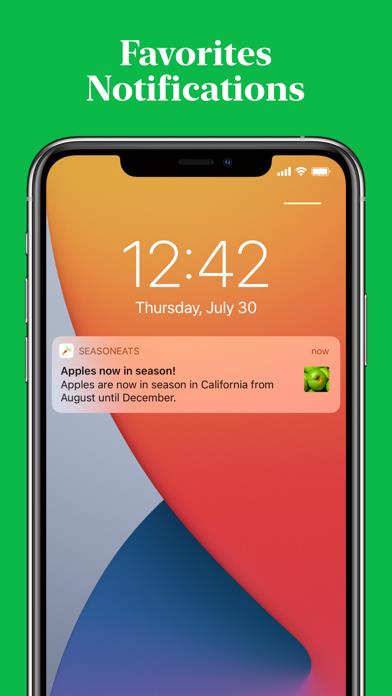
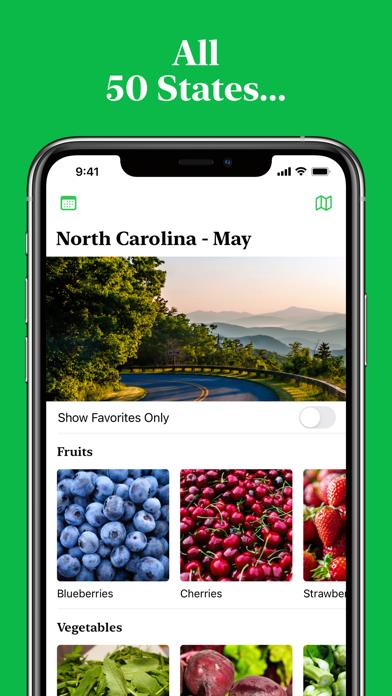
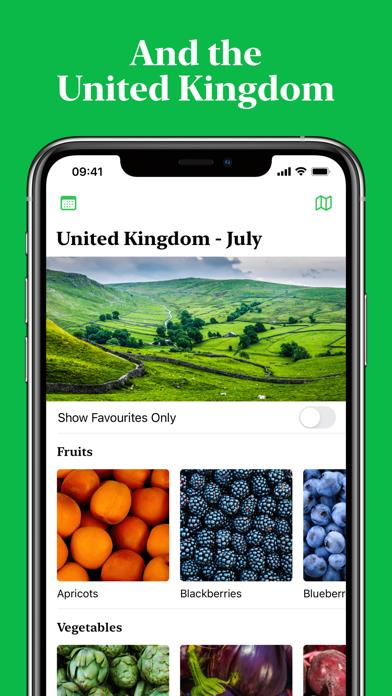
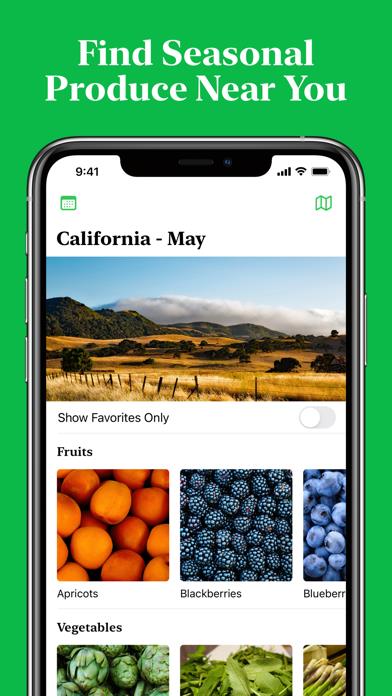
      Supporting over 130 items of produce, all 50 US states, and the United Kingdom SeasonEats has you covered. The app utilizes your location and the current month to elegantly display the produce that is currently in season near you.  Additionally you can manually view other months and locations, tap on produce to show a calendar view for the produce over the whole year, or bring up a list of all produce in your location to quickly find the produce you are looking for. For those with an Apple Watch there is now a companion app to help you out on the go! Eating seasonally can help ensure you purchase the best tasting produce, whilst also saving money and decreasing your environmental footprint. Seasonality data has been cross-sourced from the most regarded sources in each location including State Agriculture Departments, Academic Institutions and Horticultural Societies.  If your favorite produce is not within SeasonEats or you would like us to add a new location, please get in touch via our website and we will endeavor to get the information added for you.

      SeasonEats Information

      Name SeasonEats

      Category Food

      Developer Liam Bates

      Version 1.2.1

      Update 2020-08-05

      Languages EN

      Size 127.84MB

      Compatibility Requires iOS 13.0 or later. Compatible with iPhone, iPad, and iPod touch.

      Other Original Version

      SeasonEats Screenshot
      SeasonEats
      SeasonEats
      SeasonEats
      SeasonEats
      SeasonEats
      SeasonEats
      SeasonEats

      Rating

      4.5

      1636 Ratings

      Tap to Rate

      Please use Safari on iPhone/iPad to access the current page

      Because Panda Helper VIP service is based on iPhone/iPad device information (UDID), please access the current page in Safari on iPhone/iPad:
      • Scan the QR code on your iPhone/iPad
      • Copy the link below and open it in Safari on your iPhone/iPad
      * Safari only. Other browsers cannot get device information
      copy successfully!

      Follow us on social media

      panda helper top hover