Trending Searches

    History

      Clear All
      School Supply List

      School Supply List

      • Sizes: 2.18MB
      • Version: 1.8
      • Update: 2020-10-02
      Install by Apple Store

      School Supply List Description

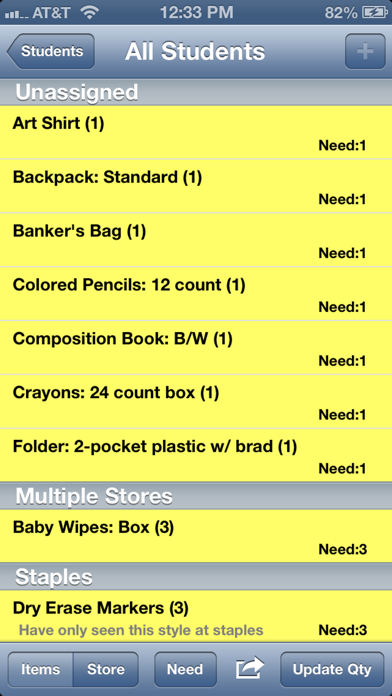
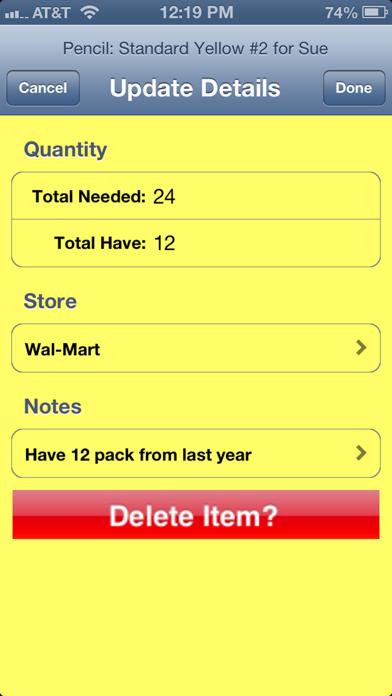
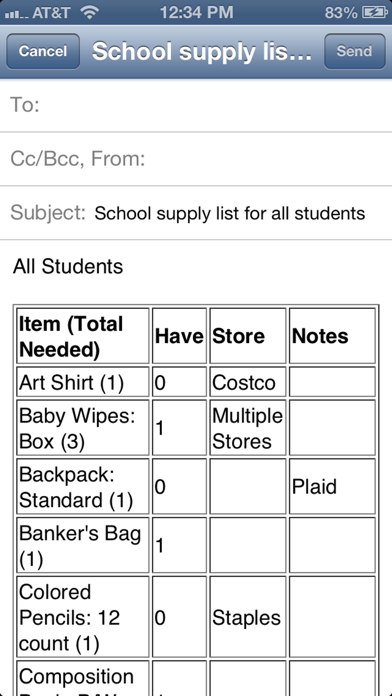
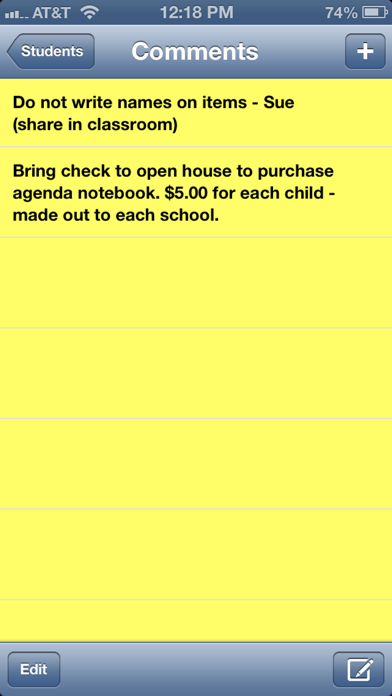
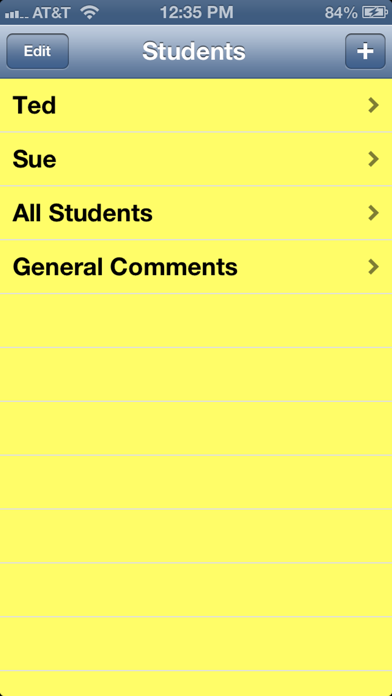
      School supply shopping for students and teachers made easy! Enter each student into the School Supply List app, choose items from the database of over 150 items or add your own. Choose or add store preference for each item as well as important notes you may need while shopping and organizing supplies. With the School Supply List app, your list is always with you and will help you take advantage of the best back-to-school deals around! Features: - Create individual lists for unlimited number of students - Combine lists for easier shopping - Track quantities needed and purchased - Make notes for each item, which will appear on the shopping list - Easily change quantity, store and note details for each item - Update quantity while on list screen as you buy - Sort list by items or store - General Comments list to organize overall info related to school supply needs. - Use the app during school year to replenish / get additional items needed. With just a few finger taps, lists will stay current as the school year progresses. Designed to aid students and teachers, the School Supply List application is efficient and easy to use! Let the comprehensive database do most of the work for you! For more information on this app and other products visit http://www.johnsepulveres.com. Your comments and suggestions are always welcome.

      School Supply List Information

      Name School Supply List

      Developer John Sepulveres

      Version 1.8

      Update 2020-10-02

      Languages EN

      Size 2.18MB

      Compatibility Requires iOS 12.0 or later. Compatible with iPhone, iPad, and iPod touch.

      Other Original Version

      School Supply List Screenshot
      School Supply List
      School Supply List
      School Supply List
      School Supply List
      School Supply List

      Rating

      4.6

      744 Ratings

      Tap to Rate

      Please use Safari on iPhone/iPad to access the current page

      Because Panda Helper VIP service is based on iPhone/iPad device information (UDID), please access the current page in Safari on iPhone/iPad:
      • Scan the QR code on your iPhone/iPad
      • Copy the link below and open it in Safari on your iPhone/iPad
      * Safari only. Other browsers cannot get device information
      copy successfully!

      Follow us on social media

      panda helper top hover