Trending Searches

    History

      Clear All
      Road Conditions - California

      Road Conditions - California

      • Sizes: 21.88MB
      • Version: 2021.1
      • Update: 2021-09-11
      Install by Apple Store

      Road Conditions - California Description

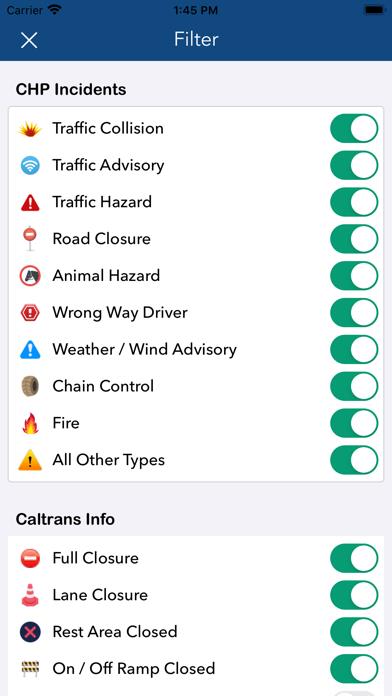
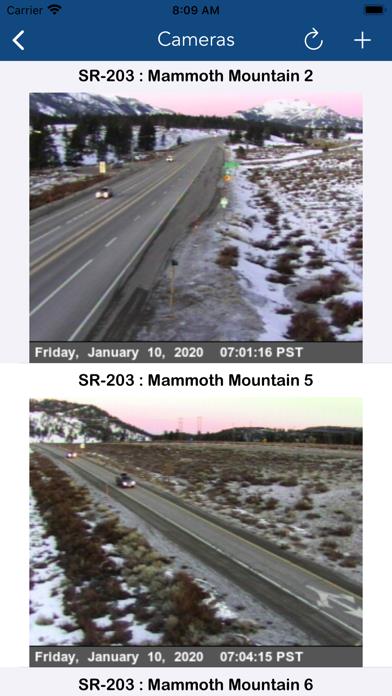
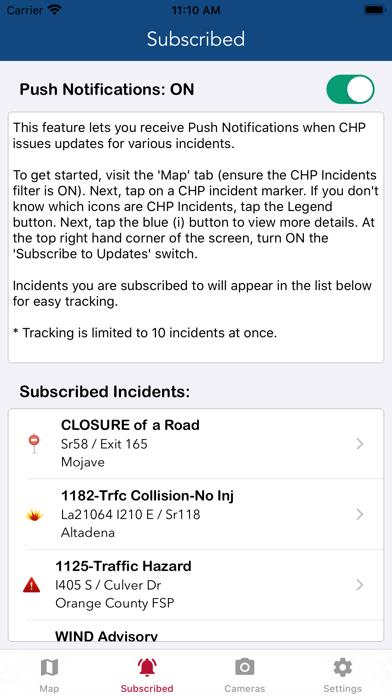
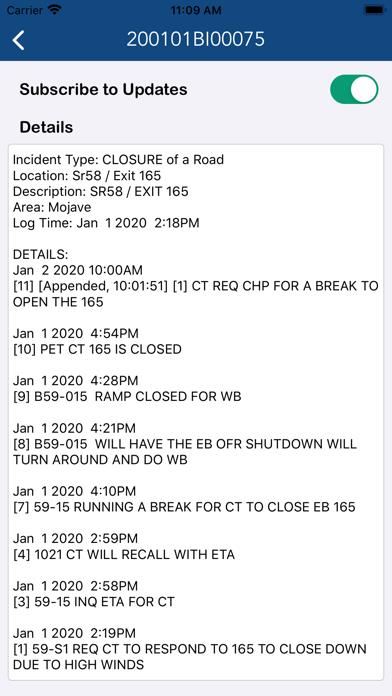
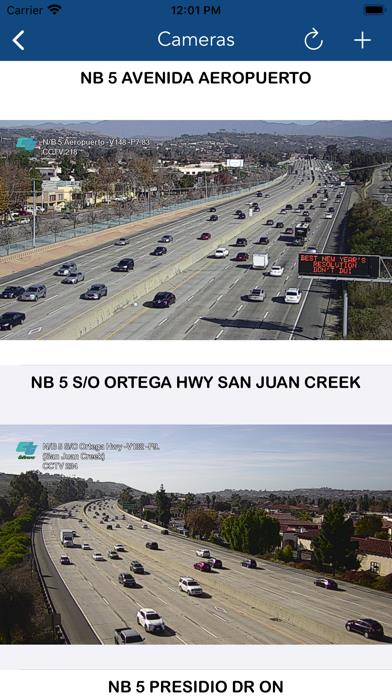
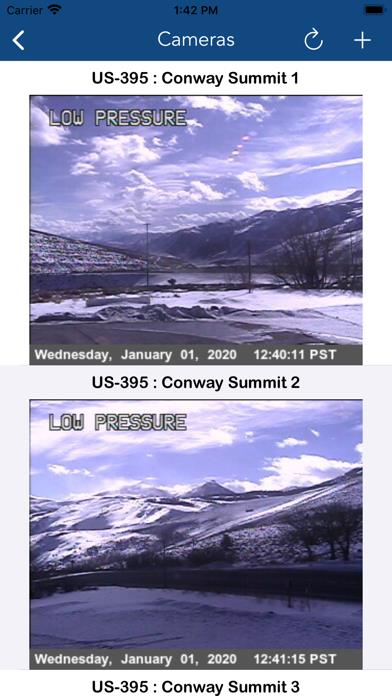
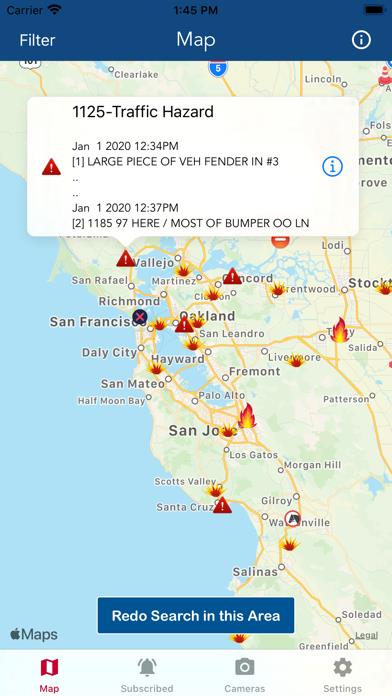
      The best way to view Caltrans & California Highway Patrol (CHP) information. California Highway Patrol Incidents: + Traffic collisions, advisories, hazards + Weather / wind advisory + Wrong way driver + Road closure + Wrong way driver + Chain control + Animal hazard + Fire .. and all other CHP incident types Caltrans Road Condition Information: + Full road closure + Lane closure + Rest area closure + On / off ramp closure + Message signs + Chain control signs CCTV Cameras Create customized groups of CCTV cameras for viewing traffic on your route. This feature gives users a quick way of assessing road and traffic conditions. Push Notifications Track specific CHP Incidents and receive Push Notifications when new updates are available. The app also sends notifications when an incident is no longer being tracked by CHP. This feature is critical for staying up-to-date on road closures due to accidents. Enjoy!

      Road Conditions - California Information

      Name Road Conditions - California

      Category Navigation

      Developer LW Brands, LLC

      Version 2021.1

      Update 2021-09-11

      Languages EN

      Size 21.88MB

      Compatibility Requires iOS 12.0 or later. Compatible with iPhone, iPad, and iPod touch.

      Other Original Version

      Road Conditions - California Screenshot
      Road Conditions - California
      Road Conditions - California
      Road Conditions - California
      Road Conditions - California
      Road Conditions - California
      Road Conditions - California
      Road Conditions - California

      Rating

      4.9

      716 Ratings

      Tap to Rate

      Please use Safari on iPhone/iPad to access the current page

      Because Panda Helper VIP service is based on iPhone/iPad device information (UDID), please access the current page in Safari on iPhone/iPad:
      • Scan the QR code on your iPhone/iPad
      • Copy the link below and open it in Safari on your iPhone/iPad
      * Safari only. Other browsers cannot get device information
      copy successfully!

      Follow us on social media

      panda helper top hover