Trending Searches

    History

      Clear All
      Red Clock.

      Red Clock.

      • Sizes: 77.90MB
      • Version: 4.6.2
      • Update: 2020-03-05
      Install by Apple Store

      Red Clock. Description

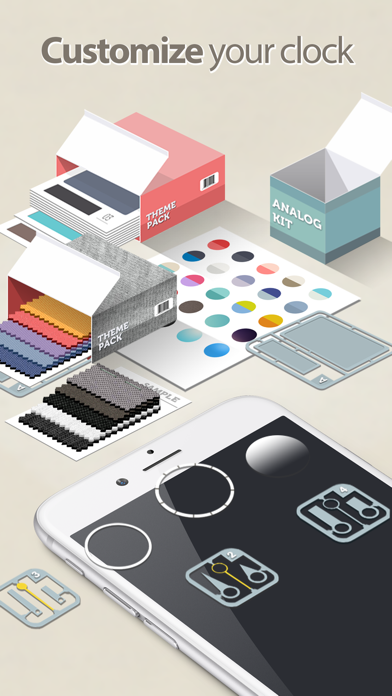
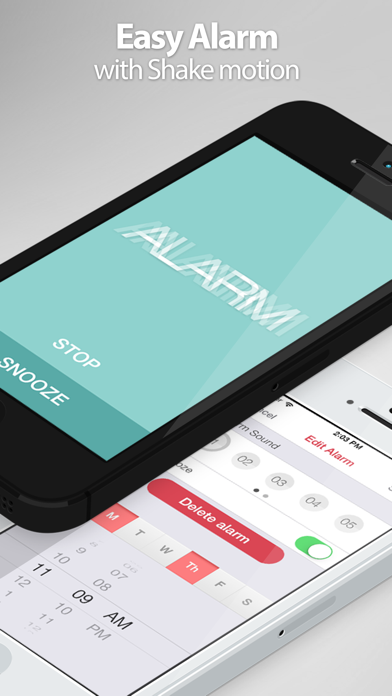
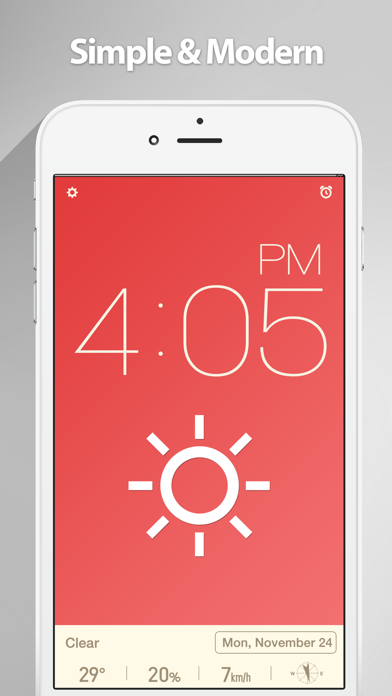
      Best minimalist alarm clock app, introduces the red clock. Red clock is simply designed alarm clock app. You can use the easy and simple at the same time clock, weather, alarm. CLOCK • Very Big digital Clock for legibility • A variety of themes • Simple & Modern Design • Highly customizable • Analog Mode • Analog Kit and Additional Theme packs (In App Purchase) WEATHER • Location-based weather service with more than 30 Weather Icons. • Display Temperature, Humidity, Wind Speed, Wind Direction, Feels Like, Visibility, Pressure • Weather information is automatically updated in 5-30 minutes. ALARM • Easy setting, easy alarm • Snooze (5min/10min/15min) • Repeat days of week • Smooth shake alarm animation • Fade-in Sound • Alarm Label • Alarm sound quality of professional artists NIGHT MODE • Night mode switching as lamp switch • Auto night mode switching by current brightness OTHER • Landscape mode for greater legibility • The battery status to notice at a glance CONTACT US For any technical issues or any comments you wish to make, please contact us at [email protected] • Visit Us http://apps.morethan.net © 2020 morethan apps

      Red Clock. Information

      Name Red Clock.

      Category Weather

      Developer KYU TAE PARK

      Version 4.6.2

      Update 2020-03-05

      Languages AR,CA,CS,DA,NL,EN,FI,FR,DE,EL,HE,HU,ID,IT,JA,KO,MS,NB,PL,PT,RO,RU,ZH,SK,ES,SV,TH,ZH,TR,VI

      Size 77.90MB

      Compatibility Requires iOS 8.0 or later. Compatible with iPhone, iPad, and iPod touch.

      Other Original Version

      Red Clock. Screenshot
      Red Clock.
      Red Clock.
      Red Clock.
      Red Clock.
      Red Clock.

      Rating

      5.0

      1032 Ratings

      Tap to Rate

      Please use Safari on iPhone/iPad to access the current page

      Because Panda Helper VIP service is based on iPhone/iPad device information (UDID), please access the current page in Safari on iPhone/iPad:
      • Scan the QR code on your iPhone/iPad
      • Copy the link below and open it in Safari on your iPhone/iPad
      * Safari only. Other browsers cannot get device information
      copy successfully!

      Follow us on social media

      panda helper top hover