Trending Searches

    History

      Clear All
      Recipe Costing Calculator

      Recipe Costing Calculator

      • Sizes: 2.82MB
      • Version: 3.8.0
      • Update: 2022-08-18
      Install by Apple Store

      Recipe Costing Calculator Description

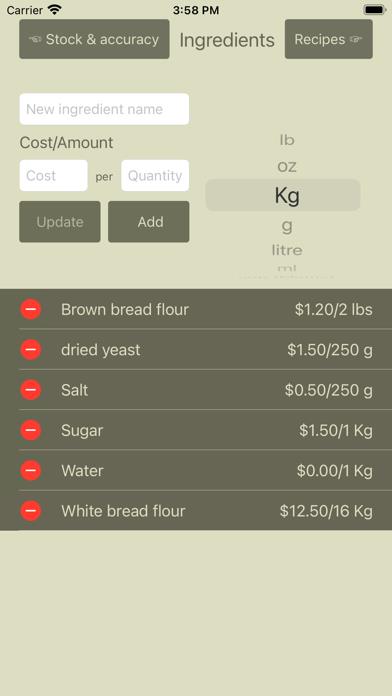
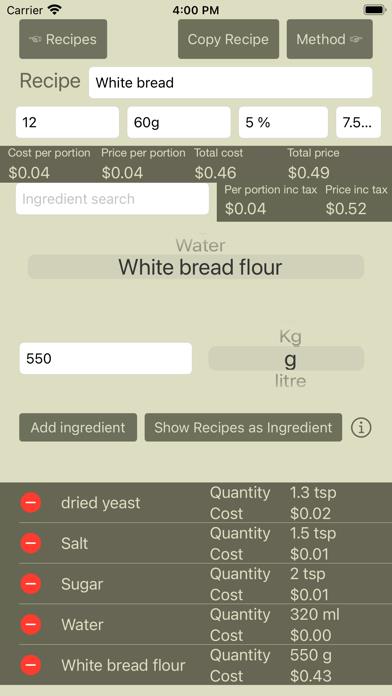
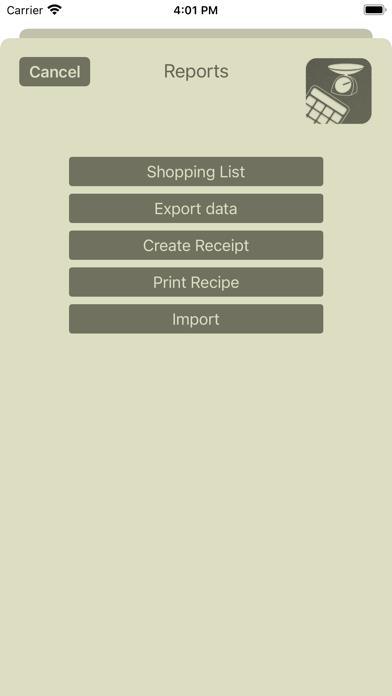
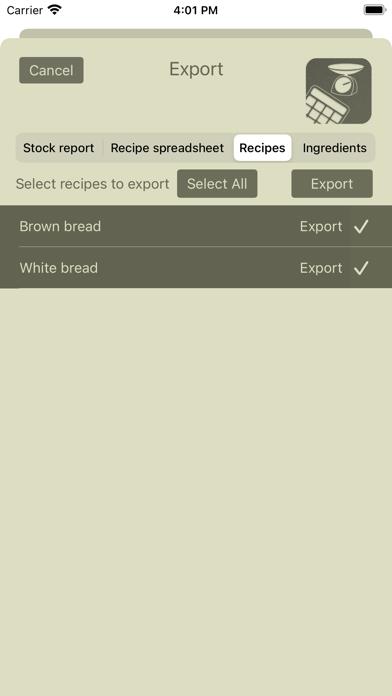
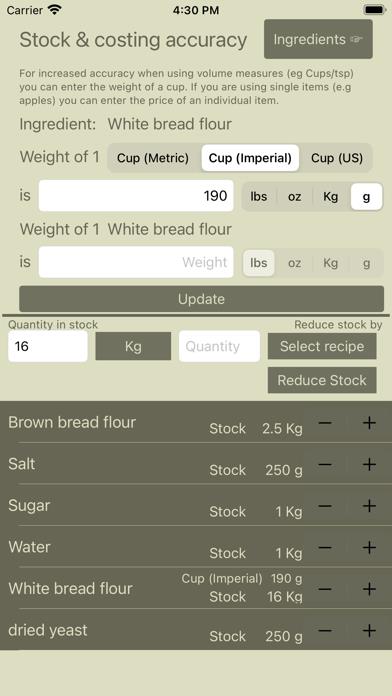
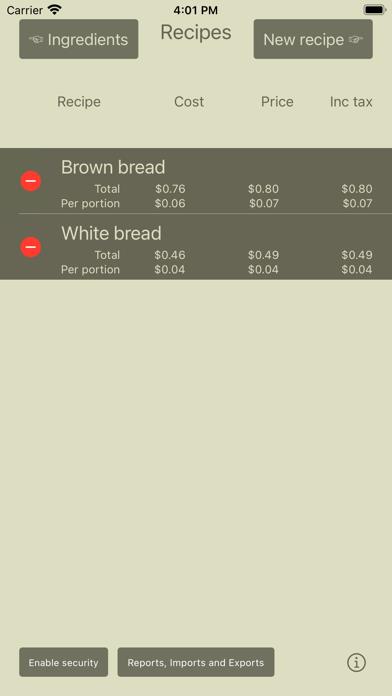
      The Recipe Costing Calculator allows you to easily and quickly cost your recipes. You enter your ingredients, and the amount you pay for them, and then you enter your recipe and it will tell you how much it will cost to make the whole thing, and how much per portion. You can also store the instructions on how to make a recipe, along with photos, and print them out. The app will take tax into account, and allow the user to enter the margin that they want to make so they know how much they need to charge. Receipts can be printed from the app for sales, as well as printing recipes themselves. The app will take automatically convert between different units of measure so even though your recipe may be in one set of units, and you buy your ingredients in another set it will know what you are spending. The app allows you to keep track of stock, and will enable you to create shopping lists to cook various ingredients based on what you have left in stock and what you want to cook.

      Recipe Costing Calculator Information

      Name Recipe Costing Calculator

      Category Food

      Developer Peter Allday

      Version 3.8.0

      Update 2022-08-18

      Languages EN

      Size 2.82MB

      Compatibility Requires iOS 13.0 or later. Compatible with iPhone, iPad, and iPod touch.

      Other Original Version

      Recipe Costing Calculator Screenshot
      Recipe Costing Calculator
      Recipe Costing Calculator
      Recipe Costing Calculator
      Recipe Costing Calculator
      Recipe Costing Calculator
      Recipe Costing Calculator

      Rating

      4.9

      286 Ratings

      Tap to Rate

      Please use Safari on iPhone/iPad to access the current page

      Because Panda Helper VIP service is based on iPhone/iPad device information (UDID), please access the current page in Safari on iPhone/iPad:
      • Scan the QR code on your iPhone/iPad
      • Copy the link below and open it in Safari on your iPhone/iPad
      * Safari only. Other browsers cannot get device information
      copy successfully!

      Follow us on social media

      panda helper top hover