Trending Searches

    History

      Clear All
      Purchases List

      Purchases List

      • Sizes: 90.08MB
      • Version: 2.8.1
      • Update: 2022-03-13
      Install by Apple Store

      Purchases List Description

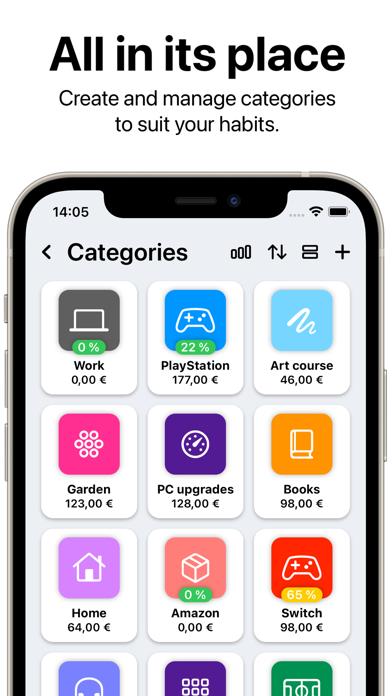
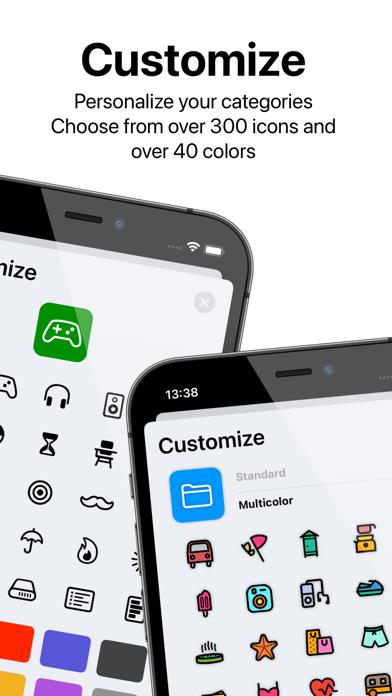
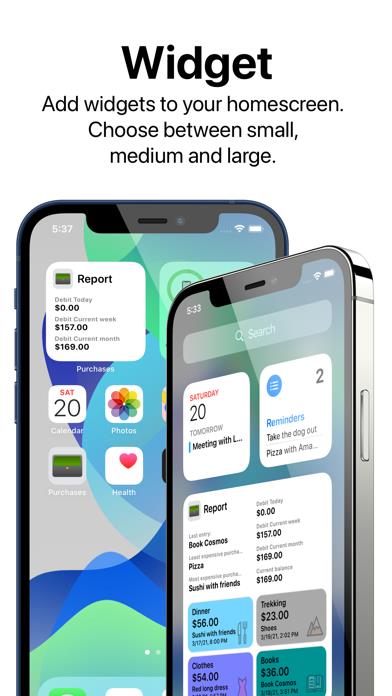
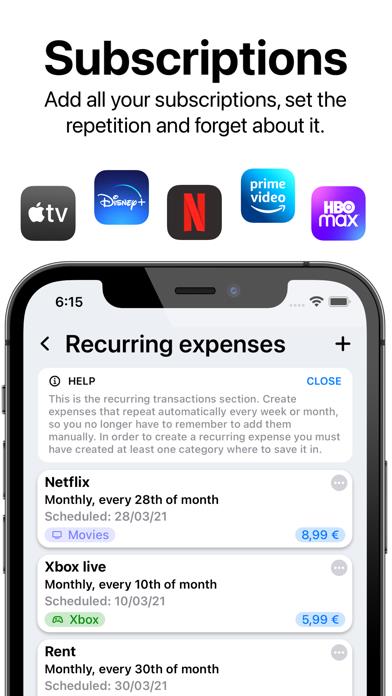
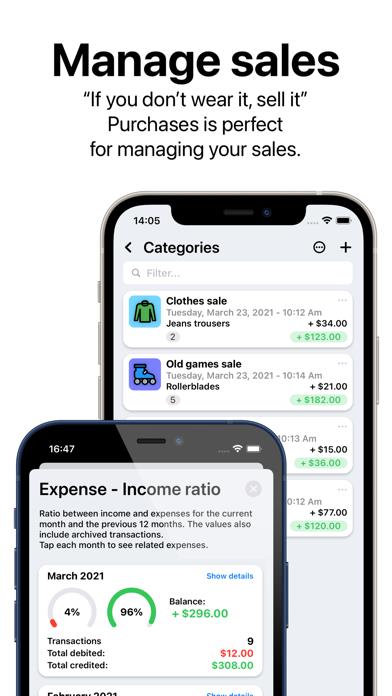
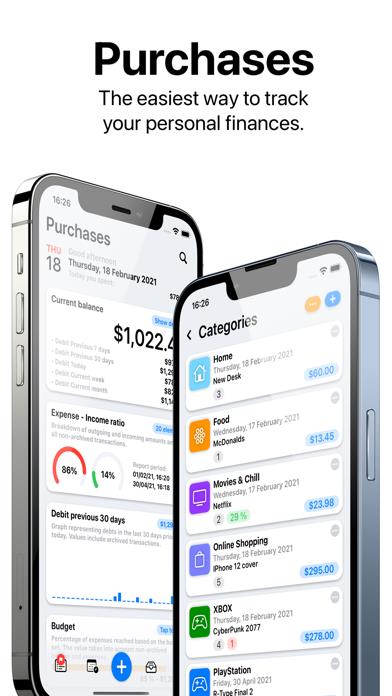
      Purchases is a simple app to help you track all your daily expenses. - Create groups as you like, personalize them with icons, emoji and colors. Define a limit to the group, so you can easily see the precentage you reached. - Create the transaction defining a description, the money spent or received, where it happened and, if needed, a note. - Add widgets to your homescreen to see your expenses in a glance. - Organize all your data in archives, so you can start over and mantaining old records. - Search categories and transactions directly from the home of your device. - Export your data to a PDF document, then save it to your device or print it to store it in your home. - Protect your data with FaceID or TouchID. - Data are sync with your devices with iCloud. - Simple and intuitive design. - Customizable color options. - Purchase is supporting Universal Purchase, so once you buy it you can download it in your other devices. • Icons made by www.freepik.com from www.flaticon.com • Icons made by www.icon54.com from www.flaticon.com

      Purchases List Information

      Name Purchases List

      Category Finance

      Developer Andrea Dellai

      Version 2.8.1

      Update 2022-03-13

      Languages NL,EN,FR,DE,HI,IT,JA,PL,PT,RU,ZH,ES,TR

      Size 90.08MB

      Compatibility Requires iOS 14.0 or later. Compatible with iPhone, iPad, and iPod touch.

      Other Original Version

      Purchases List Screenshot
      Purchases List
      Purchases List
      Purchases List
      Purchases List
      Purchases List
      Purchases List
      Purchases List

      Rating

      5.0

      898 Ratings

      Tap to Rate

      Please use Safari on iPhone/iPad to access the current page

      Because Panda Helper VIP service is based on iPhone/iPad device information (UDID), please access the current page in Safari on iPhone/iPad:
      • Scan the QR code on your iPhone/iPad
      • Copy the link below and open it in Safari on your iPhone/iPad
      * Safari only. Other browsers cannot get device information
      copy successfully!

      Follow us on social media

      panda helper top hover