Trending Searches

    History

      Clear All
      Piano Music Tiles: Anime Songs

      Piano Music Tiles: Anime Songs

      • Sizes: 237.34MB
      • Version: 11.25
      • Update: 2022-11-19
      Install by Apple Store

      Piano Music Tiles: Anime Songs Description

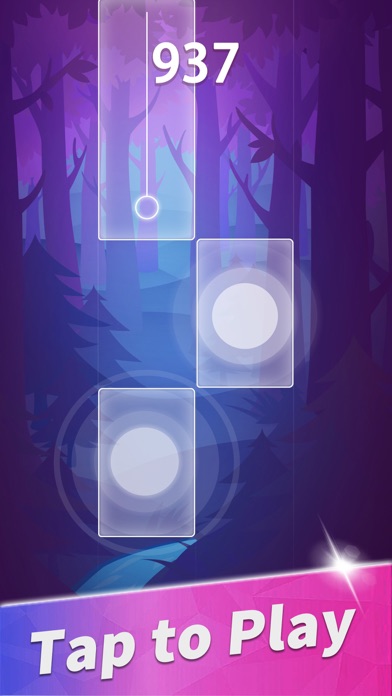
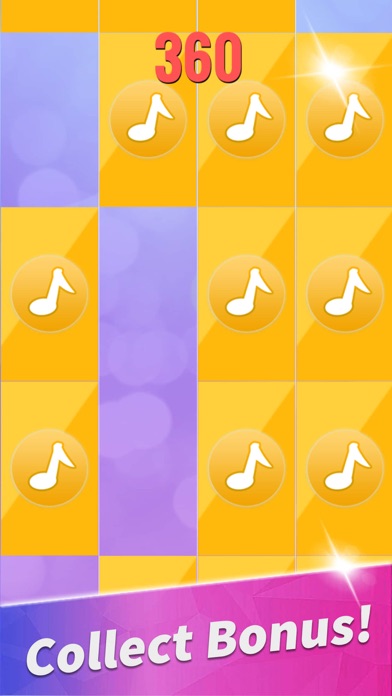
      Piano Music Tiles: Anime & Pop is one of the best piano games. It is a free music game with more than 2400+ piano songs. Piano Music Tiles: Anime & Pop simplifies piano keyboard into white tiles and black tiles. You can perform piano music by simply tapping piano black tiles. With ease and fun, melody and rhythm of piano songs flow freely along your finger touch. # How to play: 1. Tap the black tiles. 2. Tap and hold on the blue tiles. 3. Tap double black tiles quickly, but not at the same time. 4. Repeatedly tap the big black tile until the number on it decreases to zero. # Features: 1. New piano songs are added every week. 2. Endless mode. Pass endless mode to get 3 crowns! 3. PVP and offline modes are provided. 4. Lots of free coins and diamonds for unlocking new songs. Hope you enjoy Piano Music Tiles: Anime & Pop! Don’t forget to update it for new piano songs.

      Piano Music Tiles: Anime Songs Information

      Name Piano Music Tiles: Anime Songs

      Category Games

      Developer Haishan Li

      Version 11.25

      Update 2022-11-19

      Languages AR,EN,FR,DE,ID,IT,JA,KO,PT,RU,ZH,ES,ZH

      Size 237.34MB

      Compatibility Requires iOS 11.0 or later. Compatible with iPhone, iPad, and iPod touch.

      Other Original Version

      Piano Music Tiles: Anime Songs Screenshot
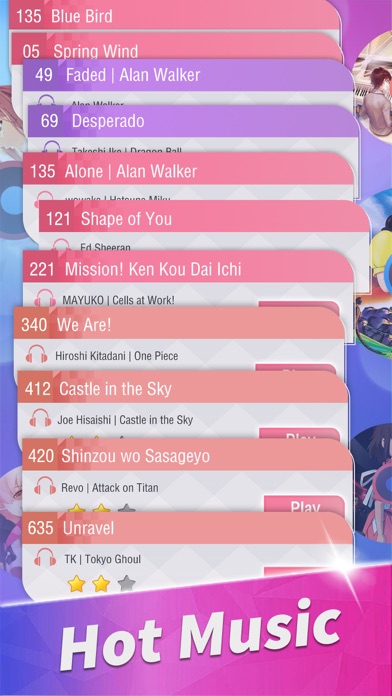
      Piano Music Tiles: Anime Songs
      Piano Music Tiles: Anime Songs
      Piano Music Tiles: Anime Songs
      Piano Music Tiles: Anime Songs
      Piano Music Tiles: Anime Songs
      Piano Music Tiles: Anime Songs
      Piano Music Tiles: Anime Songs

      Rating

      5.0

      1428 Ratings

      Tap to Rate

      Please use Safari on iPhone/iPad to access the current page

      Because Panda Helper VIP service is based on iPhone/iPad device information (UDID), please access the current page in Safari on iPhone/iPad:
      • Scan the QR code on your iPhone/iPad
      • Copy the link below and open it in Safari on your iPhone/iPad
      * Safari only. Other browsers cannot get device information
      copy successfully!

      Follow us on social media

      panda helper top hover