Trending Searches

    History

      Clear All
      NotanIzer

      NotanIzer

      • Sizes: 1.76MB
      • Version: 3.00
      • Update: 2023-06-14
      Install by Apple Store

      NotanIzer Description

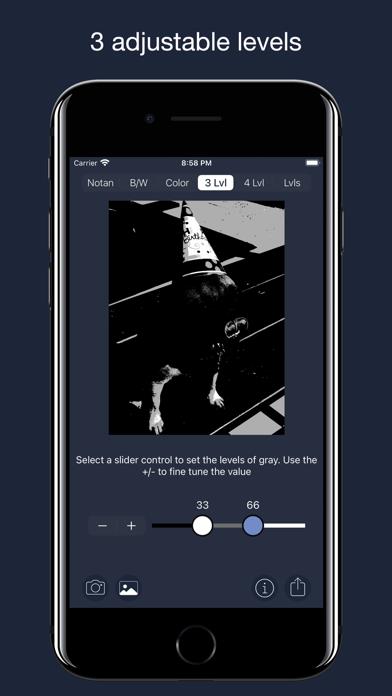
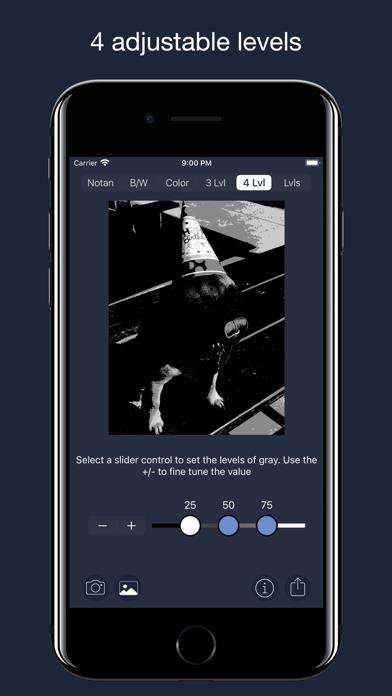
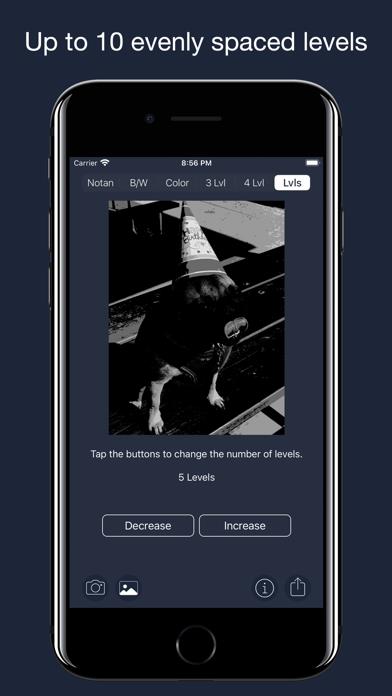
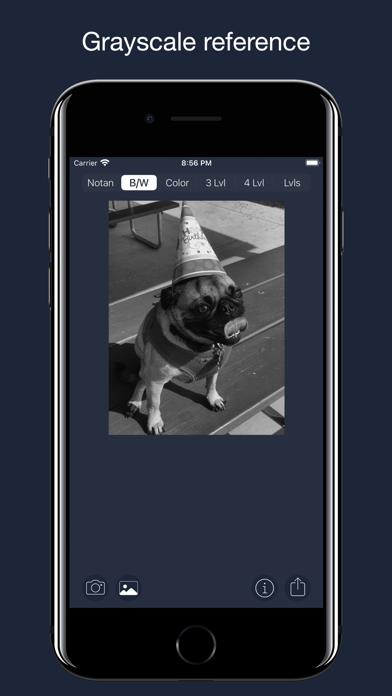
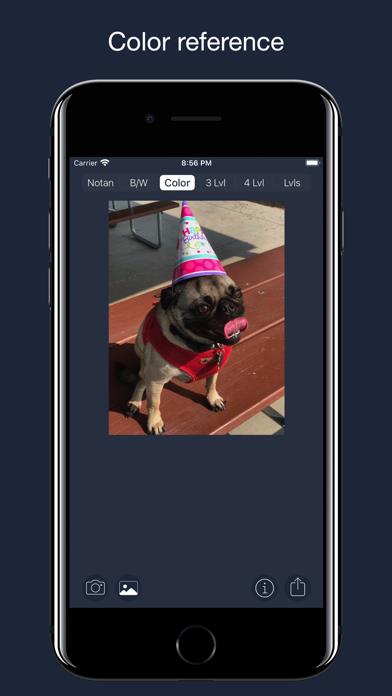
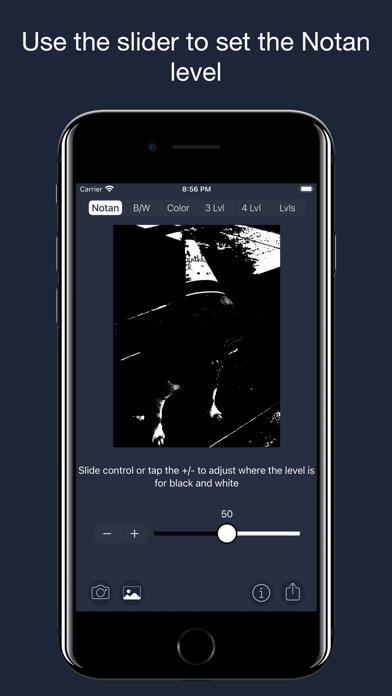
      Nōtan is a Japanese design concept involving the play and placement of light and dark elements next to the other in the composition of art and imagery. The Yin Yang symbol is an example of this design philosophy. The use of Nōtan in art composition is a powerful tool to help the artist identify the structure of the light and dark portions of the image they want to incorporate into their project. The first function simply divides the image into black and white with colors above the set value being white and those below being black. You can then use the slider to move that line to enhance detail that may otherwise be obscured. The second and third functions displays the image in either a grayscale or color so the artist can focus on the structure and design of the image. The last 3 functions are Levels. They set either 3, 4, or up to 10 levels of color spread over black, gray and white pallets. The 3 and 4 levels have sliders to adjust where those levels are while the Levels function just evenly divides the image by the number of levels. And of course, share your image in many ways. Any artist will benefit from seeing their work in a different light. NotanIzer is that light.

      NotanIzer Information

      Name NotanIzer

      Category Photography

      Developer bigpantsgroup

      Version 3.00

      Update 2023-06-14

      Languages EN

      Size 1.76MB

      Compatibility Requires iOS 13.0 or later. Compatible with iPhone, iPad, and iPod touch.

      Other Original Version

      NotanIzer Screenshot
      NotanIzer
      NotanIzer
      NotanIzer
      NotanIzer
      NotanIzer
      NotanIzer

      Rating

      4.8

      224 Ratings

      Tap to Rate

      Please use Safari on iPhone/iPad to access the current page

      Because Panda Helper VIP service is based on iPhone/iPad device information (UDID), please access the current page in Safari on iPhone/iPad:
      • Scan the QR code on your iPhone/iPad
      • Copy the link below and open it in Safari on your iPhone/iPad
      * Safari only. Other browsers cannot get device information
      copy successfully!

      Follow us on social media

      panda helper top hover