Trending Searches

    History

      Clear All
      NCSA Athletic Recruiting

      NCSA Athletic Recruiting

      • Sizes: 25.48MB
      • Version: 3.0.34
      • Update: 2022-11-02
      Install by Apple Store

      NCSA Athletic Recruiting Description

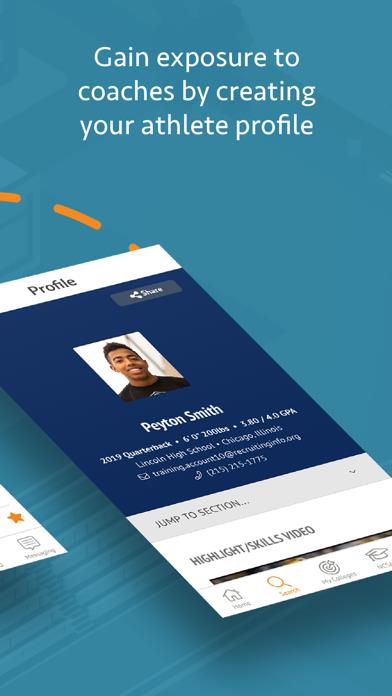
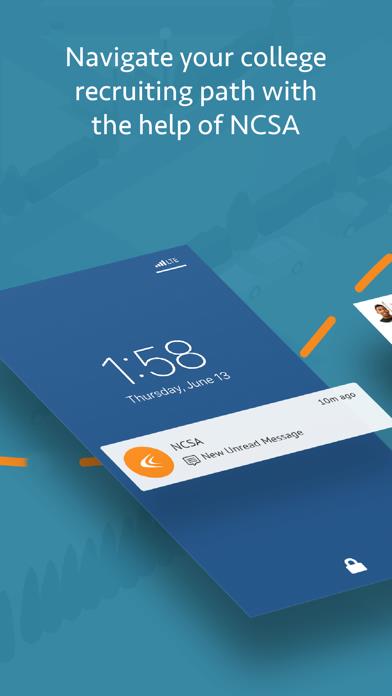
      NCSA Next College Student Athlete helps student-athletes connect with college coaches. Our iPhone app lets you take control of your recruiting wherever you are, right from your device with a full suite of tools you won't find anywhere else. And when you're ready, NCSA reviews your profile to verify your information. There's more: - Build a profile, add your film and describe what will make you an ideal part of a college roster
 - Share your profile widely and track the coaches who view it - Explore colleges of potential interest to you In their NCSA reviews, athletes share how impactful this app has been. Here's one review from NAIA basketball player Cole Wurster: "NCSA gave me the tools I needed to interact with the college coaches and how to build relationships with them and get to know them." Student-athletes who benefit from Next College Student Athlete's premium memberships receive additional features, like:
 - Even more ways to connect with colleges
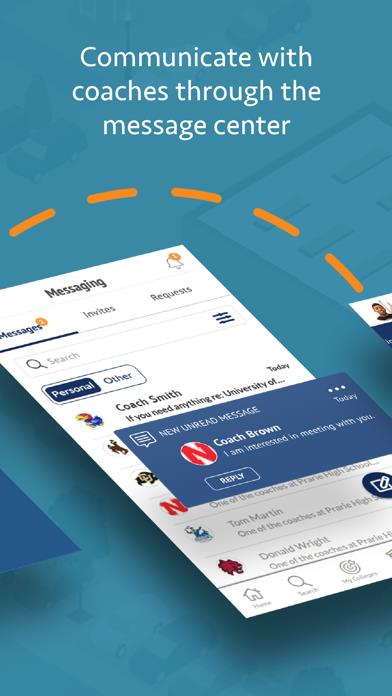
 - Increased tracking of coach views - Message center to manage communication with college coaches - Guided education from recruiting coaches

      NCSA Athletic Recruiting Information

      Name NCSA Athletic Recruiting

      Category Education

      Developer NCSA Athletic Recruiting

      Version 3.0.34

      Update 2022-11-02

      Languages EN

      Size 25.48MB

      Compatibility Requires iOS 12.0 or later. Compatible with iPhone, iPad, and iPod touch.

      Other Original Version

      NCSA Athletic Recruiting Screenshot
      NCSA Athletic Recruiting
      NCSA Athletic Recruiting
      NCSA Athletic Recruiting
      NCSA Athletic Recruiting
      NCSA Athletic Recruiting
      NCSA Athletic Recruiting
      NCSA Athletic Recruiting

      Rating

      4.6

      550 Ratings

      Tap to Rate

      Please use Safari on iPhone/iPad to access the current page

      Because Panda Helper VIP service is based on iPhone/iPad device information (UDID), please access the current page in Safari on iPhone/iPad:
      • Scan the QR code on your iPhone/iPad
      • Copy the link below and open it in Safari on your iPhone/iPad
      * Safari only. Other browsers cannot get device information
      copy successfully!

      Follow us on social media

      panda helper top hover