Trending Searches

    History

      Clear All
      MyTSA

      MyTSA

      • Sizes: 46.77MB
      • Version: 4.1.2
      • Update: 2022-09-27
      Install by Apple Store

      MyTSA Description

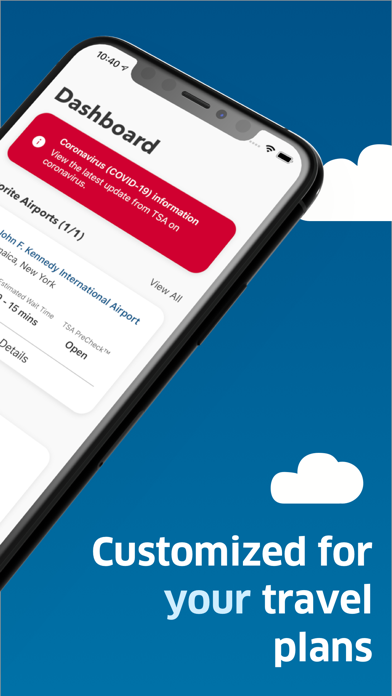
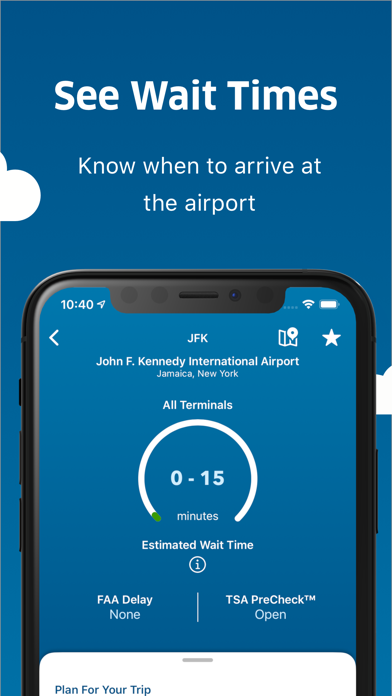
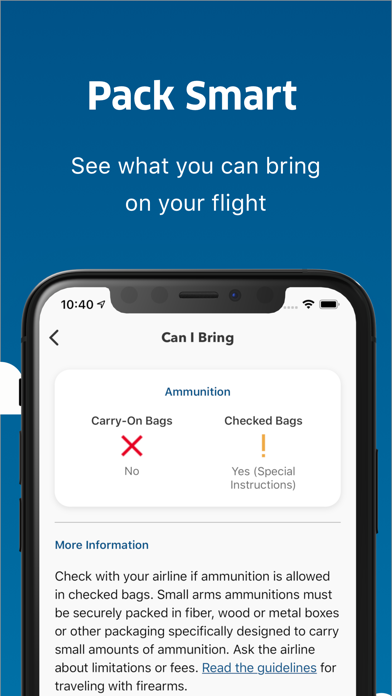
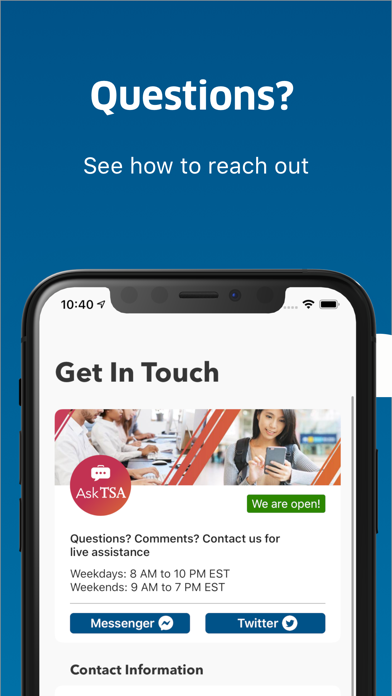
      Named the Best Government Mobile App from the American Council for Technology and Industry Advisory Council, and earning TSA recognition as one of the Top 15 Government IT Innovators, “MyTSA” provides 24/7 access to information that passengers frequently request from TSA. With “MyTSA”, you can: + Quickly search which items you can bring with you through the checkpoint onto the airplane. + Request live assistance from TSA through the AskTSA social media integration. + Check how historically busy the airport will be on your specific day and time of travel. + Check crowd-sourced TSA security checkpoints wait times at the airport of your choice. + Add your own TSA security checkpoints wait time for others to see (NOTE: You must be at the airport in order to report wait times). + Check the delay information and current weather conditions at your favorite airports nationwide. + Consult the TSA Guide on how to prepare for and get through the security checkpoint quickly. + Discover which airports and airlines support TSA PreCheck®, and learn how to sign-up.

      MyTSA Information

      Name MyTSA

      Category Travel

      Developer Transportation Security Administration

      Version 4.1.2

      Update 2022-09-27

      Languages EN

      Size 46.77MB

      Compatibility Requires iOS 12.0 or later. Compatible with iPhone, iPad, and iPod touch.

      Other Original Version

      MyTSA Screenshot
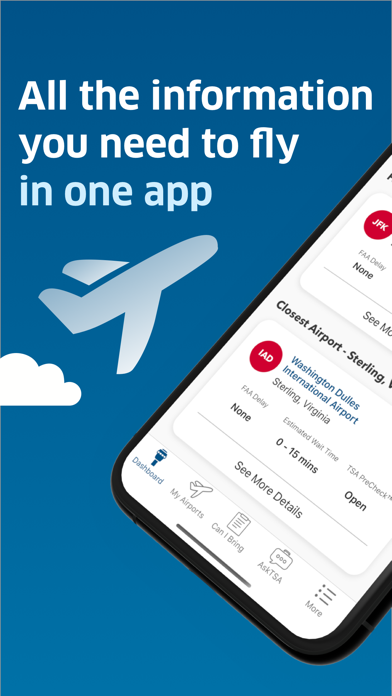
      MyTSA
      MyTSA
      MyTSA
      MyTSA
      MyTSA

      Rating

      4.9

      762 Ratings

      Tap to Rate

      Please use Safari on iPhone/iPad to access the current page

      Because Panda Helper VIP service is based on iPhone/iPad device information (UDID), please access the current page in Safari on iPhone/iPad:
      • Scan the QR code on your iPhone/iPad
      • Copy the link below and open it in Safari on your iPhone/iPad
      * Safari only. Other browsers cannot get device information
      copy successfully!

      Follow us on social media

      panda helper top hover