Trending Searches

    History

      Clear All
      MissionClock

      MissionClock

      • Sizes: 24.02MB
      • Version: 1.1.6
      • Update: 2020-06-13
      Install by Apple Store

      MissionClock Description

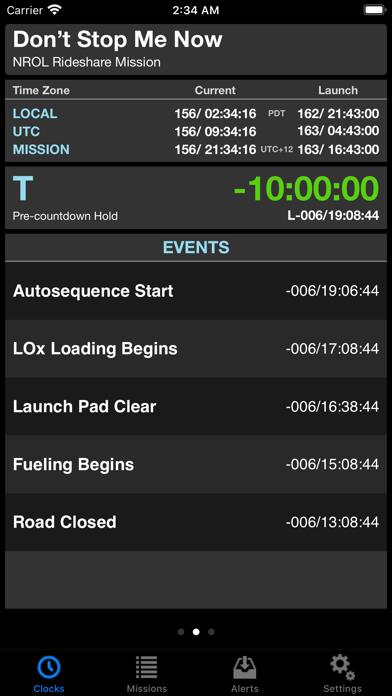
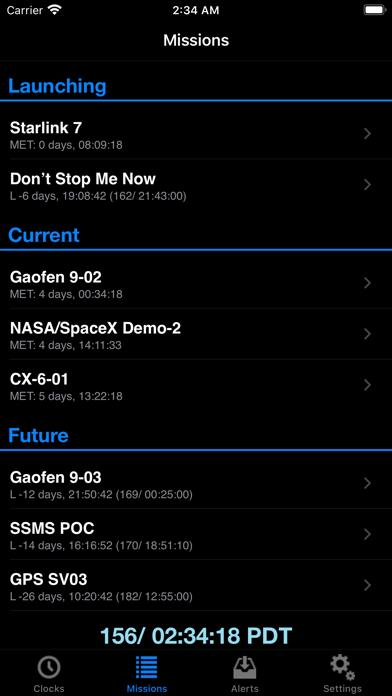
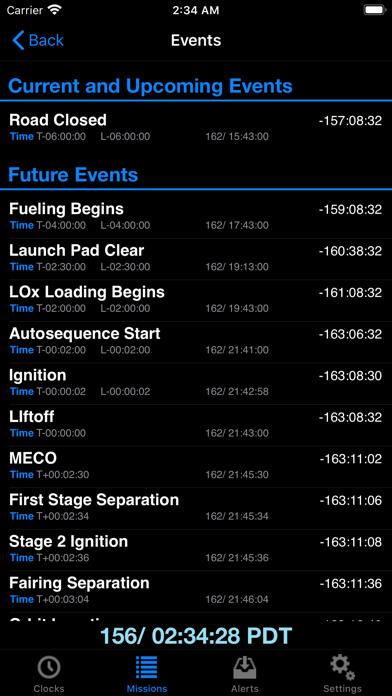
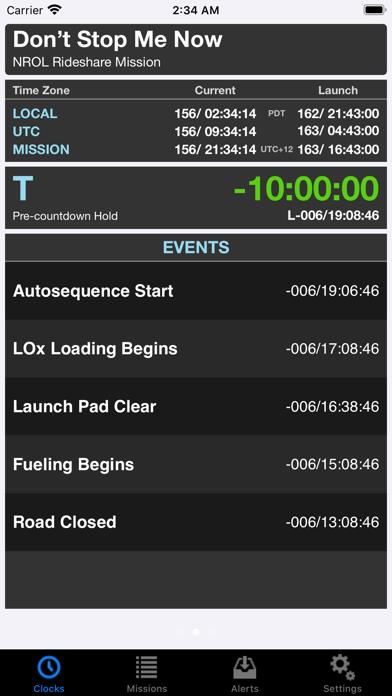
      Keep up-to-date with space launches from NASA and other agencies around the world with MissionClock for your iPhone or iPod Touch. MissionClock shows you a real-time countdown clock for upcoming missions, as well as information about missions that are currently underway. You can see major launch and ascent events as they happen, and receive alerts when mission conditions change. Features: • Gorgeous, at-a-glance countdown information • T-clock and L-clock information • Countdown holds • Hold time remaining • Current and significant event times displayed in multiple time zones • Detailed mission event lists • Time to/since each event MissionClock’s main view shows the current time in three time zones (yours, UTC, and the mission’s). It shows the T-clock, including pauses for built-in launch holds, and the L-clock, letting you know how much real time remains before launch. For missions that have already launched, MissionClock will show you the Mission Elapsed Time (MET). The MissionClock staff regularly compile space mission information from a variety of sources including contacts within NASA, and collect them on our servers. MissionClock is automatically updated with changes, so you stay informed.

      MissionClock Information

      Name MissionClock

      Category News

      Developer Latency: Zero, LLC

      Version 1.1.6

      Update 2020-06-13

      Languages EN

      Size 24.02MB

      Compatibility Requires iOS 9.0 or later. Compatible with iPhone, iPad, and iPod touch.

      Other Original Version

      MissionClock Screenshot
      MissionClock
      MissionClock
      MissionClock
      MissionClock

      Rating

      4.7

      587 Ratings

      Tap to Rate

      Please use Safari on iPhone/iPad to access the current page

      Because Panda Helper VIP service is based on iPhone/iPad device information (UDID), please access the current page in Safari on iPhone/iPad:
      • Scan the QR code on your iPhone/iPad
      • Copy the link below and open it in Safari on your iPhone/iPad
      * Safari only. Other browsers cannot get device information
      copy successfully!

      Follow us on social media

      panda helper top hover