Trending Searches

    History

      Clear All
      iStroboSoft

      iStroboSoft

      • Sizes: 7.05MB
      • Version: 2.98
      • Update: 2017-11-22
      Install by Apple Store

      iStroboSoft Description

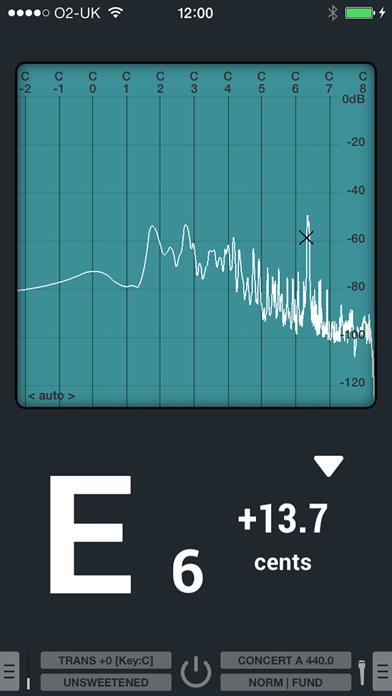
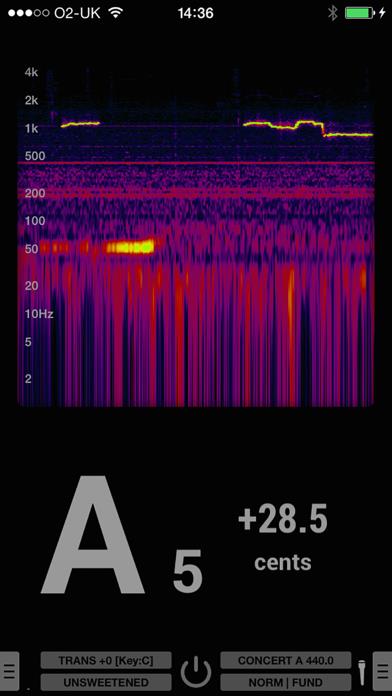
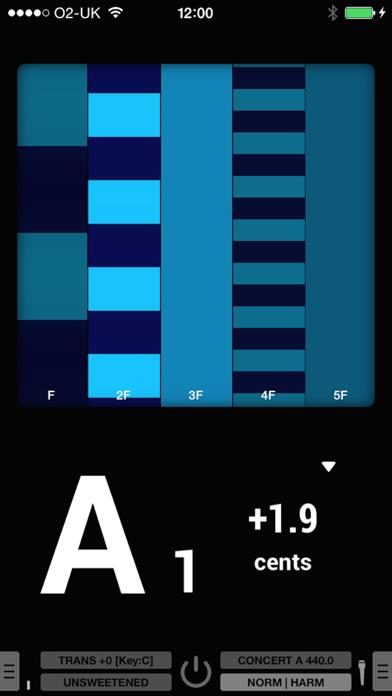
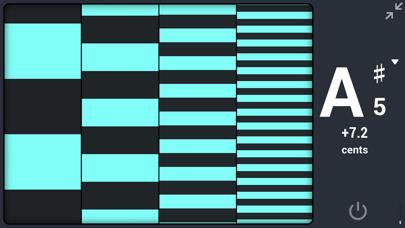
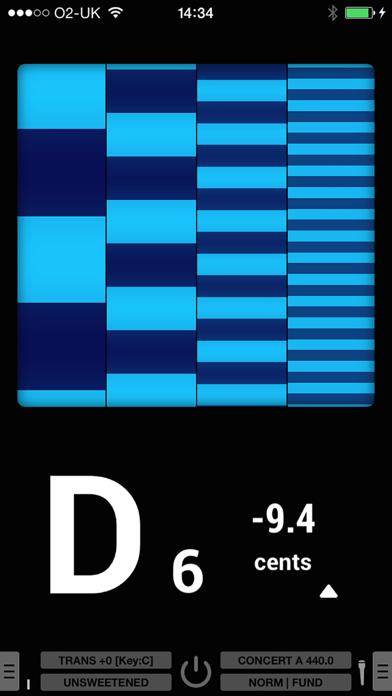
      Usage questions? ***Please contact us before posting an issue in the reviews.*** Peterson Support at [email protected] or call 708.388.3311 M-F 8am-5pm (CST) TRUSTED BY PROFESSIONALS FOR OVER 70 YEARS. ---iStroboSoft for iOS--- Peterson Strobe Tuners' popular StroboSoft tuning application for the iPod touch® and iPhone™. iStroboSoft™ offers the unmatched accuracy of a mechanical strobe tuner for the highest degree of precision available in a software tuning application. Plug in and tune your electrics and acoustics quickly and easily with 1/10th cent accuracy. Peterson Tuners has offered tuning solutions for over 65 years and is the only company specializing in hardware and software tuning products for all levels of musicians. FEATURES: • Stand-by mode to reduce battery usage or freeze the display. • Guided Mode Tuning offers an alternate strobe display that slows the strobe bands one-by-one as you come closer to tune. • Speed control for strobe display; dampen the response for a longer note display. • 12 Temperaments with adjustable root control. • Display all sharps note display. • Assisted Low Note Detection (ALND) helps capture very low frequencies. • Mains hum filter option reduces the chances of the tuner latching on to 50 or 60Hz cycle hum when using a direct line-in connection or while using the app during device charging. • Smooth, real-time strobe display allows you to achieve an unmatched level of accuracy. • Note/Octave window displays the correct note and octave for the note being tuned. • Cents display allows you to see how far out of tune your note is in cent values. • Tune in auto or manual mode. • Toggle the display to show: cents, Hz, MIDI note value for the note being tuned. • Glowing flat/sharp indicators assist when tuning a note very far from the target position. • Noise filter: Use the noise filter when utilizing an external mic or clip-on tuning device to help reduce the effect of extraneous environmental noise during tuning. • Input boost: The input boost will raise all input frequencies by +24dB. • Calibration mode: iStroboSoft can be calibrated to an external source guaranteeing 1/10th cent accuracy. • Drop/Capo mode: iStroboSoft will auto-transpose notes up or down to one full octave. • Adjustable Concert A: Change the Concert A reference of the tuner to accommodate tuning to a fixed instrument, such as a piano, or tune instruments that do not utilize the typical Western A440 reference. • Full screen mode permits the strobe display to be maximized on screen to allow better viewing from a distance. • Change strobe display colors to accommodate different lighting environments or set a preferred user color for those with limited color palette recognition. Use the built-in mic on your device for tuning or connect directly via the headphone jack using an approved adaptor cable or interface. Devices without a headphone jack can connect a pickup or mic using the lightning-to-audio adaptor. Optional adaptor cable for direct line-in access as well as mini capsule microphone available from Peterson. Support via email at: [email protected] or call 708.388.3311 M-F 8am-5pm (CST)

      iStroboSoft Information

      Name iStroboSoft

      Category Music

      Developer Peterson Tuners

      Version 2.98

      Update 2017-11-22

      Languages EN

      Size 7.05MB

      Compatibility Requires iOS 8.1 or later. Compatible with iPhone, iPad, and iPod touch.

      Other Original Version

      iStroboSoft Screenshot
      iStroboSoft
      iStroboSoft
      iStroboSoft
      iStroboSoft
      iStroboSoft

      Rating

      4.9

      1604 Ratings

      Tap to Rate

      Please use Safari on iPhone/iPad to access the current page

      Because Panda Helper VIP service is based on iPhone/iPad device information (UDID), please access the current page in Safari on iPhone/iPad:
      • Scan the QR code on your iPhone/iPad
      • Copy the link below and open it in Safari on your iPhone/iPad
      * Safari only. Other browsers cannot get device information
      copy successfully!

      Follow us on social media

      panda helper top hover