Trending Searches

    History

      Clear All
      iSong Quiz

      iSong Quiz

      • Sizes: 5.57MB
      • Version: 2.3.1
      • Update: 2020-07-20
      Install by Apple Store

      iSong Quiz Description

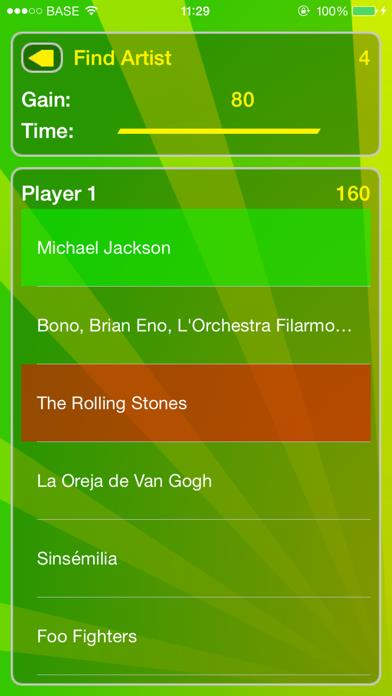
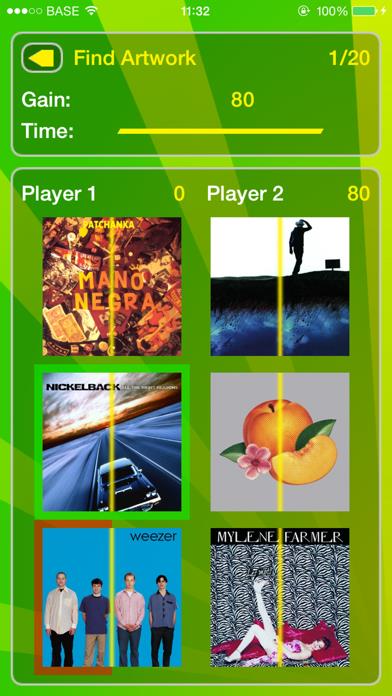
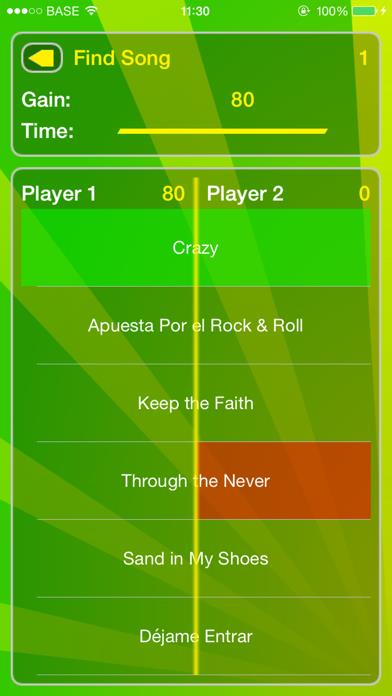
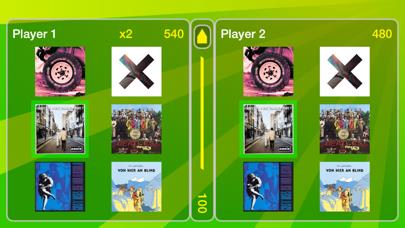
      NAME THOSE SONGS You like listening to music? Then you'll love iSong Quiz! Listen to different songs and find how they are called or who are the artists playing them. For each song, potential answers will appear (higher difficulty levels show more potential answers). The faster you answer, the more points you get. If you don't know the correct answer, wait a bit and some potential answers will disappear. Master your musical knowledge and beat your high scores! The songs come directly from your music library; they'll be good. In order to fully enjoy this quiz, you'll need at least 120 songs from at least 20 different artists loaded on your device. Want to challenge a friend, try the multi players mode! FEATURES • Five game types: - normal, - unlimited (sudden death), - find artist, - find song, - find artwork. • Three levels of difficulty (up to 10 possible answers per question) • Multiplayer mode (on the same device) • A high score table and achievements • An addictive challenge UPDATES Buy now and get free updates. MISC Feel free to contact us about any comment or suggestion you would have!

      iSong Quiz Information

      Name iSong Quiz

      Category Games

      Developer Imesart S.a.r.l.

      Version 2.3.1

      Update 2020-07-20

      Languages EN,FR,DE

      Size 5.57MB

      Compatibility Requires iOS 12.0 or later. Compatible with iPhone, iPad, and iPod touch.

      Other Original Version

      iSong Quiz Screenshot
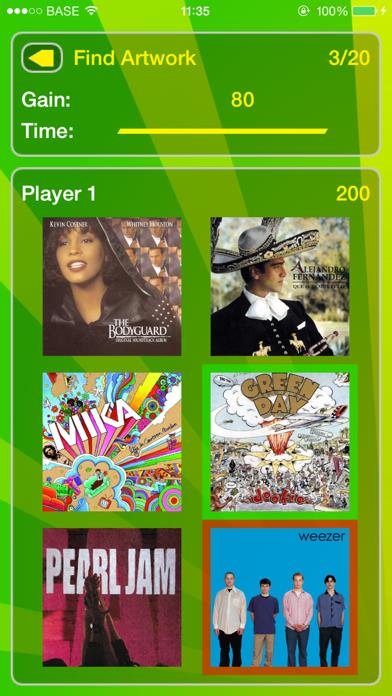
      iSong Quiz
      iSong Quiz
      iSong Quiz
      iSong Quiz
      iSong Quiz

      Rating

      4.9

      777 Ratings

      Tap to Rate

      Please use Safari on iPhone/iPad to access the current page

      Because Panda Helper VIP service is based on iPhone/iPad device information (UDID), please access the current page in Safari on iPhone/iPad:
      • Scan the QR code on your iPhone/iPad
      • Copy the link below and open it in Safari on your iPhone/iPad
      * Safari only. Other browsers cannot get device information
      copy successfully!

      Follow us on social media

      panda helper top hover