Trending Searches

    History

      Clear All
      Imprivata ID

      Imprivata ID

      • Sizes: 33.12MB
      • Version: 7.12.0
      • Update: 2023-03-01
      Install by Apple Store

      Imprivata ID Description

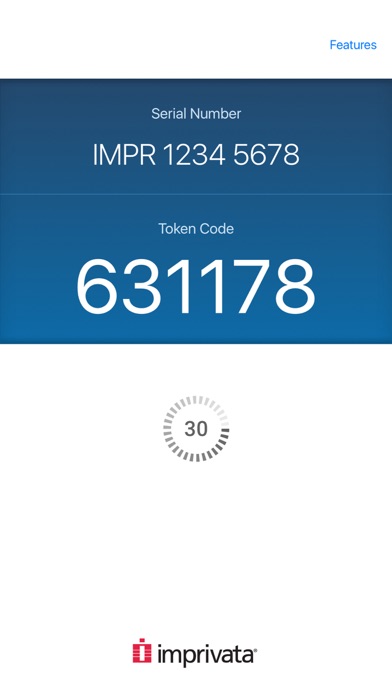
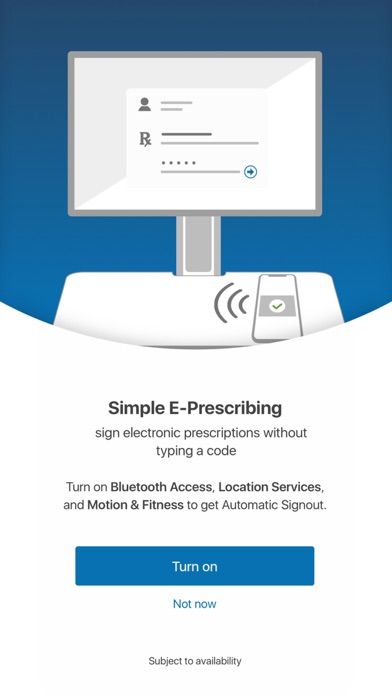
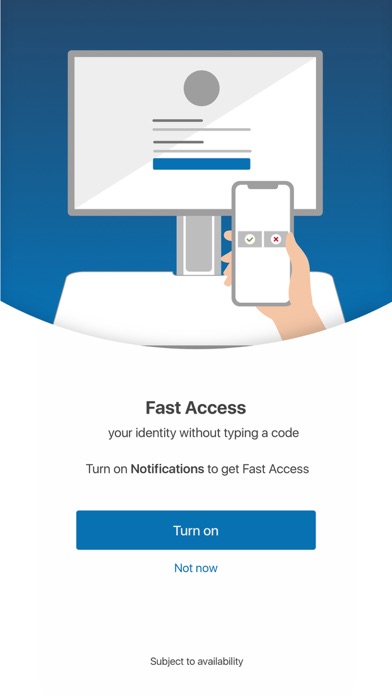
      Imprivata ID is a secure authentication application that helps improve clinical workflows for medical professionals for electronic prescribing of controlled substances (EPCS), remote network access, and others. For EPCS, Imprivata ID enables Hands Free Authentication, a breakthrough solution that delivers exceptional speed, security, and convenience for providers while meeting DEA two-factor authentication requirements for EPCS. Instead of typing a manual token code, Hands Free Authentication wirelessly retrieves and verifies a one-time password from the Imprivata ID application on the user’s mobile device, even if it is locked and/or in the user’s pocket, which delivers unparalleled speed and convenience with minimal impact to clinical workflows. For remote network access, Imprivata ID enables fast, convenient push notifications. Users receive a notification on their mobile phone asking them to verify their identity. The user simply swipes the notification from the lock screen of their device and taps “Approve,” and the second factor of authentication is complete.

      Imprivata ID Information

      Name Imprivata ID

      Category Healthcare & Fitness

      Developer Imprivata, Inc.

      Version 7.12.0

      Update 2023-03-01

      Languages EN

      Size 33.12MB

      Compatibility Requires iOS 11.0 or later. Compatible with iPhone, iPad, and iPod touch.

      Other Original Version

      Imprivata ID Screenshot
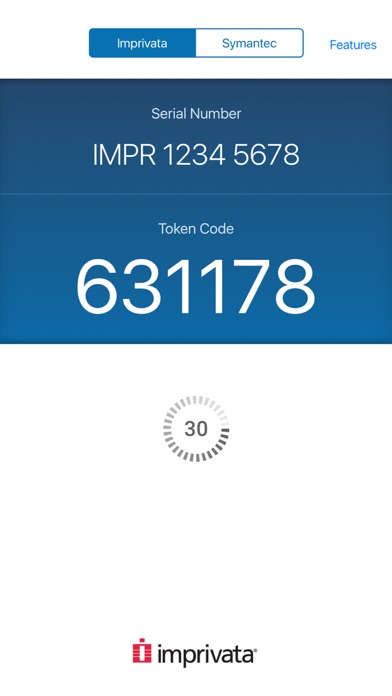
      Imprivata ID
      Imprivata ID
      Imprivata ID
      Imprivata ID
      Imprivata ID

      Rating

      4.5

      1652 Ratings

      Tap to Rate

      Please use Safari on iPhone/iPad to access the current page

      Because Panda Helper VIP service is based on iPhone/iPad device information (UDID), please access the current page in Safari on iPhone/iPad:
      • Scan the QR code on your iPhone/iPad
      • Copy the link below and open it in Safari on your iPhone/iPad
      * Safari only. Other browsers cannot get device information
      copy successfully!

      Follow us on social media

      panda helper top hover