Trending Searches

    History

      Clear All
      Hubspace

      Hubspace

      • Sizes: 73.59MB
      • Version: 1.7.47
      • Update: 2022-10-03
      Install by Apple Store

      Hubspace Description

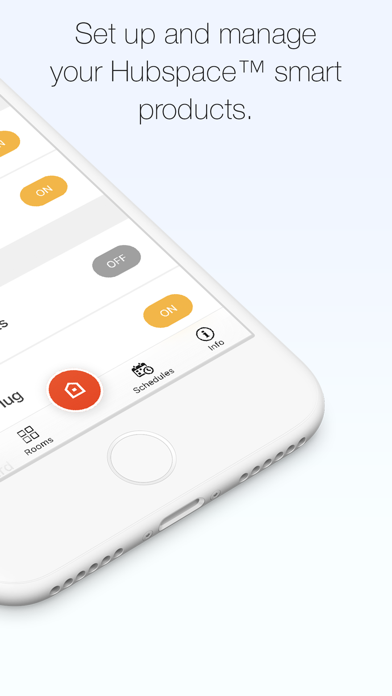
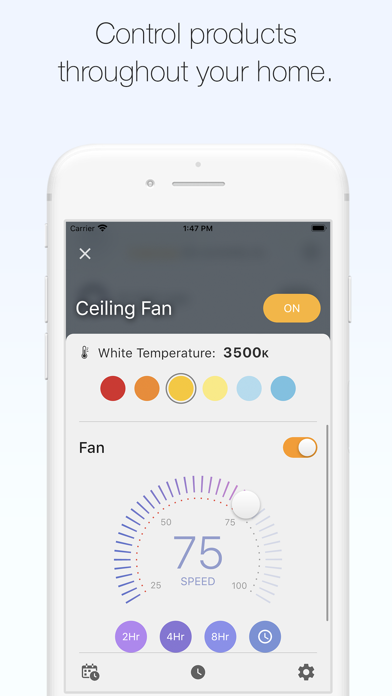
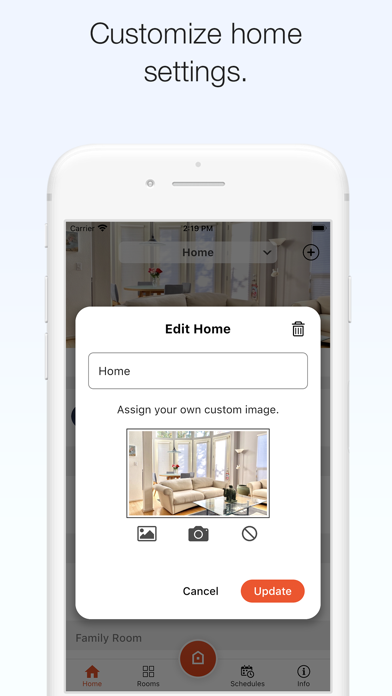
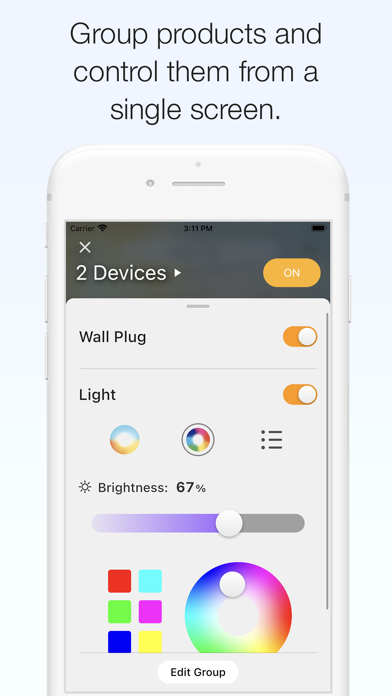
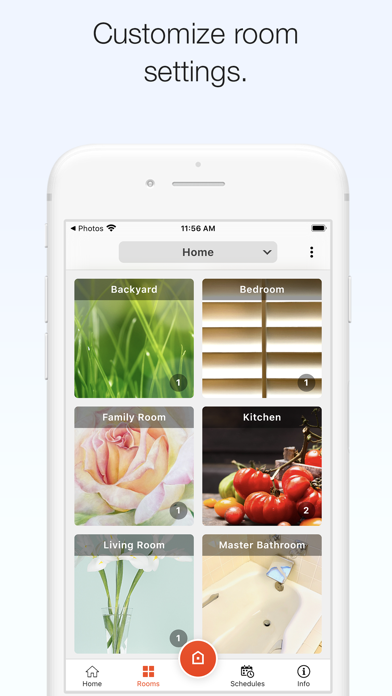
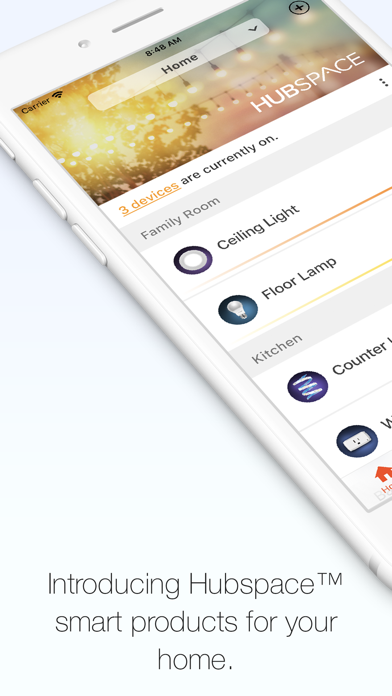
      Use the Hubspace app to set up your Hubspace smart home products and begin managing your connected home in just minutes. Organize your products by room and property, set schedules, or change product settings as needed using app controls. Manage and monitor your Hubspace products at home or remotely. PRODUCT SETTINGS • On/off controls • Change light color temperature settings and colors • Group products • Set schedules • Integrate with Google and Alexa • Set fan speed • And more For Canada: By clicking “Install”, you acknowledge having read and understood this Description and consent to the installation of The Home Depot’s Hubspace mobile application and all updates and upgrades thereto (the “App”). The App allows you to build a home network of smart products and to control them from your device. It collects, uses and discloses certain personal information for this purpose, as set out more fully in the Privacy and Security Statement at https://www.homedepot.com/privacy/Privacy_Security. You can withdraw your consent at any time, though certain withdrawals of consent may limit your ability to use the App as designed or at all. Home Depot of Canada Inc. 400-1 Concorde Gate | Toronto ON M3C 4H9 | The Home Depot Canada |[email protected] | Privacy Policy https://www.homedepot.com/privacy/Privacy_Security.

      Hubspace Information

      Name Hubspace

      Category Lifestyle

      Developer Afero, Inc.

      Version 1.7.47

      Update 2022-10-03

      Languages EN,FR,ES

      Size 73.59MB

      Compatibility Requires iOS 12.0 or later. Compatible with iPhone, iPad, and iPod touch.

      Other Original Version

      Hubspace Screenshot
      Hubspace
      Hubspace
      Hubspace
      Hubspace
      Hubspace
      Hubspace

      Rating

      4.7

      475 Ratings

      Tap to Rate

      Please use Safari on iPhone/iPad to access the current page

      Because Panda Helper VIP service is based on iPhone/iPad device information (UDID), please access the current page in Safari on iPhone/iPad:
      • Scan the QR code on your iPhone/iPad
      • Copy the link below and open it in Safari on your iPhone/iPad
      * Safari only. Other browsers cannot get device information
      copy successfully!

      Follow us on social media

      panda helper top hover