Trending Searches

    History

      Clear All
      Http traffic capture

      Http traffic capture

      • Sizes: 18.88MB
      • Version: 1.0.1
      • Update: 2021-11-08
      Install by Apple Store

      Http traffic capture Description

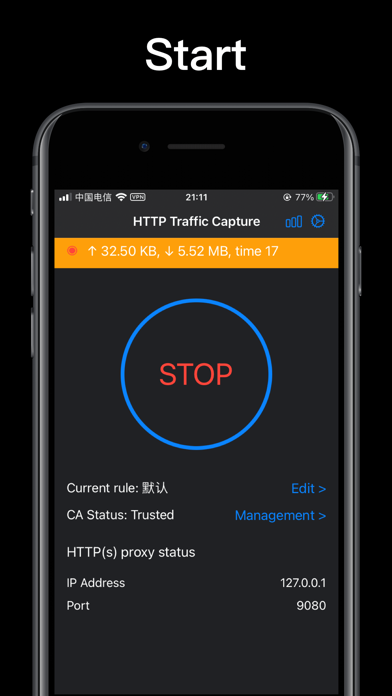
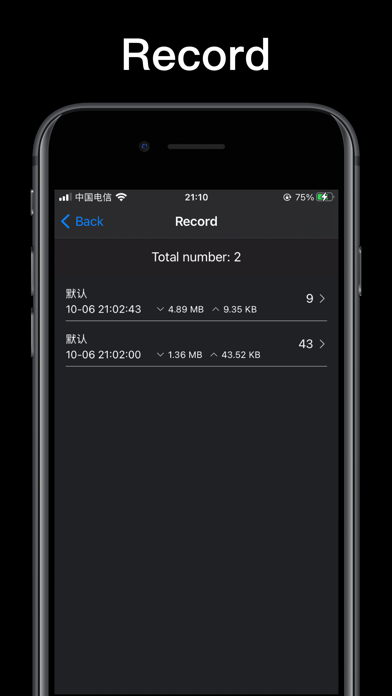
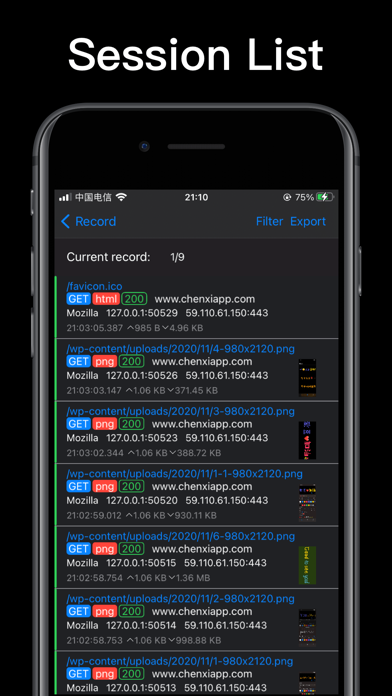
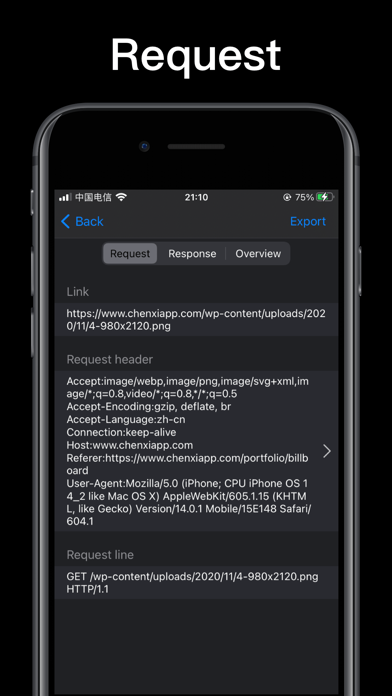
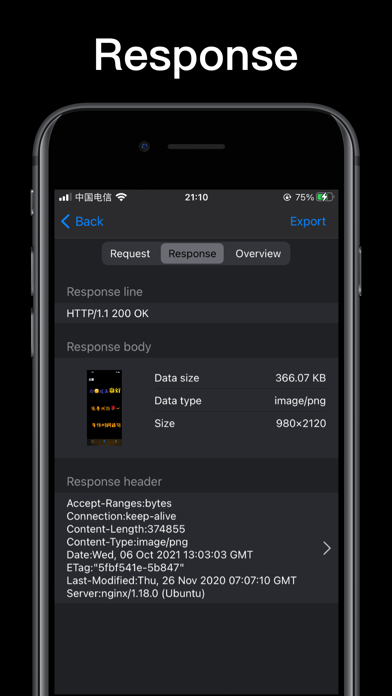
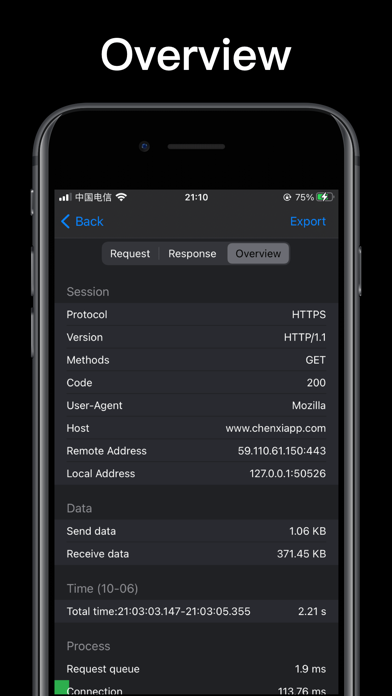
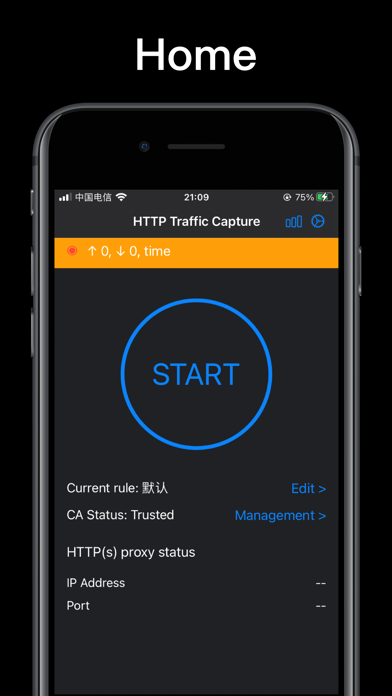
      HTTP Traffic Capture is a lightweight HTTP & HTTPs packet capture tool for common users who have network analysis capabilities. Features: 1. Support HTTP and HTTPs traffic analysis 2. Support HTML, Javascript, CSS, picture (webp, jpeg, png) preview, and binary data viewing 3. Support for setting packet capture rules 4. Support historical packet capture records 5. Support filtering historical packet content 6. Support exporting the captured packet content Instructions: 1. The software can support HTTP packet capture by default. If you need to capture and parse HTTPs traffic, you need to install a certificate 2. Click the start button, the system will create and connect to the vpn, and start the packet capture process; if you reject the vpn configuration, the packet capture cannot be performed 3. Click the orange task bar to view the current session, and click the session to view the session request and response 4. Click the request line and response line in the session to export the corresponding value 5. You can filter the content of a specific domain name through the filter button 6. You can export the session content through the export button 7. Click the stop button, a history record will be generated for subsequent viewing 8. If you need to clean up all data, you can go to the settings page and click the clear all data button How the software works: After opening the packet capture, the software will start a vpn and direct the vpn data packet to the local HTTP proxy server. Complete the analysis and storage of the data packet in the local proxy server. For HTTTPs data, you need to install and trust the certificate to successfully parse it. Data security: Since packet capture software involves user privacy data, privacy protection is the most important design consideration for software. To this end, we have made the following mechanism for this purpose: 1. The software's CA key and CA certificate are dynamically and randomly generated by the software and stored in the sandbox. No one can know the user's CA private key. 2. The certificate cannot be shared between different users. 3. After reinstalling the application, the history will cause the certificate to become invalid, and the user can manually delete the certificate in the settings. 4. The certificate is valid for one year. After the certificate expires, the user needs to regenerate it before it can be used. 5. The HTTP data captured by the software is only stored locally and will not be uploaded to any other place. 6. The user cannot modify the network request through the software to prevent some improper behavior. System configuration instructions: HTTP proxy server: 127.0.0.1:9080 Certificate description file name: Traffic Capture YYYY-MM-dd HH:mm, where YYYY-MM-dd HH:mm is the time when the certificate is generated VPN description file name: "Traffic Capture"

      Http traffic capture Information

      Name Http traffic capture

      Developer Shenzhen Chenxi Information Technology Co., Ltd

      Version 1.0.1

      Update 2021-11-08

      Languages EN,ZH

      Size 18.88MB

      Compatibility Requires iOS 14.0 or later. Compatible with iPhone, iPad, and iPod touch.

      Other Original Version

      Http traffic capture Screenshot
      Http traffic capture
      Http traffic capture
      Http traffic capture
      Http traffic capture
      Http traffic capture
      Http traffic capture
      Http traffic capture

      Rating

      4.6

      706 Ratings

      Tap to Rate

      Please use Safari on iPhone/iPad to access the current page

      Because Panda Helper VIP service is based on iPhone/iPad device information (UDID), please access the current page in Safari on iPhone/iPad:
      • Scan the QR code on your iPhone/iPad
      • Copy the link below and open it in Safari on your iPhone/iPad
      * Safari only. Other browsers cannot get device information
      copy successfully!

      Follow us on social media

      panda helper top hover