Trending Searches

    History

      Clear All
      Fast Scanner Pro: PDF Doc Scan

      Fast Scanner Pro: PDF Doc Scan

      • Sizes: 59.23MB
      • Version: 3.8.3
      • Update: 2022-02-11
      Install by Apple Store

      Fast Scanner Pro: PDF Doc Scan Description

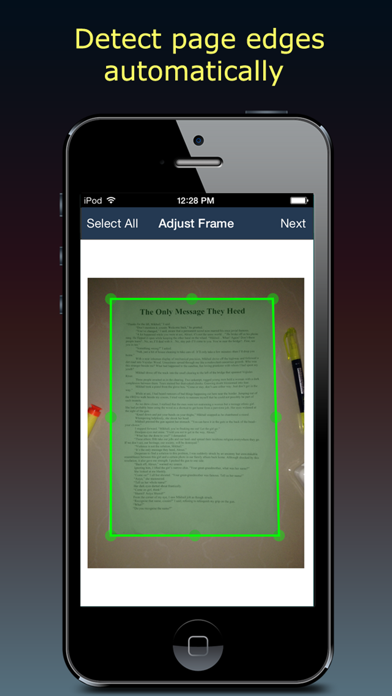
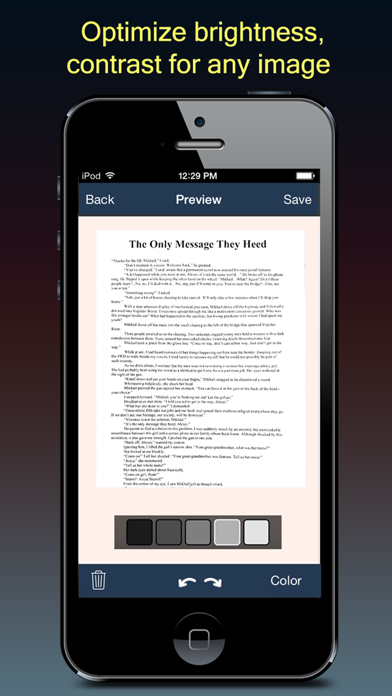
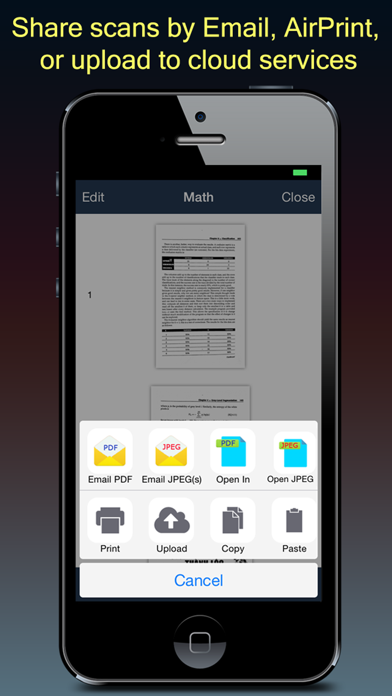
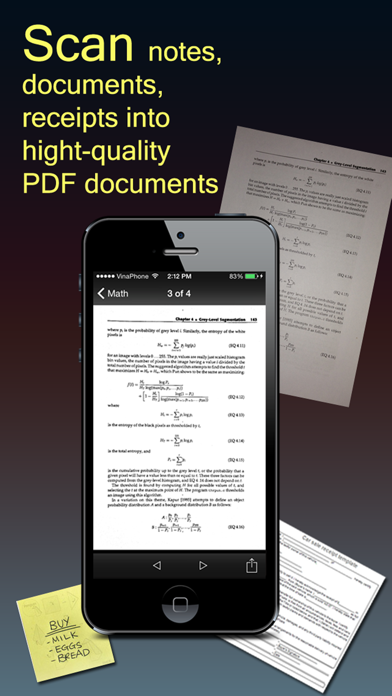
      Fast Scanner turns your iPhone into a multipage scanner for documents, receipts, notes, invoices, whiteboards and other paper text. With Fast Scanner, you can quickly scan your documents, then print or email them as multipage PDF or JPEG files. Moreover you can save the PDF files in your iPhone or open them in other apps such as iBook, PDF Reader, etc. FEATURES: + Scan documents Fast Scanner scan any type of documents, ranging from a receipt to multipage book. + Export to PDF file All scanned documents are exported as industry-standard PDF file. You can add new pages or delete existed pages within the PDF file. + Email or print scanned documents Just scan any documents and tap "Send" button. If the document needs to be printed, send it to any printer nearby. + Extremely Fast Fast Scanner is optimized to run very fast. + Multi editing support scanned document Fast Scanner support a lot of image editing options so you can make the scanned images as easy to read as possible. We are committed to provide frequently updated versions to all of our users. You only buy once and get all FREE updated version later.

      Fast Scanner Pro: PDF Doc Scan Information

      Name Fast Scanner Pro: PDF Doc Scan

      Category Bussiness

      Developer Hang Nguyen

      Version 3.8.3

      Update 2022-02-11

      Languages EN,RU

      Size 59.23MB

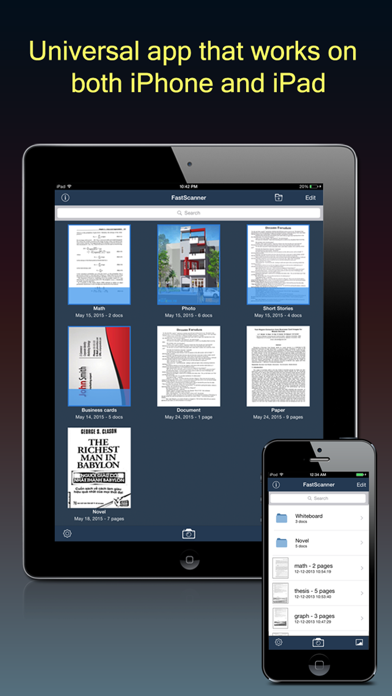
      Compatibility Requires iOS 12.0 or later. Compatible with iPhone, iPad, and iPod touch.

      Other Original Version

      Fast Scanner Pro: PDF Doc Scan Screenshot
      Fast Scanner Pro: PDF Doc Scan
      Fast Scanner Pro: PDF Doc Scan
      Fast Scanner Pro: PDF Doc Scan
      Fast Scanner Pro: PDF Doc Scan
      Fast Scanner Pro: PDF Doc Scan

      Rating

      4.6

      1817 Ratings

      Tap to Rate

      Please use Safari on iPhone/iPad to access the current page

      Because Panda Helper VIP service is based on iPhone/iPad device information (UDID), please access the current page in Safari on iPhone/iPad:
      • Scan the QR code on your iPhone/iPad
      • Copy the link below and open it in Safari on your iPhone/iPad
      * Safari only. Other browsers cannot get device information
      copy successfully!

      Follow us on social media

      panda helper top hover