Trending Searches

    History

      Clear All
      eZy Watermark Photos

      eZy Watermark Photos

      • Sizes: 307.13MB
      • Version: 9.5
      • Update: 2023-05-19
      Install by Apple Store

      eZy Watermark Photos Description

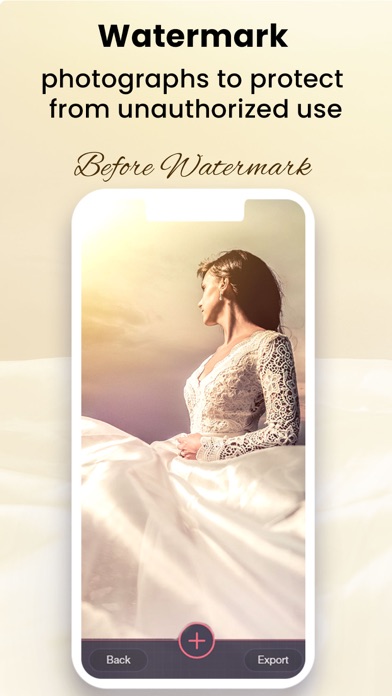
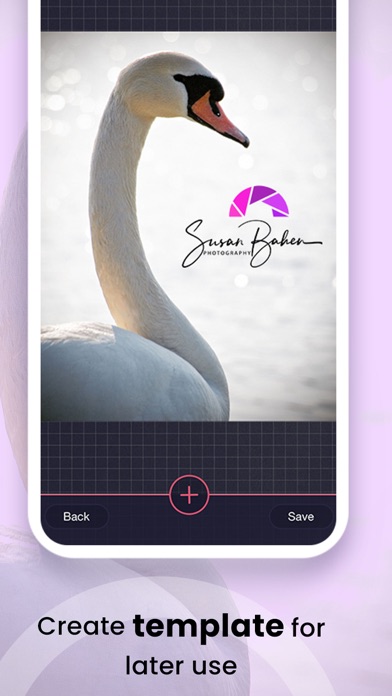
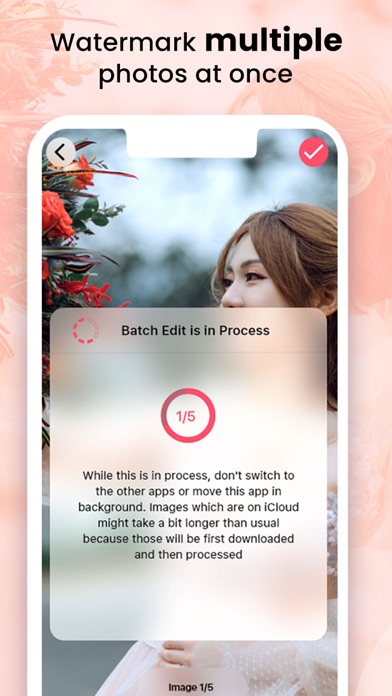
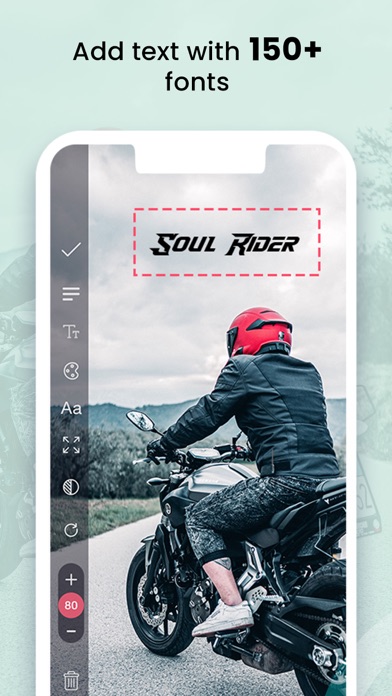
      If you are worried that your photographs might get stolen or that someone might use them for social media, we got you covered. eZy Watermark Photos gives you the security measure you need to protect what is rightfully yours. You can use your name, signature, logo, copyright and even trademark to create watermark on photos. eZy Watermark Photos offers you the optimal solution of capturing, watermarking the photos and sharing them swiftly. You’ll find this app easy-to-use and loads of watermarking options along with a friendly-user interface make it a joy to use. Here are a number of reasons why you should have eZy Watermark Photos; CREATE YOUR OWN TEMPLATES: One of its many great features, it allows you to create customized templates and save them. You can then use these custom templates to remember your watermarks and their position. You can also create templates for landscape and portrait photos separately. So, every time you use these templates, it will automatically set the position of the watermark. You can use this on single picture or multiple pictures. BATCH PROCESSING: There is no limitation as to how many pictures you want to watermark. So, simply design your watermark and apply it on as many pictures as you like. CUSTOMIZE WATERMARK FOR PHOTOS: This user-friendly app for watermark on photo gives you the choice to add watermark using text, signature, date/time, QR code, logo, copyright, and trademark etc. You can add signature to create watermark with additional options to adjust opacity, auto-alignment, rotation, and position. EDITING CONTROLS WITHIN THE APP: Need to edit your picture before applying watermark? Feel free to; crop, apply black & white filter and rotate the image according to your needs. SELECT FROM MORE THAN 150 FONTS AND COLORS: You have a lot of features to play with such as regulating opacity, drop shadows and choosing from a wide arrange of colors. You can also utilize the previously used watermarks. MULTIPLE IMPORT AND EXPORT OPTIONS: You can import from camera, phone’s library as well as social media you like such as; • Google Drive • OneDrive • Facebook • Instagram When you are done watermarking your photos, you can Export the edited photos to your phone library or any social media you like. You want us to broadcast you on Facebook? Just follow the link: https://www.facebook.com/eZywatermark/ and we will broadcast your best photographs there. We are always excited to hear from you. Have an idea for a cool feature? You can help us shape it. Submit it to: [email protected]

      eZy Watermark Photos Information

      Name eZy Watermark Photos

      Category Photography

      Developer Whizpool

      Version 9.5

      Update 2023-05-19

      Languages NL,EN,FR,DE,IT,JA,KO,PT,ZH,ES,ZH

      Size 307.13MB

      Compatibility Requires iOS 12.1 or later. Compatible with iPhone, iPad, and iPod touch.

      Other Original Version

      eZy Watermark Photos Screenshot
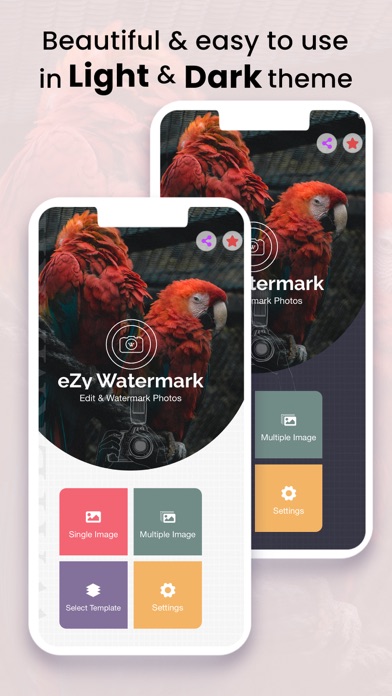
      eZy Watermark Photos
      eZy Watermark Photos
      eZy Watermark Photos
      eZy Watermark Photos
      eZy Watermark Photos
      eZy Watermark Photos
      eZy Watermark Photos

      Rating

      4.9

      204 Ratings

      Tap to Rate

      Please use Safari on iPhone/iPad to access the current page

      Because Panda Helper VIP service is based on iPhone/iPad device information (UDID), please access the current page in Safari on iPhone/iPad:
      • Scan the QR code on your iPhone/iPad
      • Copy the link below and open it in Safari on your iPhone/iPad
      * Safari only. Other browsers cannot get device information
      copy successfully!

      Follow us on social media

      panda helper top hover