Trending Searches

    History

      Clear All
      Even Longer

      Even Longer

      • Sizes: 3.09MB
      • Version: 1.5.0
      • Update: 2023-06-30
      Install by Apple Store

      Even Longer Description

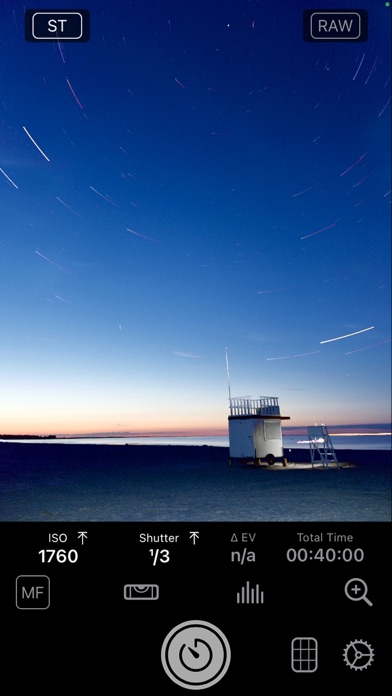
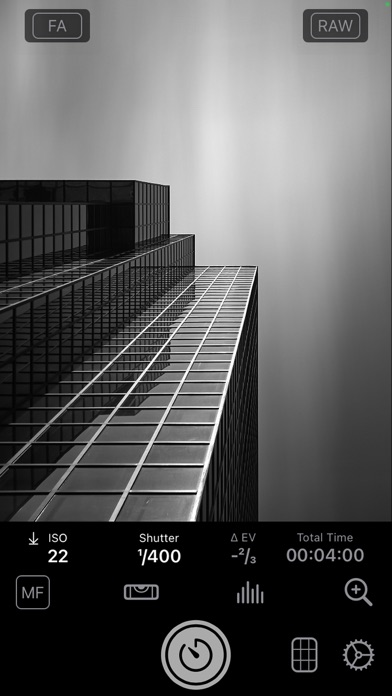
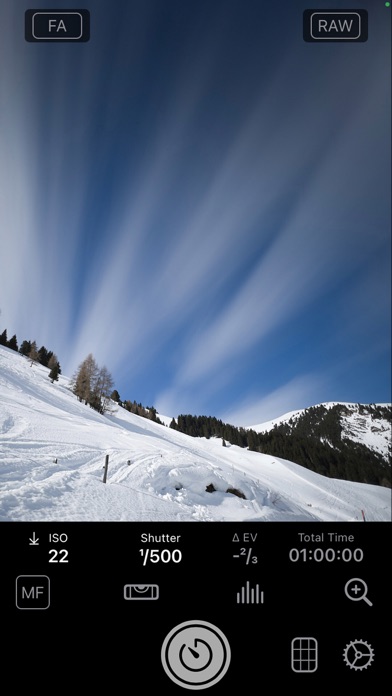
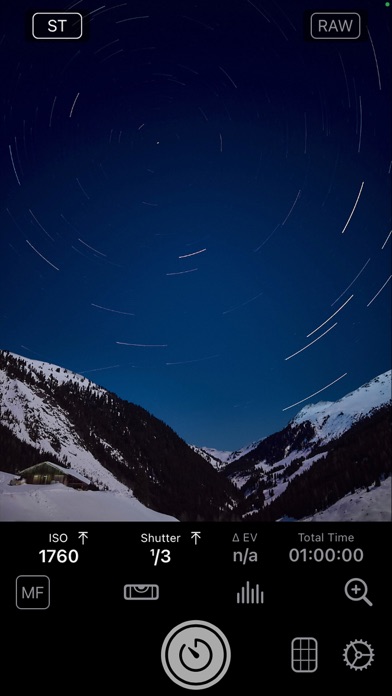
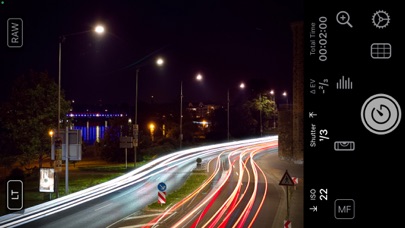
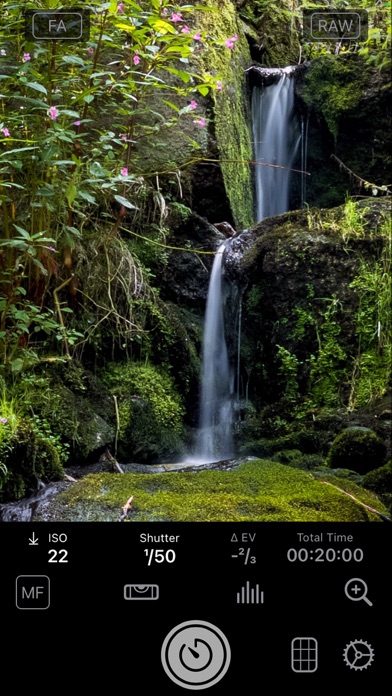
      Even Longer brings professional long exposure photography to the iPhone with  4 different capture modes: - Frame Averaging mode for beautiful motion blur - Light Trails mode - Star Trails mode for unmatched quality of star trails. The unique Star Trails mode uses special algorithms to reduce the visibility of disturbing objects like airplanes. - Night Mode (PRO members only) for shutter speeds up 30 times longer than with any other third party camera app to 30 seconds (or 10 seconds on older devices) With the optional PRO membership you get even more: - RAW support for all modes (except some ultra wide cameras) - Intervalometer - Parallel Bracketing for long exposure - Save interim results to select the most pleasing result later or keep some variants - Lossless TIFF support - Night Mode Even Longer allows for a total capture time of up to 24 hours Just use a tripod and you will be able to craft stunning long exposure images with your iPhone. This is way easier than with most DSLRs. No ND filter required. Set your capture time from 1 second to several hours.

      Even Longer Information

      Name Even Longer

      Category Photography

      Developer Mario Tomiak

      Version 1.5.0

      Update 2023-06-30

      Languages EN,DE

      Size 3.09MB

      Compatibility Requires iOS 15.6 or later. Compatible with iPhone, iPad, and iPod touch.

      Other Original Version

      Even Longer Screenshot
      Even Longer
      Even Longer
      Even Longer
      Even Longer
      Even Longer
      Even Longer
      Even Longer

      Rating

      4.7

      763 Ratings

      Tap to Rate

      Please use Safari on iPhone/iPad to access the current page

      Because Panda Helper VIP service is based on iPhone/iPad device information (UDID), please access the current page in Safari on iPhone/iPad:
      • Scan the QR code on your iPhone/iPad
      • Copy the link below and open it in Safari on your iPhone/iPad
      * Safari only. Other browsers cannot get device information
      copy successfully!

      Follow us on social media

      panda helper top hover