Trending Searches

    History

      Clear All
      eufy Clean (EufyHome)

      eufy Clean (EufyHome)

      • Sizes: 322.12MB
      • Version: 2.21.0
      • Update: 2023-05-15
      Install by Apple Store

      eufy Clean (EufyHome) Description

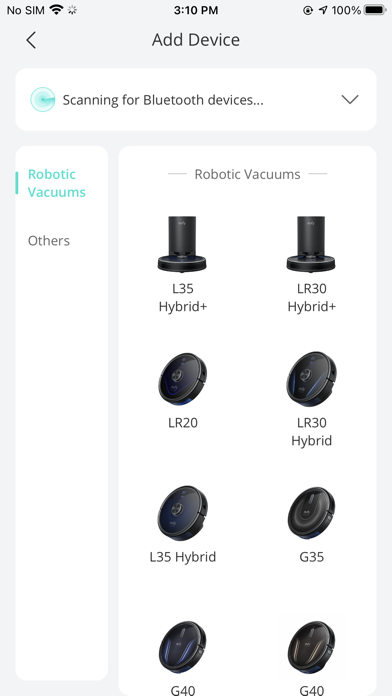
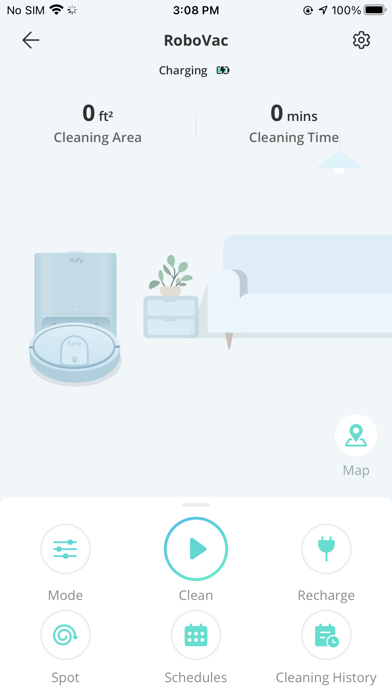
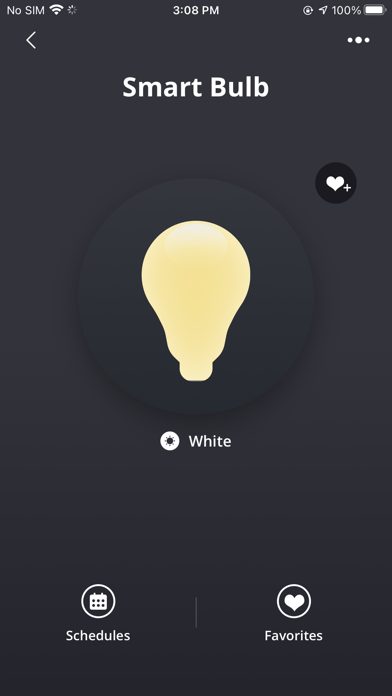
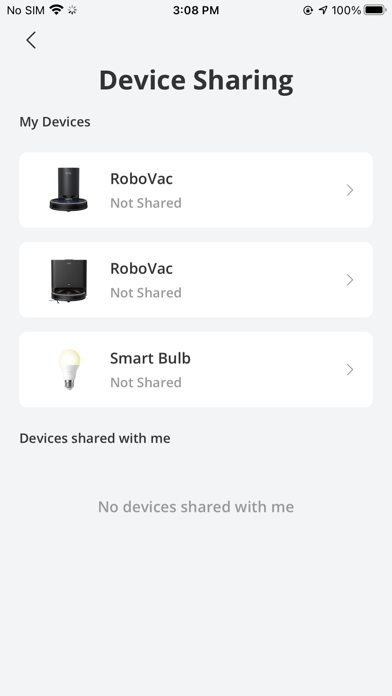
      eufy Clean - Live Well. Live Smart. Control your eufy smart home devices from anywhere. You can also share eufy smart home devices with family members, so everyone can set their own personal preferences for each device. How to use eufy Clean: - Registering your account: After downloading the app, create and register an account with your Email address. (Or directly log in with your EufyLife account) - Adding devices: Open the eufy Clean app and follow the intuitive setup procedure to pair new devices with your smartphone. If a device has already been setup by another family member, you can request control access to operate that device from that family member. - Using devices: After successfully pairing the new device, it will show up in the device list. Simply tap the icon you wish to use and start enjoying the eufy smart home experience. Contact Us: • Email: [email protected] • Website: eufylife.com • Facebook: @EufyOfficial

      eufy Clean (EufyHome) Information

      Name eufy Clean (EufyHome)

      Category Lifestyle

      Developer Power Mobile Life LLC

      Version 2.21.0

      Update 2023-05-15

      Languages AR,NL,EN,FR,DE,IT,JA,KO,PL,PT,RU,ZH,ES,TH,ZH,TR,VI

      Size 322.12MB

      Compatibility Requires iOS 11.0 or later. Compatible with iPhone, iPad, and iPod touch.

      Other Original Version

      eufy Clean (EufyHome) Screenshot
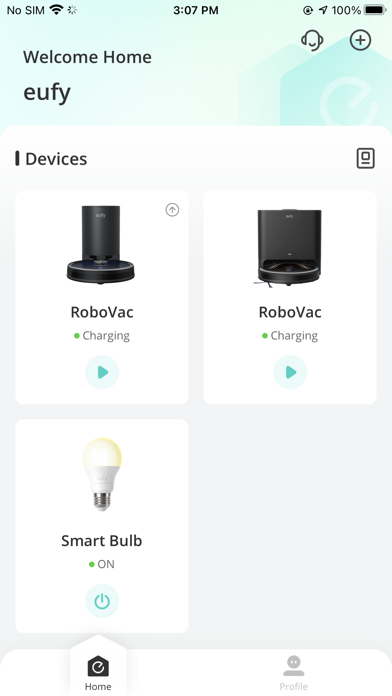
      eufy Clean (EufyHome)
      eufy Clean (EufyHome)
      eufy Clean (EufyHome)
      eufy Clean (EufyHome)
      eufy Clean (EufyHome)

      Rating

      4.7

      650 Ratings

      Tap to Rate

      Please use Safari on iPhone/iPad to access the current page

      Because Panda Helper VIP service is based on iPhone/iPad device information (UDID), please access the current page in Safari on iPhone/iPad:
      • Scan the QR code on your iPhone/iPad
      • Copy the link below and open it in Safari on your iPhone/iPad
      * Safari only. Other browsers cannot get device information
      copy successfully!

      Follow us on social media

      panda helper top hover