Trending Searches

    History

      Clear All
      Economy

      Economy

      • Sizes: 17.30MB
      • Version: 5.0
      • Update: 2016-11-13
      Install by Apple Store

      Economy Description

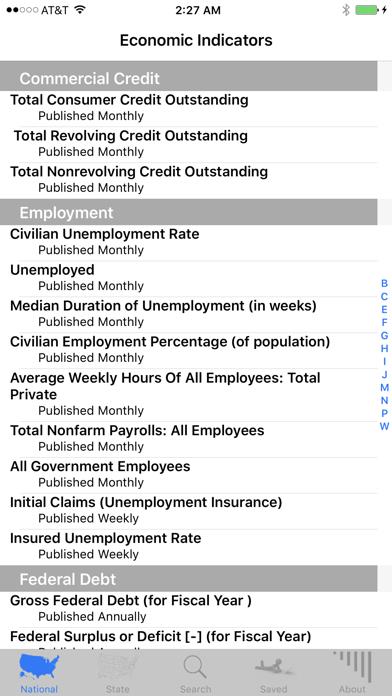
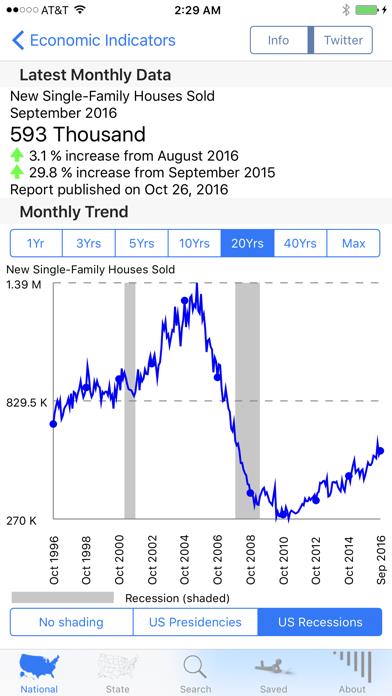
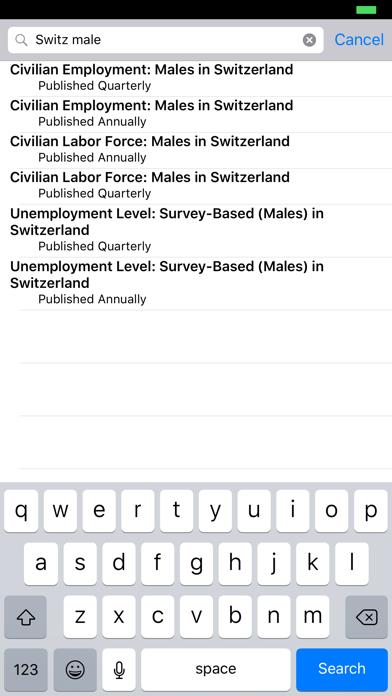
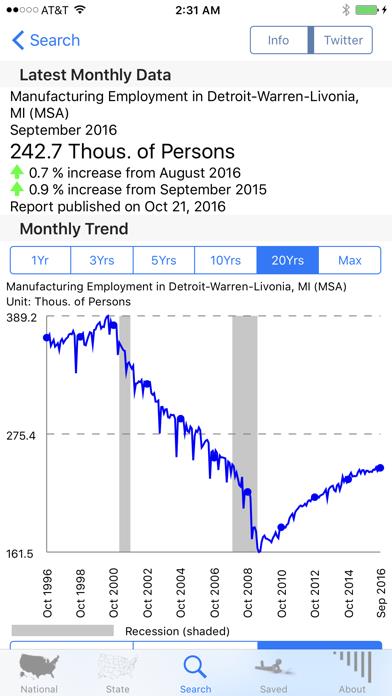
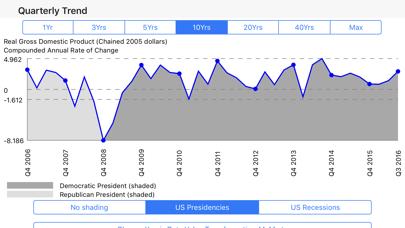
      ***** Featured in iTunes "STAFF FAVORITES" section and also #1 Finance app for consecutive weeks in 2009 ***** ***** Featured on cover and chapter-5 of Wiley Publishing's book on Incredible iPhone Apps ***** This app gives you a snapshot of the US economy by providing the latest key economic indicators and tracking the history of these indicators across the past few months, years and decades. The app includes around 45,000 economic indicators. The primary focus is on US economic indicators (including detailed data on all 50 states and for major metro areas). It also includes some economic indicators for more than a 100 other countries (e.g. UK, Canada, Australia, India, Singapore, China, Mexico, Estonia, Kenya, Nepal, Brazil etc.) Macworld review for the V1 version of the app http://www.macworld.com/article/142855/2009/09/economicnewsapps.html says "tough to do better than Cascade Software’s Economy app" "The app is a one-stop shop ....... economists and financial analysts love to parse" "it’s a handy resource to have available in the palm of your hand." --- Features: 1. Latest values of key (curated) US economic indicators (GDP, Employment, Housing, Manufacturing, Inflation, Trade Deficit, weekly updates of Canadian,Mexican currency exchange rates , M2 Money stock, etc.) published by the US Federal Reserve. 2. Around 45,000 economic indicators (mostly for the US, but also for more than a 100 other countries) 3. A powerful search engine that makes it easy to use partial (or full) keywords to search through the 45,000 economic indicators provided by the app. 4. Graphs to track economic indicators across many different time ranges (e.g. 1 year, 3 years, ...,40 years etc.) 5. Graphs that track the values of economic indicators across Democratic and Republican presidencies and across Recession periods over the past several decades. 6. All indicators updated soon after the govt numbers are published. (Most indicators updated monthly, others quarterly, annually, daily or weekly) 7. Help/Descriptions for many economic indicators. 8. Twitter support with the #cEconomy hashtag 9. Data-value transformations (graphs can be charted on interesting y-axis transformations (e.g. continuously compounded annual rate of change, natural log, change from previous year etc.) 10. The app requires internet connectivity, but previously downloaded/viewed (saved) data can be viewed in offline mode without an internet connection. Are you curious about the economy? Gauge the current state of the US economy with the latest economic indicators, Review historical data for patterns across recessions and patterns across Republican and Democratic presidencies Do you want to win arguments when discussing the economy or make speculative predictions about the economy based on patterns from the past? This app will help you with all of that and more. ---- Please contact us through our website (http://CascadeSoft.net) or blog for questions, comments or suggestions. The app is optimised for multiple iPhone and iPod Touch devices and it has been tested on devices ranging from an iPhone 4 device (running iOS 5.1.1) to an iPhone 7 Plus device (running iOS 10.1) Download the app to see why it was the #1 ranked paid app in the Finance category of the app store (for weeks in summer, 2009) and why it was featured on the cover of Wiley Publishing's book on Incredible iPhone apps.

      Economy Information

      Name Economy

      Category Finance

      Developer Cascade Software Corporation

      Version 5.0

      Update 2016-11-13

      Languages EN

      Size 17.30MB

      Compatibility Requires iOS 5.1.1 or later. Compatible with iPhone, iPad, and iPod touch.

      Other Original Version

      Economy Screenshot
      Economy
      Economy
      Economy
      Economy
      Economy

      Rating

      4.6

      1533 Ratings

      Tap to Rate

      Please use Safari on iPhone/iPad to access the current page

      Because Panda Helper VIP service is based on iPhone/iPad device information (UDID), please access the current page in Safari on iPhone/iPad:
      • Scan the QR code on your iPhone/iPad
      • Copy the link below and open it in Safari on your iPhone/iPad
      * Safari only. Other browsers cannot get device information
      copy successfully!

      Follow us on social media

      panda helper top hover