Trending Searches

    History

      Clear All
      DoughCalc

      DoughCalc

      • Sizes: 7.69MB
      • Version: 2.0
      • Update: 2017-03-31
      Install by Apple Store

      DoughCalc Description

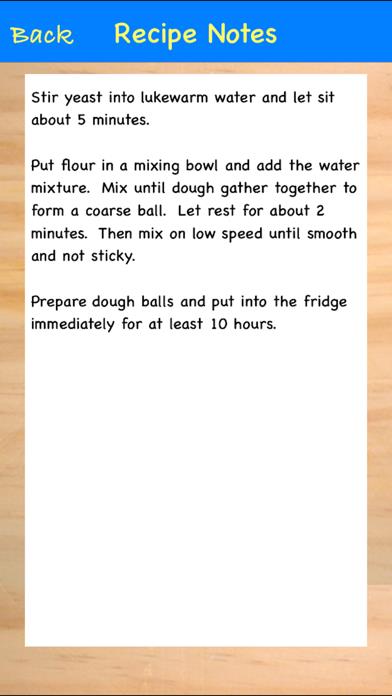
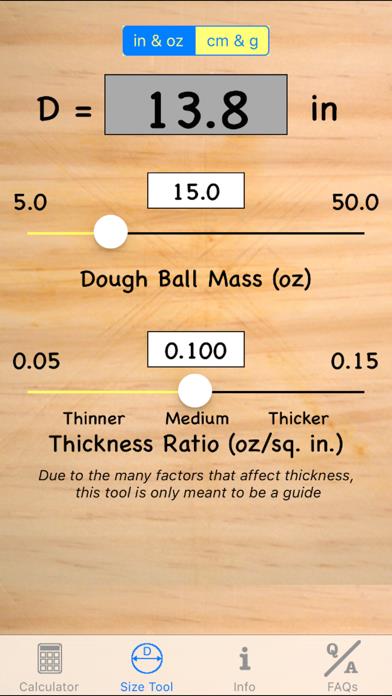
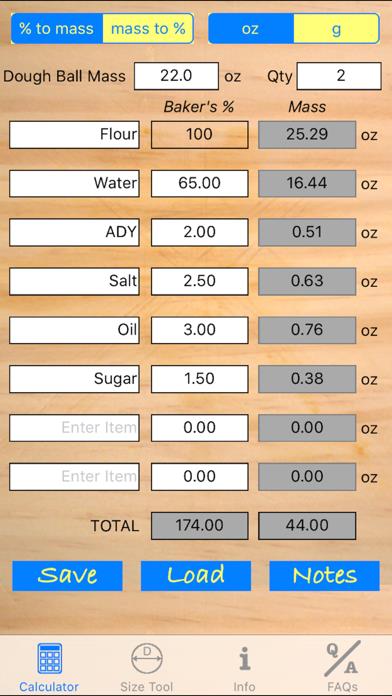
      Do you like to make dough? Have you ever needed to convert a Baker's Percentage into ingredient masses when making dough? Have you been looking on the App Store for something like this for a while? Then you’re like me, and this is the tool for you! Pizza and bread dough recipes can use Baker's Percentages. Baker's Percentages are used to make more consistent recipes by specifying the ratios of the ingredient masses. One cup of sifted flour does not weigh the same as one cup of unsifted flour. But 100g of flour will always be 100g of flour. Baker's Percentages are also easy to scale to different dough ball sizes. With this app you can include up to 8 ingredients in your recipes. You can also save your favorite recipes for future reference. The ingredients list is customizable so you can add detail about your ingredients. For example, if your recipe calls for Instant Dry Yeast instead of Active Dry Yeast then you can include that. Additionally, if you know the masses of your ingredients, you can also use this tool to convert your recipe into Baker's Percentages for easy scaling to different sizes. You can also add notes for reference that will be saved with each recipe. Supports ounces and grams.

      DoughCalc Information

      Name DoughCalc

      Category Food

      Developer Martin Bieti

      Version 2.0

      Update 2017-03-31

      Languages EN

      Size 7.69MB

      Compatibility Requires iOS 9.2 or later. Compatible with iPhone, iPad, and iPod touch.

      Other Original Version

      DoughCalc Screenshot
      DoughCalc
      DoughCalc
      DoughCalc

      Rating

      4.8

      1708 Ratings

      Tap to Rate

      Please use Safari on iPhone/iPad to access the current page

      Because Panda Helper VIP service is based on iPhone/iPad device information (UDID), please access the current page in Safari on iPhone/iPad:
      • Scan the QR code on your iPhone/iPad
      • Copy the link below and open it in Safari on your iPhone/iPad
      * Safari only. Other browsers cannot get device information
      copy successfully!

      Follow us on social media

      panda helper top hover