Trending Searches

    History

      Clear All
      Dice by PCalc

      Dice by PCalc

      • Sizes: 182.55MB
      • Version: 2.6.8
      • Update: 2023-04-05
      Install by Apple Store

      Dice by PCalc Description

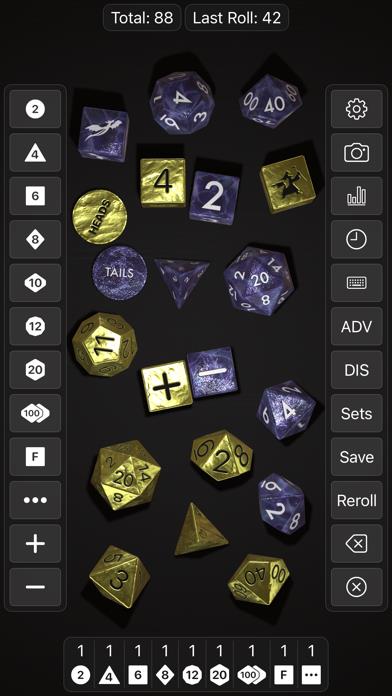
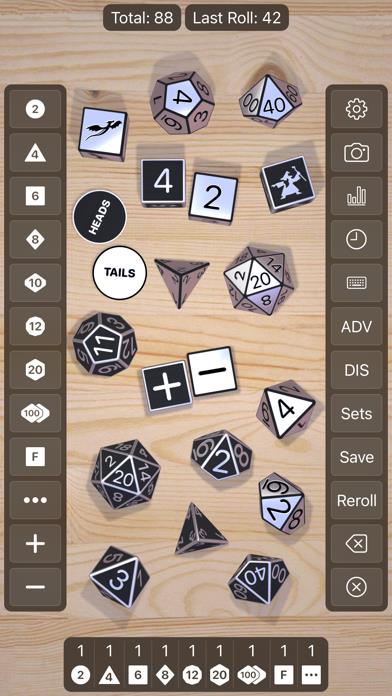
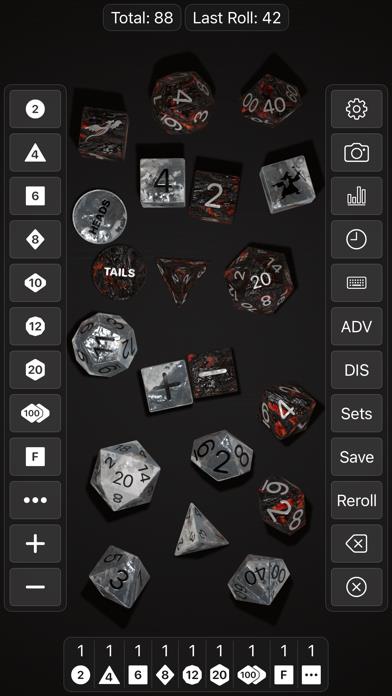
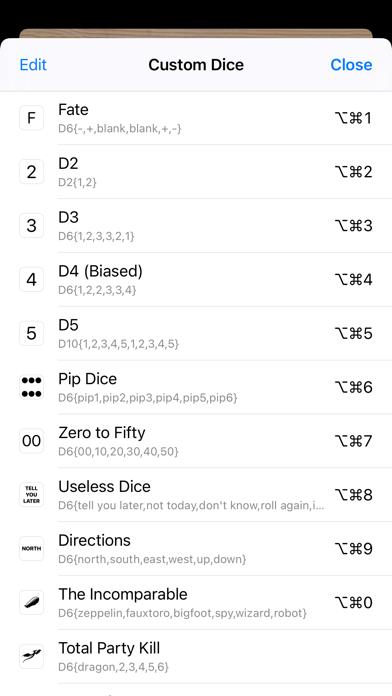
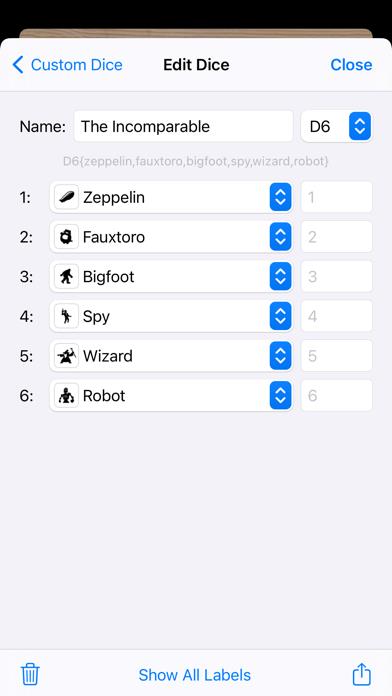
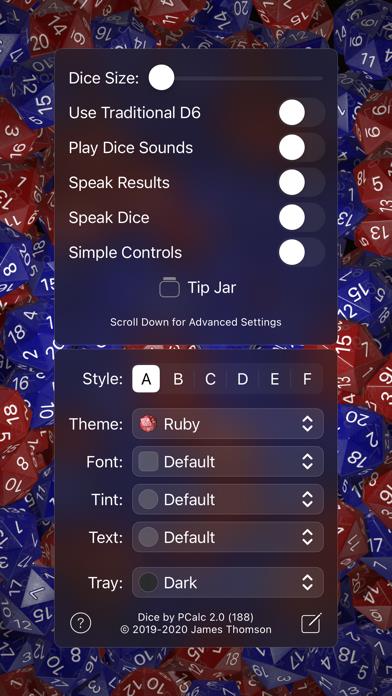
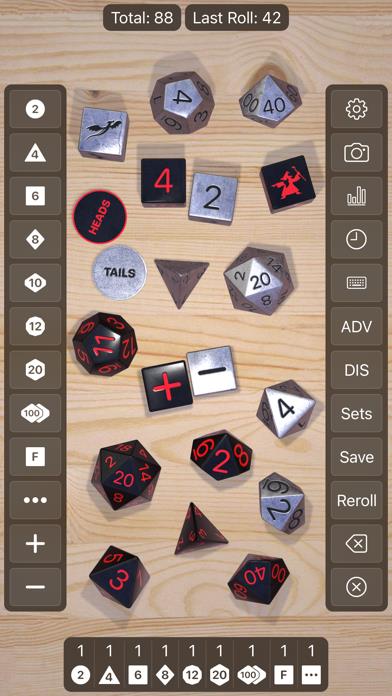
      Dice by PCalc, is a physics-based simulation of polyhedral dice for use in tabletop role-playing games with dungeons and/or dragons. Featuring near-photorealistic 3D graphics, it comes with a variety of gorgeous dice sets. Throw multiple dice with advantage or disadvantage, and any given modifier, and the app will automatically calculate the correct total. You can save named presets to quickly roll the attack of your favorite sword, or figure out exactly how much damage your bard took from those seventeen giant rats. Flick dice to fire them across the screen when the numbers don’t go your way. Create custom dice with any text or emoji on the faces, or import your own images, and easily share your dice with friends. Supports split screen and slide-over on the iPad, so you can put it alongside your other RPG apps, and speech synthesis that can read out the list of dice and the results. Also comes with a companion Apple Watch app, so you'll never be without a D20 again. Even supports AR! The ideal app for every member of your party!

      Dice by PCalc Information

      Name Dice by PCalc

      Category Games

      Developer TLA Systems Ltd.

      Version 2.6.8

      Update 2023-04-05

      Languages EN

      Size 182.55MB

      Compatibility Requires iOS 14.1 or later. Compatible with iPhone, iPad, and iPod touch.

      Other Original Version

      Dice by PCalc Screenshot
      Dice by PCalc
      Dice by PCalc
      Dice by PCalc
      Dice by PCalc
      Dice by PCalc
      Dice by PCalc
      Dice by PCalc

      Rating

      5.0

      1982 Ratings

      Tap to Rate

      Please use Safari on iPhone/iPad to access the current page

      Because Panda Helper VIP service is based on iPhone/iPad device information (UDID), please access the current page in Safari on iPhone/iPad:
      • Scan the QR code on your iPhone/iPad
      • Copy the link below and open it in Safari on your iPhone/iPad
      * Safari only. Other browsers cannot get device information
      copy successfully!

      Follow us on social media

      panda helper top hover