Trending Searches

    History

      Clear All
      Countdown  ‎

      Countdown ‎

      • Sizes: 123.22MB
      • Version: 4.5.11
      • Update: 2023-01-10
      Install by Apple Store

      Countdown ‎ Description

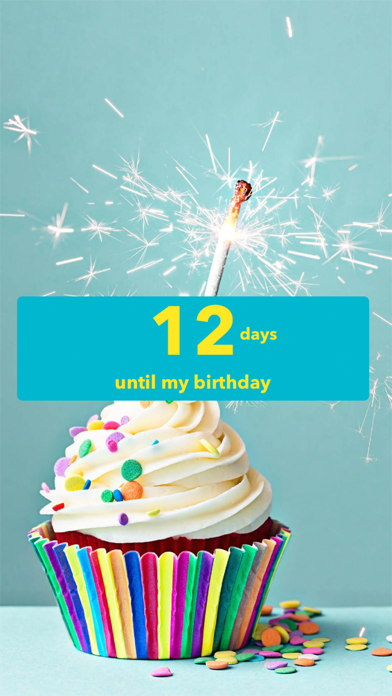
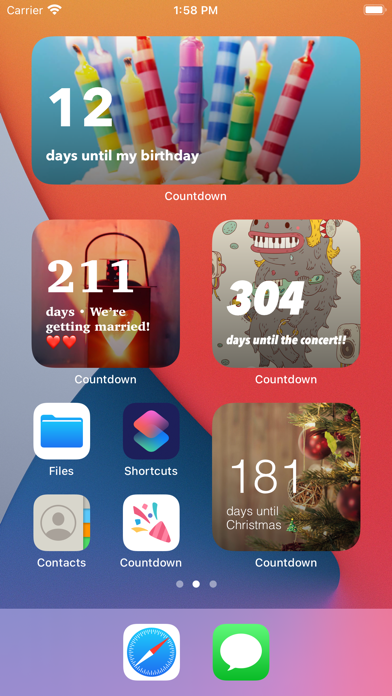
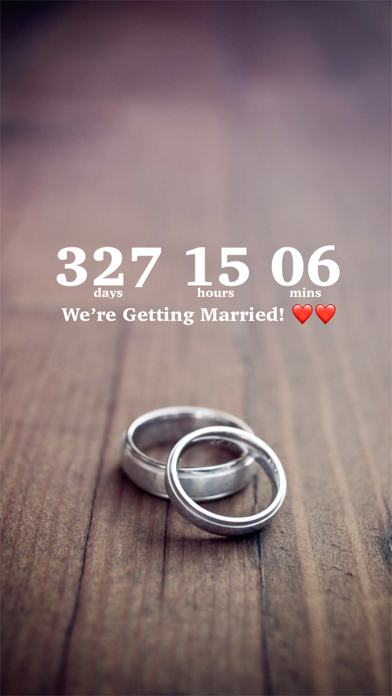
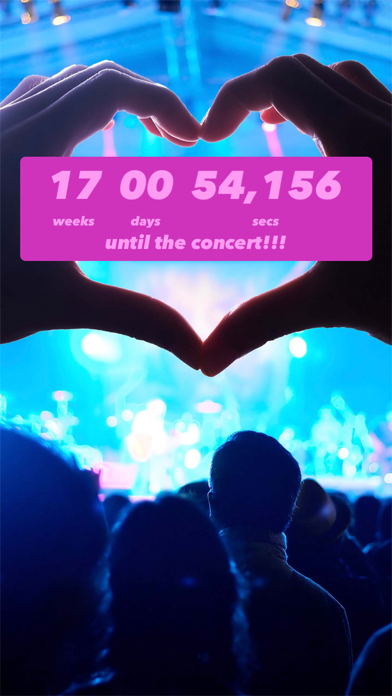
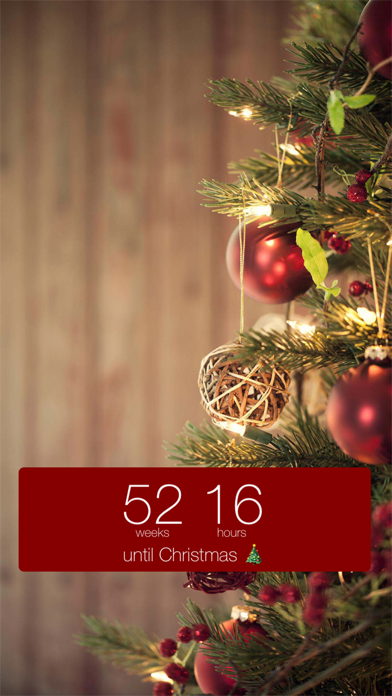
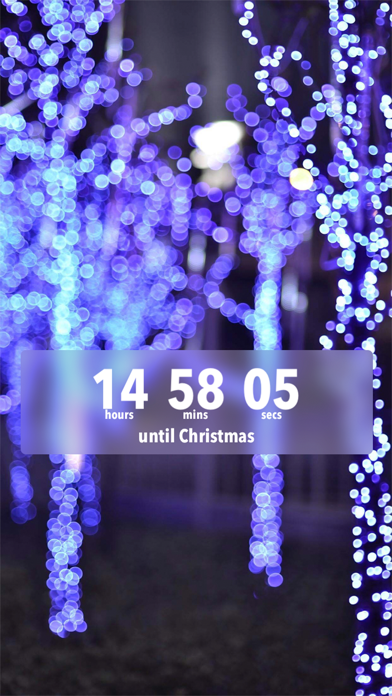
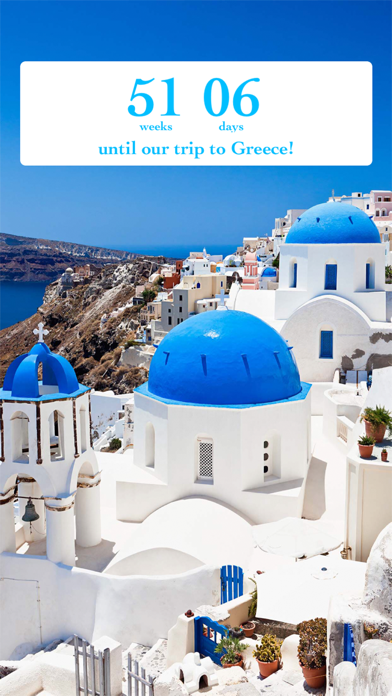
      Count down to your next event - your next vacation, your favorite band’s concert, the next movie premiere, your child's graduation, your anniversary, and more - in style! Features: • iOS 16 LOCK SCREEN WIDGETS: Add countdown widgets to your lock screen! First, set up your countdown in the Countdown app. Then, pull down your lock screen, long-hold an empty area and tap "Customize." • HOME SCREEN WIDGETS: Count down the days to your event right from your home screen! Just long hold an empty area on your home screen and tap the "+" in the top-left corner to get started. • FLEXIBLE UNITS: Years, months, weeks, days, hours, minutes, seconds, and even heartbeats! (e.g. "3 months 14 mins" or "56713 heartbeats") • DRAG the Countdown and DISPLAY it wherever you want. • Use YOUR OWN PHOTOS as the background, including INSTAGRAM and FACEBOOK PHOTOS! Or look through a large selection of FREE BACKGROUND PHOTOS. • Flip through your BACKGROUND PHOTOS while counting down. • Set your own MUSIC for each Countdown. • Customizable FONTS, font colors and background colors for the Countdown display. • Your OWN PHRASE - "the concert of the year", "little pumpkin's dance performance", "we board the plane". • Create Countdowns from your CALENDAR EVENTS! • MULTIPLE Countdowns (and rearrange them as you like!) • REMINDERS for your events. • SHARE a live Countdown or a screenshot of your Countdown with FACEBOOK, INSTAGRAM, TWITTER or EMAIL. • Count down to ANNIVERSARIES that repeat every year. (e.g. “25 days until my 10th anniversary!”) • COUNT UP from past events. (e.g. “21 days since…”) • SMART TOOLBAR is hidden until you tap on the screen; more screen space for your Countdowns. • Works in PORTRAIT and LANDSCAPE mode. • View and save popular COUNTDOWNS NEAR YOU. === Premium Features === + iOS 14 WIDGETS: Count the days to your event without leaving the home screen! + SLIDESHOW MODE of background photos, with different animation styles and speeds! + NO ADS: No distractions or clutter. Just you and your countdown. Make each second count! In addition to the free features listed above, we also offer Countdown Premium as a subscription. Countdown Premium subscribers will have access to an ad-free experience, home screen widgets, and slideshow mode. Price may vary by location. Subscriptions will be charged to your credit card through your iTunes account. Your subscription will automatically renew unless canceled at least 24 hours before the end of the current period. You can manage your subscription in Account Settings after purchase. Terms: https://www.sunflowr.com/terms-of-service/ Privacy Policy: https://www.sunflowr.com/privacy/

      Countdown ‎ Information

      Name Countdown ‎

      Category Lifestyle

      Developer Sevenlogics, Inc.

      Version 4.5.11

      Update 2023-01-10

      Languages DA,NL,EN,FI,FR,DE,EL,HE,ID,IT,JA,KO,MS,NB,PT,RU,ZH,ES,SV,TH,ZH,TR,VI

      Size 123.22MB

      Compatibility Requires iOS 12.0 or later. Compatible with iPhone, iPad, and iPod touch.

      Other Original Version

      Countdown ‎ Screenshot

      Countdown  ‎
      Countdown  ‎
      Countdown  ‎
      Countdown  ‎
      Countdown  ‎
      Countdown  ‎
      Countdown  ‎

      Rating

      5.0

      757 Ratings

      Tap to Rate

      Please use Safari on iPhone/iPad to access the current page

      Because Panda Helper VIP service is based on iPhone/iPad device information (UDID), please access the current page in Safari on iPhone/iPad:
      • Scan the QR code on your iPhone/iPad
      • Copy the link below and open it in Safari on your iPhone/iPad
      * Safari only. Other browsers cannot get device information
      copy successfully!

      Follow us on social media

      panda helper top hover