Trending Searches

    History

      Clear All
      Cosmicast

      Cosmicast

      • Sizes: 26.91MB
      • Version: 2.2.9
      • Update: 2020-11-18
      Install by Apple Store

      Cosmicast Description

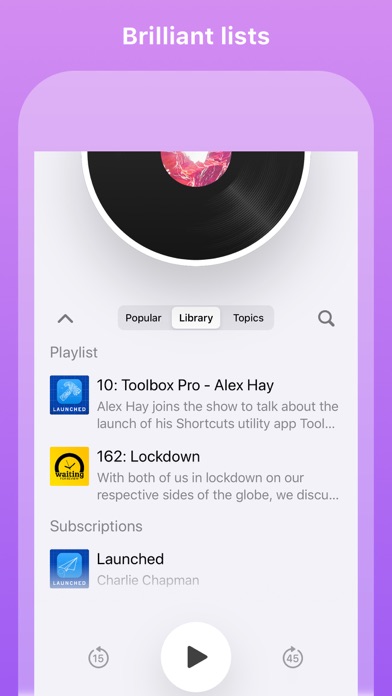
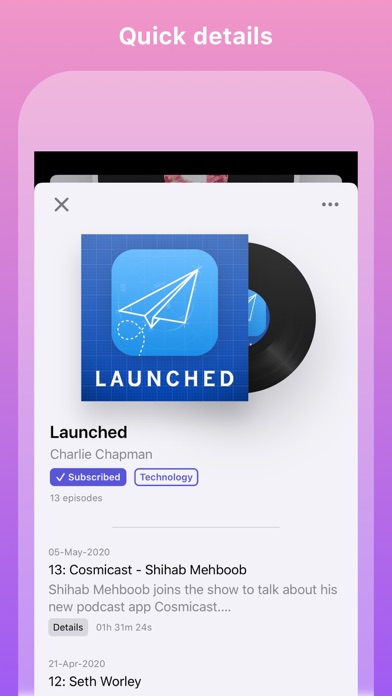
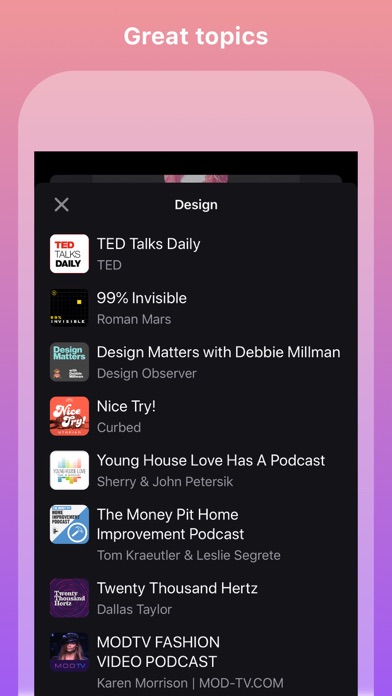
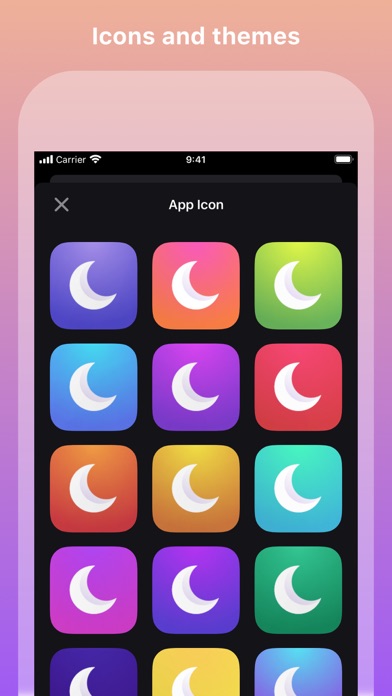
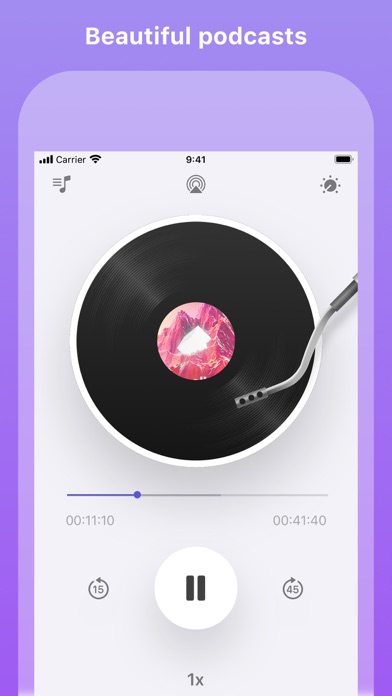
      Cosmicast is a beautiful podcast player built with iOS design guidelines in mind. There are no complicated user accounts or settings to configure. You can pick it up and get started immediately. This is made even faster with OPML podcast importing, so you can start using the gorgeous turntable right away. Key features: - Beautiful interface - Browse top podcasts in any region - View podcasts by a variety of topics and categories - Adjustable sleep timer - Adjust the playback speed for when you're in a hurry - Change skip backwards and forwards durations (long-hold or deep-press to change the durations) - Great gestures (scrub the turntable and swipe up/down to view/dismiss lists) - Download episodes and add them to your playlist for offline listening - Discover related podcasts - Skip silences - Chapter markers - Video podcasts support - Handoff support - Change region for different podcast content - Change app tint - Change app icons - Dark mode support - Siri Shortcuts - iMessage stickers - CarPlay - Universal app with iPad and Apple Watch support - CarPlay support - iCloud sync - Import and export OPML files from within the app or from the iOS Share Sheet

      Cosmicast Information

      Name Cosmicast

      Category News

      Developer PoeticBytes Inc.

      Version 2.2.9

      Update 2020-11-18

      Languages CS,EN,FR,DE,HI,IT,JA,PT,RU,ZH,ES,TR

      Size 26.91MB

      Compatibility Requires iOS 13.0 or later. Compatible with iPhone, iPad, and iPod touch.

      Other Original Version

      Cosmicast Screenshot
      Cosmicast
      Cosmicast
      Cosmicast
      Cosmicast
      Cosmicast

      Rating

      4.7

      1023 Ratings

      Tap to Rate

      Please use Safari on iPhone/iPad to access the current page

      Because Panda Helper VIP service is based on iPhone/iPad device information (UDID), please access the current page in Safari on iPhone/iPad:
      • Scan the QR code on your iPhone/iPad
      • Copy the link below and open it in Safari on your iPhone/iPad
      * Safari only. Other browsers cannot get device information
      copy successfully!

      Follow us on social media

      panda helper top hover