Trending Searches

    History

      Clear All
      College Football Radio & Live Scores + Highlights

      College Football Radio & Live Scores + Highlights

      • Sizes: 2.19MB
      • Version: 2.1.7
      • Update: 2017-05-04
      Install by Apple Store

      College Football Radio & Live Scores + Highlights Description

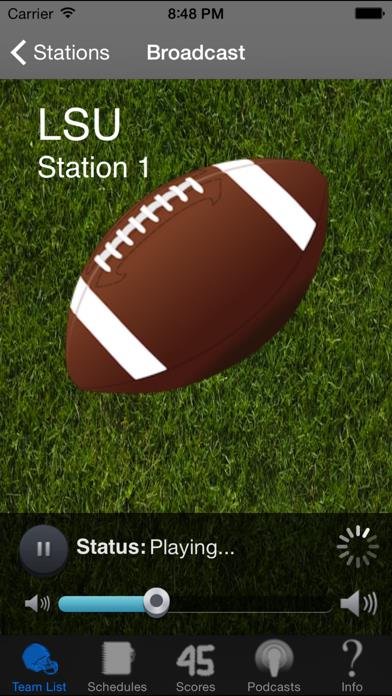
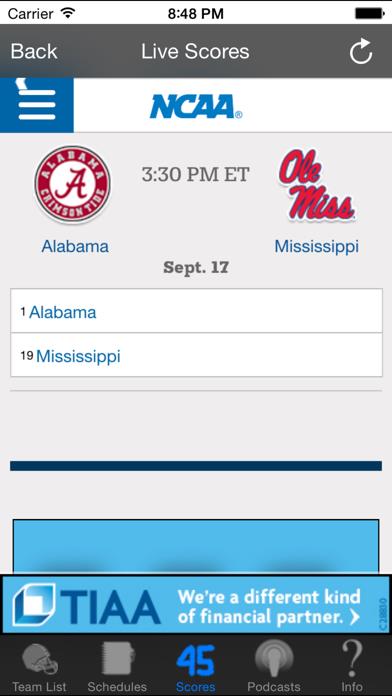
      * THE ONLY APP WITH ALL LIVE GAMES, SCORES AND HIGHLIGHTS DURING THE WEEK 24/7 * - The Most Teams & Stations - Live Scores & Highlights - Audio Podcasts 24/7 - Designed for iPhone, iPod & iPad - Automatic Updates!! - The Best Reviews of Any App Listen Live to your favorite teams games throughout the season! Watch and Listen to Reports 24/7 during the week! Want a team we don't have? Just email us and we will try to add them. Yeah, it's that easy! Disclaimer: Some teams restrict their radio affiliates from broadcasting certain games online. We will find every possible solution to get each and every game but there are some games that may not be possible to broadcast.

      College Football Radio & Live Scores + Highlights Information

      Name College Football Radio & Live Scores + Highlights

      Category Sports

      Developer JJACR Apps, LLC

      Version 2.1.7

      Update 2017-05-04

      Languages EN

      Size 2.19MB

      Compatibility Requires iOS 7.0 or later. Compatible with iPhone, iPad, and iPod touch.

      Other Original Version

      College Football Radio & Live Scores + Highlights Screenshot

      College Football Radio & Live Scores + Highlights
      College Football Radio & Live Scores + Highlights
      College Football Radio & Live Scores + Highlights
      College Football Radio & Live Scores + Highlights
      College Football Radio & Live Scores + Highlights

      Rating

      4.6

      1017 Ratings

      Tap to Rate

      Please use Safari on iPhone/iPad to access the current page

      Because Panda Helper VIP service is based on iPhone/iPad device information (UDID), please access the current page in Safari on iPhone/iPad:
      • Scan the QR code on your iPhone/iPad
      • Copy the link below and open it in Safari on your iPhone/iPad
      * Safari only. Other browsers cannot get device information
      copy successfully!

      Follow us on social media

      panda helper top hover