Trending Searches

    History

      Clear All
      Charles Proxy

      Charles Proxy

      • Sizes: 19.56MB
      • Version: 1.4
      • Update: 2020-09-27
      Install by Apple Store

      Charles Proxy Description

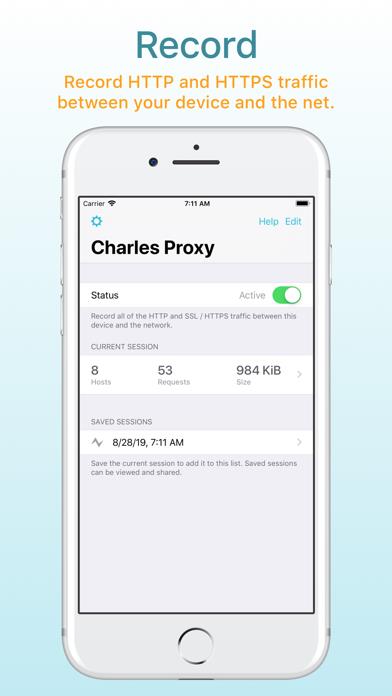
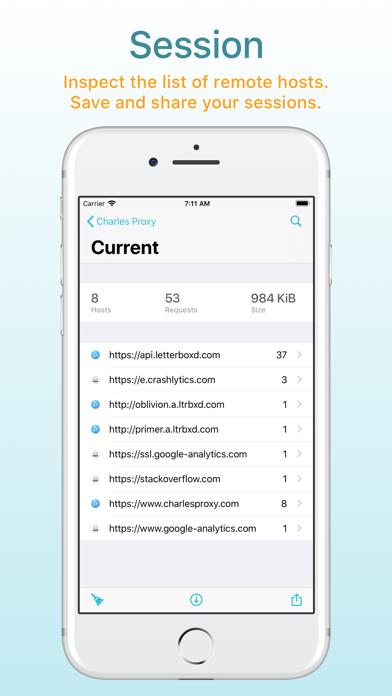
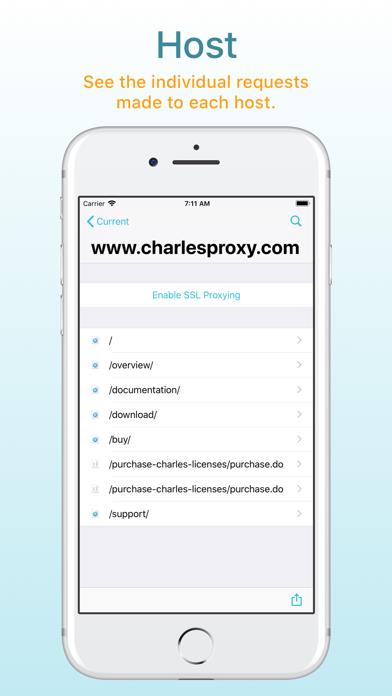
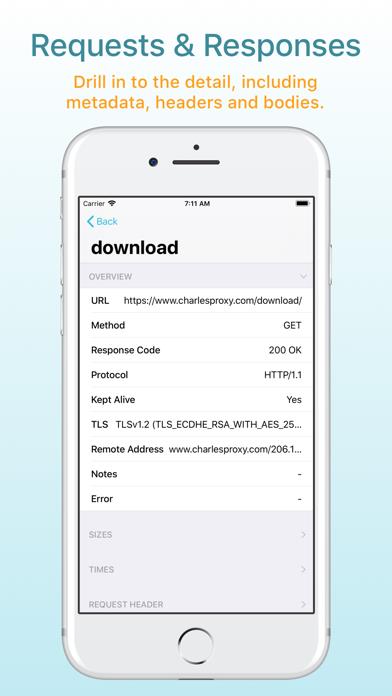
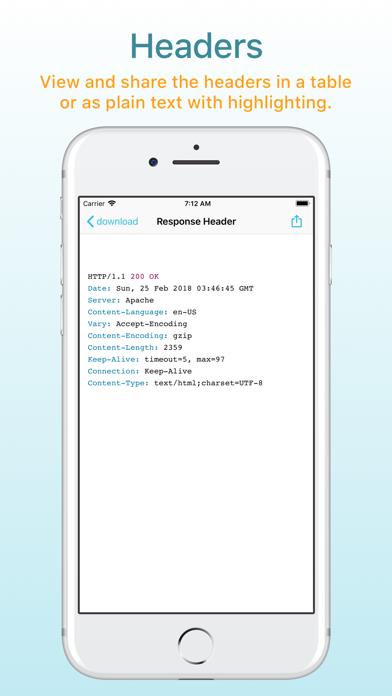
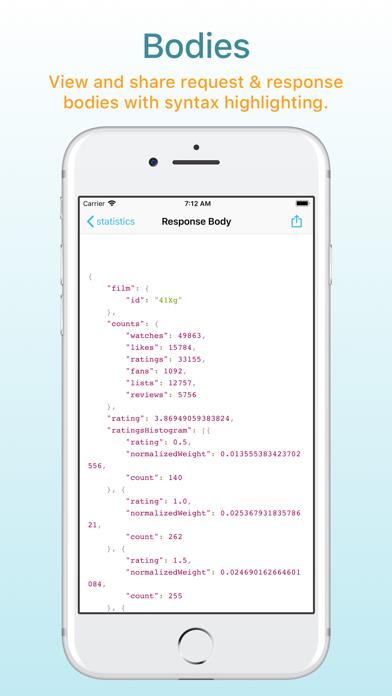
      Charles Proxy for iOS lets you capture and inspect network requests and responses on your iOS device. You can view metadata, headers and bodies in the app, so you can finally debug your app’s networking issues without a computer. Charles Proxy for iOS is a new app from the creators of Charles Proxy for desktop. HOW IT WORKS Turn Charles on when you want to start capturing. Charles captures your network requests and responses in the background while you test your app or website. Return to Charles to inspect the requests and responses. If you also have Charles on your desktop, you can transfer recorded sessions to your desktop to explore them on the big screen. Charles creates a local VPN on your device. All of your network traffic passes through Charles on your device, and then out to the internet as usual over either WiFi or Mobile / Cellular data. There is no remote server involved, and your data always remains private to you. FEATURES * SSL Proxying to view SSL requests in plain text * View and share request and responses bodies * Syntax highlighting for text request and response bodies * Measure network performance over WiFi or Mobile / Cellular networks * Block requests to nominated hosts * DNS spoofing

      Charles Proxy Information

      Name Charles Proxy

      Category Utilities

      Developer XK72 Limited

      Version 1.4

      Update 2020-09-27

      Languages EN

      Size 19.56MB

      Compatibility Requires iOS 12.0 or later. Compatible with iPhone, iPad, and iPod touch.

      Other Original Version

      Charles Proxy Screenshot
      Charles Proxy
      Charles Proxy
      Charles Proxy
      Charles Proxy
      Charles Proxy
      Charles Proxy
      Charles Proxy

      Rating

      4.8

      1186 Ratings

      Tap to Rate

      Please use Safari on iPhone/iPad to access the current page

      Because Panda Helper VIP service is based on iPhone/iPad device information (UDID), please access the current page in Safari on iPhone/iPad:
      • Scan the QR code on your iPhone/iPad
      • Copy the link below and open it in Safari on your iPhone/iPad
      * Safari only. Other browsers cannot get device information
      copy successfully!

      Follow us on social media

      panda helper top hover