Trending Searches

    History

      Clear All
      CardGenie - Sports Cards

      CardGenie - Sports Cards

      • Sizes: 24.93MB
      • Version: 6.6
      • Update: 2023-02-13
      Install by Apple Store

      CardGenie - Sports Cards Description

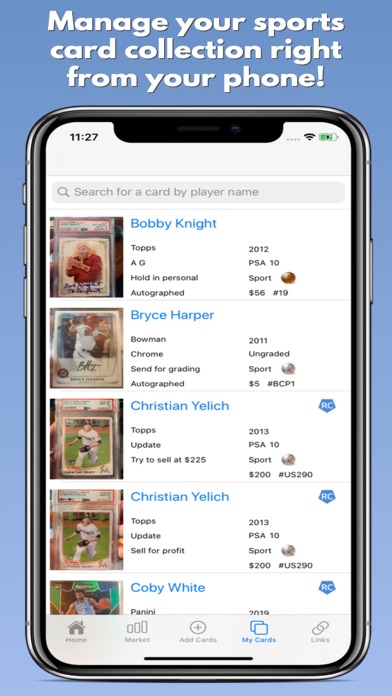
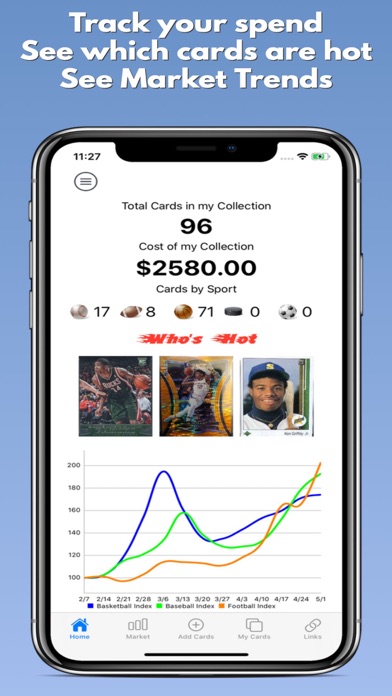
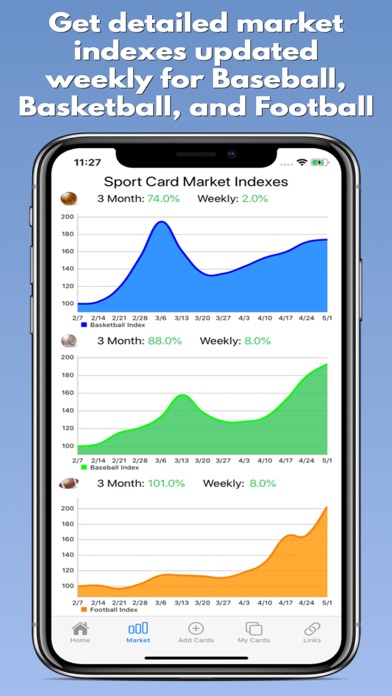
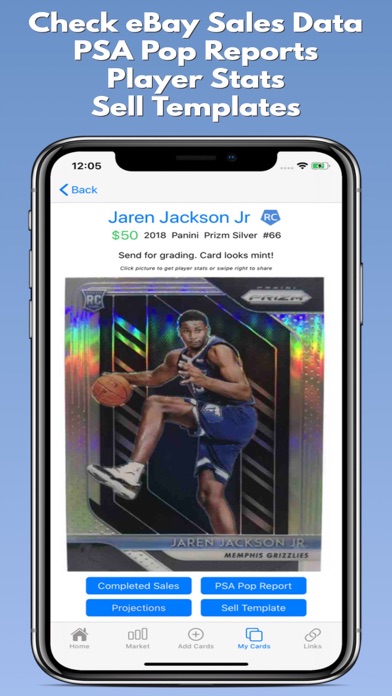
      With CardGenie you can easily keep track of your entire sports card collection including Baseball, Basketball, Football, Soccer, Golf, Pokemon, UFC, Nascar, and Hockey cards. Keep digital copies of all your cards so you can access them anytime and check player stats, eBay completed sales, PSA population reports, and much more! With this latest version we added a Basketball, Baseball, Soccer, Pokemon, and Football Card Price index tracker that helps see if the market is moving up or down and tracks weekly movement. For more information on how the index works check out our tutorial on youtube! We also recently added the ability to export your collection to excel and built a full profit tracker to keep track of your sales and percent return. Why are you waiting? Start making money investing in Sports Cards today!! I'm an avid collector and developed this to be a tool to get the most out of your collection. If you have any feature requests please send them in and we will do our best to implement them!

      CardGenie - Sports Cards Information

      Name CardGenie - Sports Cards

      Category Sports

      Developer Brian Rabe

      Version 6.6

      Update 2023-02-13

      Languages EN

      Size 24.93MB

      Compatibility Requires iOS 13.0 or later. Compatible with iPhone, iPad, and iPod touch.

      Other Original Version

      CardGenie - Sports Cards Screenshot
      CardGenie - Sports Cards
      CardGenie - Sports Cards
      CardGenie - Sports Cards
      CardGenie - Sports Cards

      Rating

      4.6

      885 Ratings

      Tap to Rate

      Please use Safari on iPhone/iPad to access the current page

      Because Panda Helper VIP service is based on iPhone/iPad device information (UDID), please access the current page in Safari on iPhone/iPad:
      • Scan the QR code on your iPhone/iPad
      • Copy the link below and open it in Safari on your iPhone/iPad
      * Safari only. Other browsers cannot get device information
      copy successfully!

      Follow us on social media

      panda helper top hover