Trending Searches

    History

      Clear All
      Boondocking

      Boondocking

      • Sizes: 3.98MB
      • Version: 2.7.74
      • Update: 2023-03-26
      Install by Apple Store

      Boondocking Description

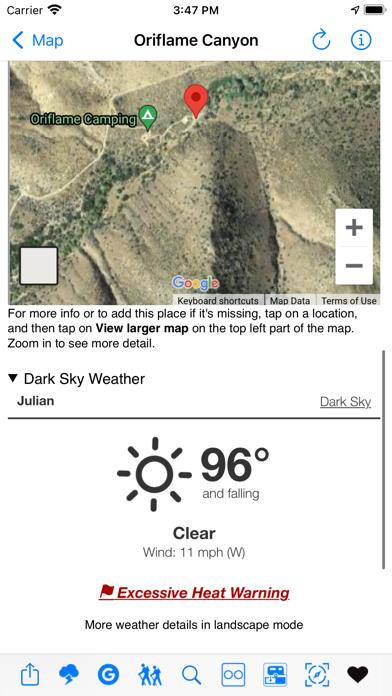
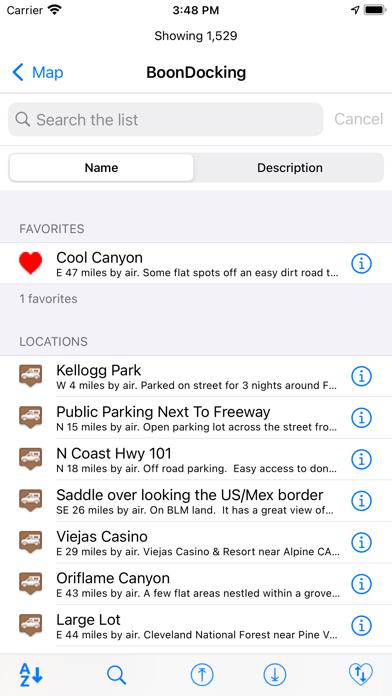
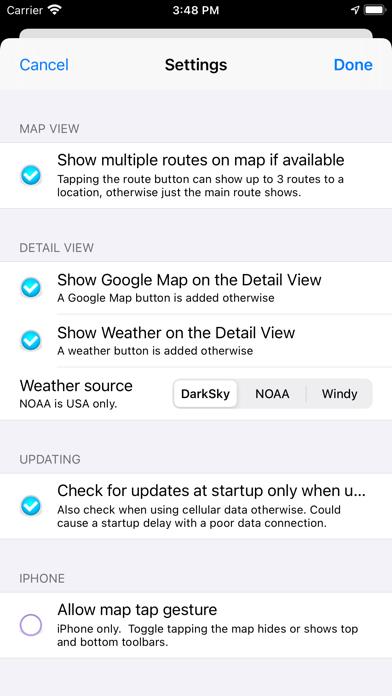
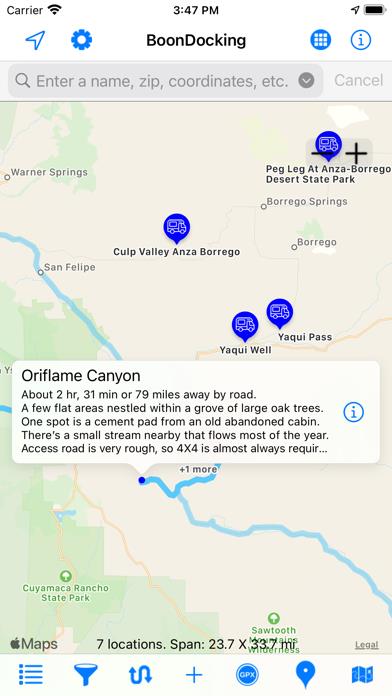
      Boondocking usually refers to free camping in remote areas. This app shows over 1,850 free boondocking locations (and growing), most within the US. The boondocking locations are obtained from crowdsourcing and are therefore subjective in nature. What one person describes as beautiful another may describe as worthless. The number of locations continues to increase as more users submit boondocking locations. - No Internet needed as the boondocking locations are contained with the app. - Shows driving distance and time from your current location to the boondocking location. - View multiple map types such as Open Street Map. - Get info about each boondocking location, even when offline. - Mark locations as Favorite locations. - Get the local weather for the location. - Find nearby hiking and biking locations. - View Flickr photos for the location (when available). - Filter the locations (water, toilets, etc) so you only view the locations you what to see. - Send location data directly to our Road Trip Planner app. - No login or subscription necessary. Just start the app and use it! Happy Camping!

      Boondocking Information

      Name Boondocking

      Category Travel

      Developer William Modesitt

      Version 2.7.74

      Update 2023-03-26

      Languages EN

      Size 3.98MB

      Compatibility Requires iOS 12.0 or later. Compatible with iPhone, iPad, and iPod touch.

      Other Original Version

      Boondocking Screenshot
      Boondocking
      Boondocking
      Boondocking
      Boondocking
      Boondocking
      Boondocking

      Rating

      4.9

      1248 Ratings

      Tap to Rate

      Please use Safari on iPhone/iPad to access the current page

      Because Panda Helper VIP service is based on iPhone/iPad device information (UDID), please access the current page in Safari on iPhone/iPad:
      • Scan the QR code on your iPhone/iPad
      • Copy the link below and open it in Safari on your iPhone/iPad
      * Safari only. Other browsers cannot get device information
      copy successfully!

      Follow us on social media

      panda helper top hover