Trending Searches

    History

      Clear All
      BirthdaysPro

      BirthdaysPro

      • Sizes: 15.12MB
      • Version: 10.2.4
      • Update: 2022-11-02
      Install by Apple Store

      BirthdaysPro Description

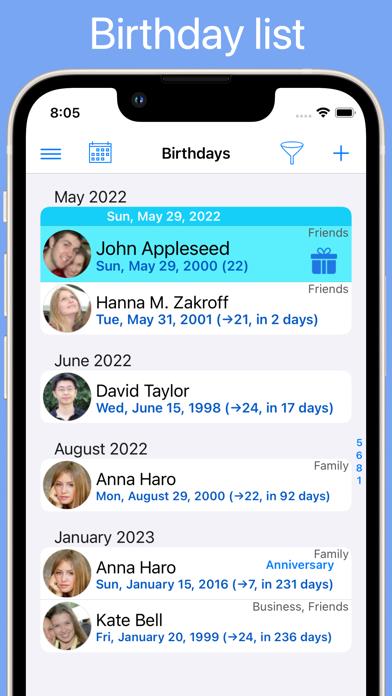
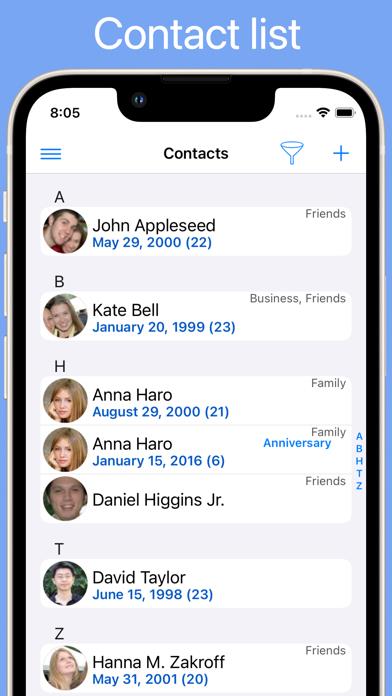
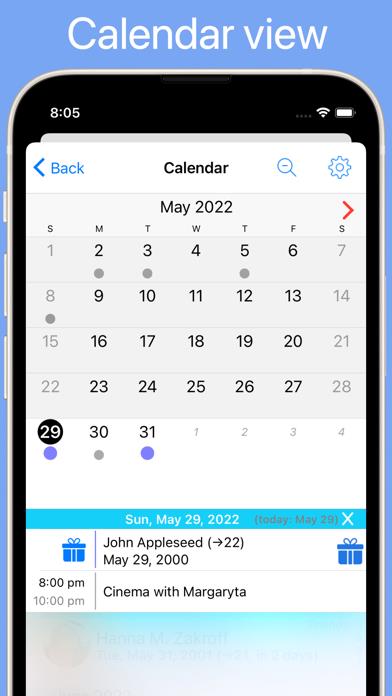
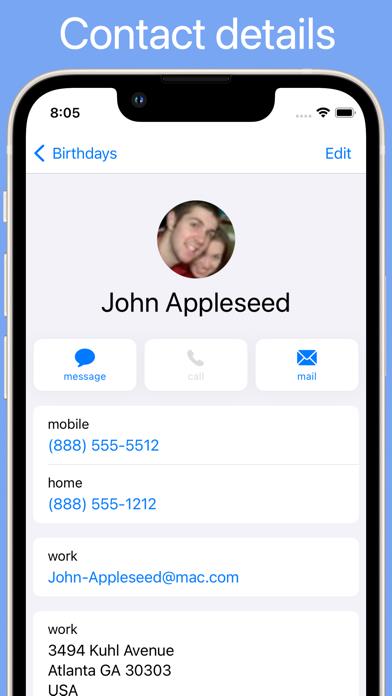
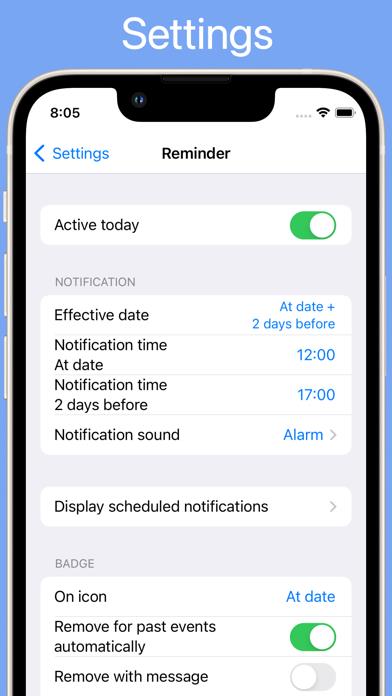
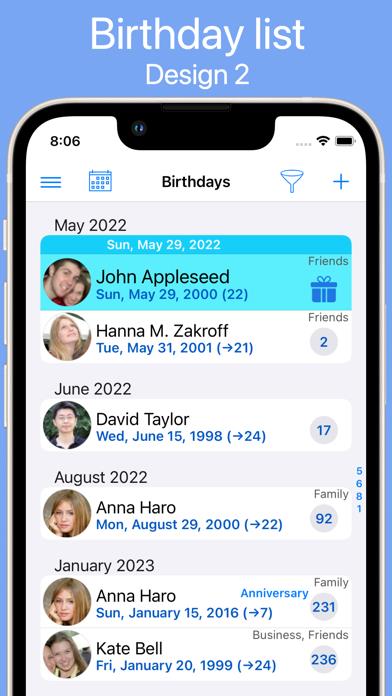
      With BirthdaysPro you are always informed about the upcoming birthdays (and anniversaries) of all your contacts. Features: • Birthday list sorted by date • Contact list sorted by name • Calendar view • Also anniversaries and other dates supported • Get up to 2 reminder messages for each event • Switch off reminder for certain contacts • Reminder repeat (see help) • Badge on icon with number of current events • Synchronization with calendar (no import of foreign data) • Sync of BirthdaysPro contacts to other devices (iCloud, iOS 10 and later) • Export to file (Excel and CSV), except social network • Add or edit birthdays directly to address book or BirthdaysPro • See age, photo and address book data of your contacts • Access protection with passcode or Touch ID / Face ID • Zodiac signs (western and Chinese) • Filter data source and event • Filter address book groups • Display/import birthdays from social networks VK and Odnoklassniki • Different screens on iPhone and iPad • Help (see "More/Help" within the app) • And more Pay once - install on multiple devices associated with the iTunes account.

      BirthdaysPro Information

      Name BirthdaysPro

      Category Social Networking

      Developer Demodit GmbH

      Version 10.2.4

      Update 2022-11-02

      Languages AR,NL,EN,FR,DE,IT,JA,KO,PT,RU,ZH,ES,SV,ZH,TR

      Size 15.12MB

      Compatibility Requires iOS 12.0 or later. Compatible with iPhone, iPad, and iPod touch.

      Other Original Version

      BirthdaysPro Screenshot
      BirthdaysPro
      BirthdaysPro
      BirthdaysPro
      BirthdaysPro
      BirthdaysPro
      BirthdaysPro
      BirthdaysPro

      Rating

      4.6

      1490 Ratings

      Tap to Rate

      Please use Safari on iPhone/iPad to access the current page

      Because Panda Helper VIP service is based on iPhone/iPad device information (UDID), please access the current page in Safari on iPhone/iPad:
      • Scan the QR code on your iPhone/iPad
      • Copy the link below and open it in Safari on your iPhone/iPad
      * Safari only. Other browsers cannot get device information
      copy successfully!

      Follow us on social media

      panda helper top hover