Trending Searches

    History

      Clear All
      Birdbrain ~ stats for Twitter

      Birdbrain ~ stats for Twitter

      • Sizes: 31.02MB
      • Version: 3.2.4
      • Update: 2018-06-27
      Install by Apple Store

      Birdbrain ~ stats for Twitter Description

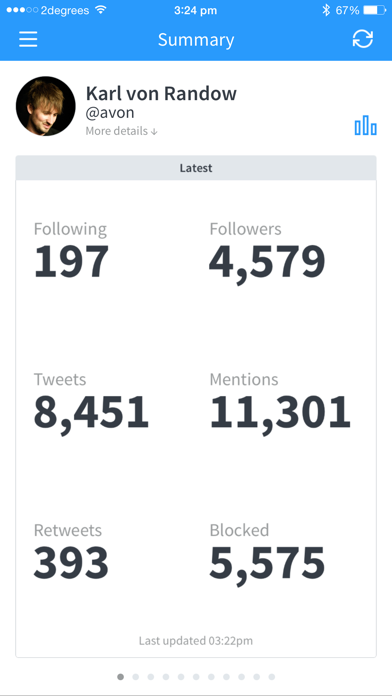
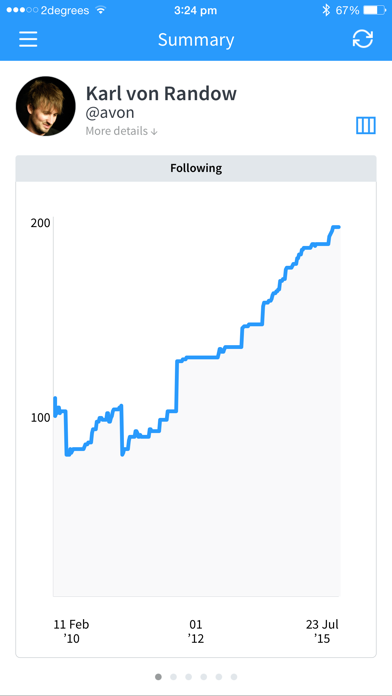
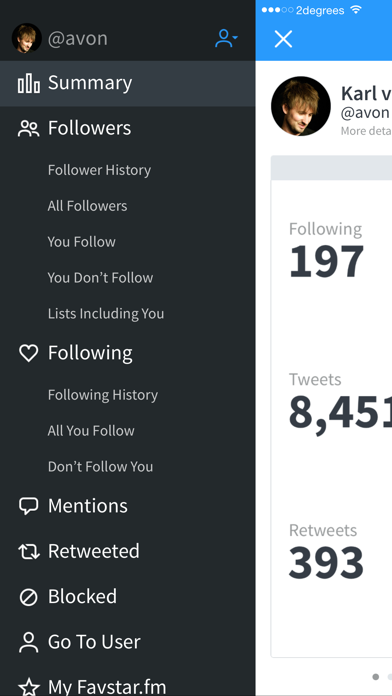
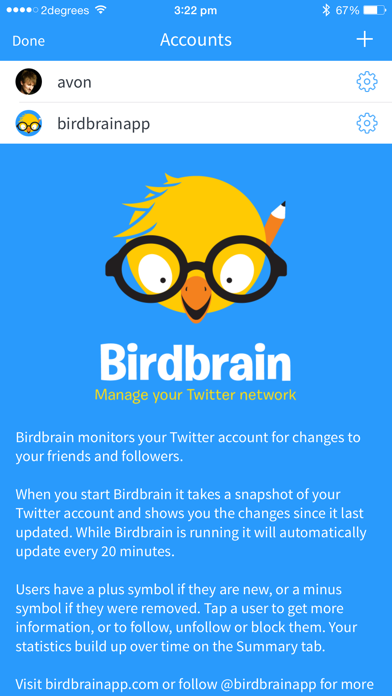
      See who follows and unfollows you on Twitter, and much more! If you're serious about Twitter you need Birdbrain! Birdbrain checks your Twitter accounts for changes to your friends and followers, mentions, retweets and list memberships. •••••• Over 40,000 sales! •••••• When you start Birdbrain it takes a snapshot of your Twitter account and shows you the changes since it last updated. While Birdbrain is running it will automatically update every 20 minutes. Users are shown with a plus symbol if they are new, or a minus symbol if they were removed. Some users are displayed as a number rather than a username: these are users that were removed before Birdbrain loaded their details, or users that have been suspended by Twitter. Tap a user to get more information, or to follow, unfollow, block or report spam. Switch to the Summary tab to see your statistics. Follow @birdbrainapp on Twitter to ask questions or to send feedback.

      Birdbrain ~ stats for Twitter Information

      Name Birdbrain ~ stats for Twitter

      Category Social Networking

      Developer Cactuslab

      Version 3.2.4

      Update 2018-06-27

      Languages EN

      Size 31.02MB

      Compatibility Requires iOS 8.0 or later. Compatible with iPhone, iPad, and iPod touch.

      Other Original Version

      Birdbrain ~ stats for Twitter Screenshot
      Birdbrain ~ stats for Twitter
      Birdbrain ~ stats for Twitter
      Birdbrain ~ stats for Twitter
      Birdbrain ~ stats for Twitter
      Birdbrain ~ stats for Twitter

      Rating

      4.5

      804 Ratings

      Tap to Rate

      Please use Safari on iPhone/iPad to access the current page

      Because Panda Helper VIP service is based on iPhone/iPad device information (UDID), please access the current page in Safari on iPhone/iPad:
      • Scan the QR code on your iPhone/iPad
      • Copy the link below and open it in Safari on your iPhone/iPad
      * Safari only. Other browsers cannot get device information
      copy successfully!

      Follow us on social media

      panda helper top hover