Trending Searches

    History

      Clear All
      bingo!!

      bingo!!

      • Sizes: 94.59MB
      • Version: 2.10.0
      • Update: 2022-01-01
      Install by Apple Store

      bingo!! Description

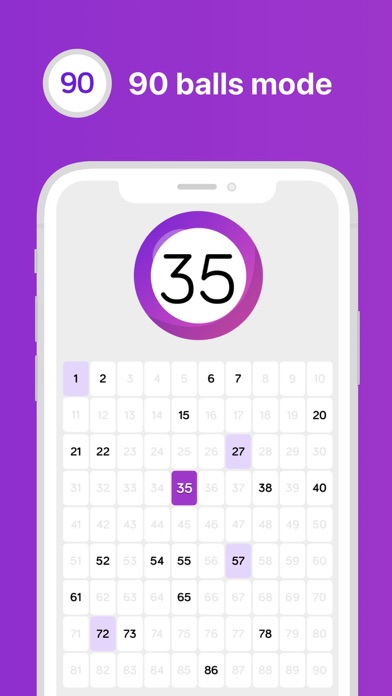
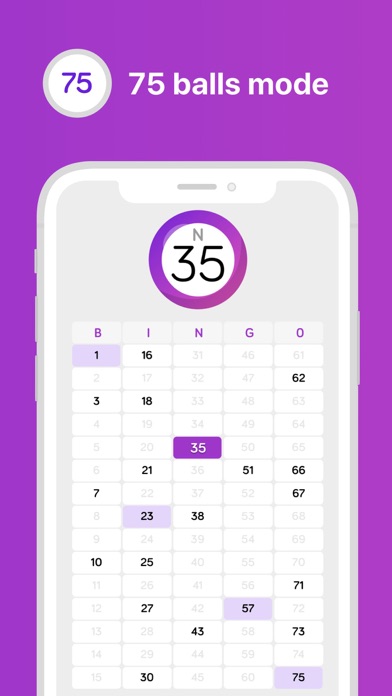
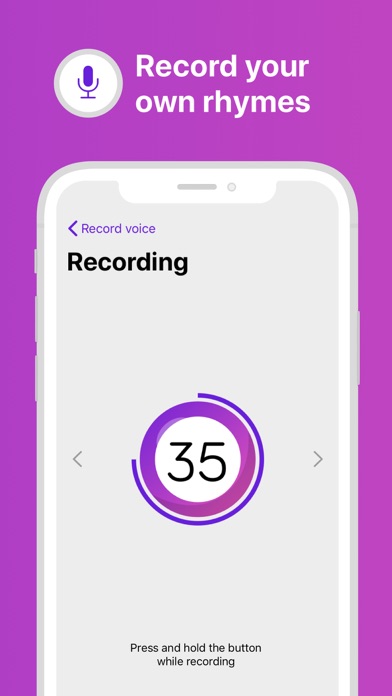
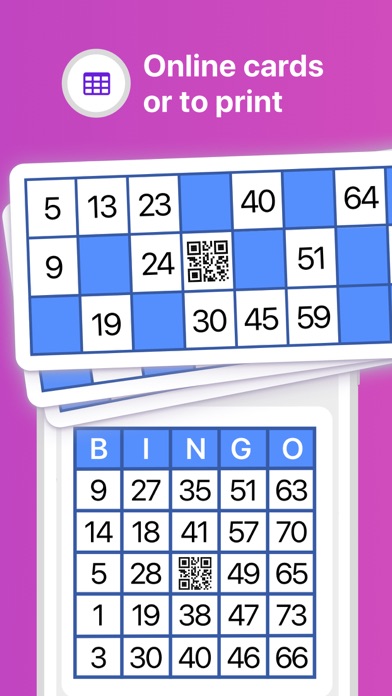
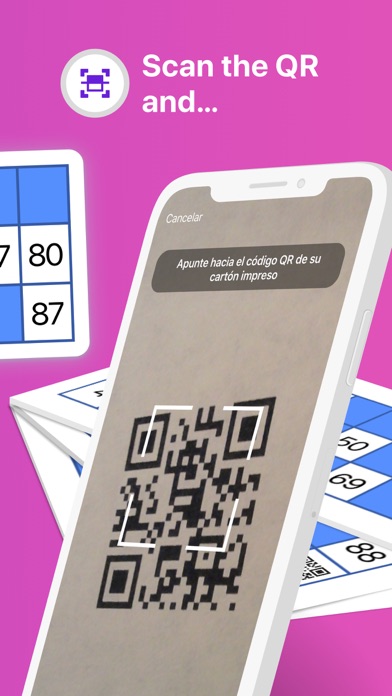
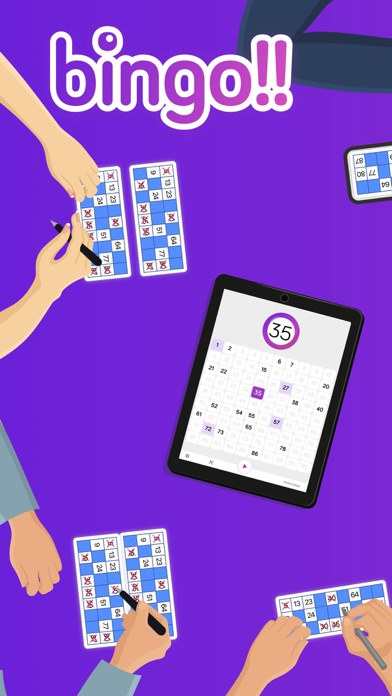
      Play Bingo with your friends!! You can print the cards from the app or play online from your mobile browser. Scan the QR code and check if Grandma really has got Bingo! Enjoy good times with the family, ideal for rainy days, birthdays parties or Christmas dinners. In Settings section you have different voices and languages available to call out the numbers. Try in English (USA) the voice of our friend Adam, you will laugh a lot with his rhymes! Customize the game!. Choose between two game modes, 90 or 75 balls and select the speed between numbers. For those who always get lost, you can view the board on television (if you have the Airplay connection) and follow the balls easily. Features: - Online and printable cards available. - Possibility to scan the QR code of the generated card and check the result of the game. - 90 or 75 balls mode. - Use of voice to call out the numbers. - Speed numbers configurable or manual mode. - Airplay and external screens support. - Possibility to change the visualization mode: ball and board, just ball or just board. - Cards with QR code generator. - Dark mode available.

      bingo!! Information

      Name bingo!!

      Category Games

      Developer Álvaro Murillo

      Version 2.10.0

      Update 2022-01-01

      Languages EN,ES

      Size 94.59MB

      Compatibility Requires iOS 11.0 or later. Compatible with iPhone, iPad, and iPod touch.

      Other Original Version

      bingo!! Screenshot
      bingo!!
      bingo!!
      bingo!!
      bingo!!
      bingo!!
      bingo!!
      bingo!!

      Rating

      5.0

      372 Ratings

      Tap to Rate

      Please use Safari on iPhone/iPad to access the current page

      Because Panda Helper VIP service is based on iPhone/iPad device information (UDID), please access the current page in Safari on iPhone/iPad:
      • Scan the QR code on your iPhone/iPad
      • Copy the link below and open it in Safari on your iPhone/iPad
      * Safari only. Other browsers cannot get device information
      copy successfully!

      Follow us on social media

      panda helper top hover