Trending Searches

    History

      Clear All
      ABBYY Business Card Reader Pro

      ABBYY Business Card Reader Pro

      • Sizes: 71.69MB
      • Version: 9.8.3
      • Update: 2022-10-29
      Install by Apple Store

      ABBYY Business Card Reader Pro Description

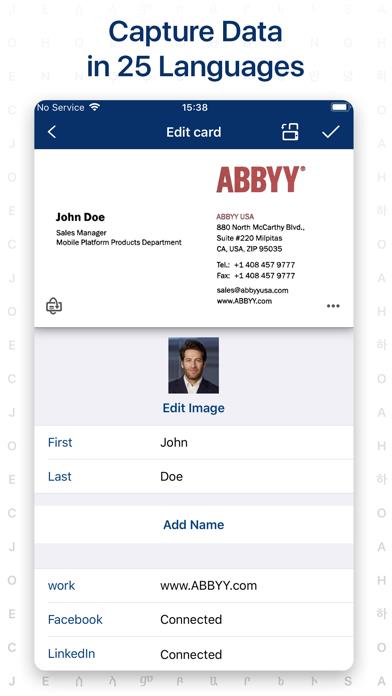
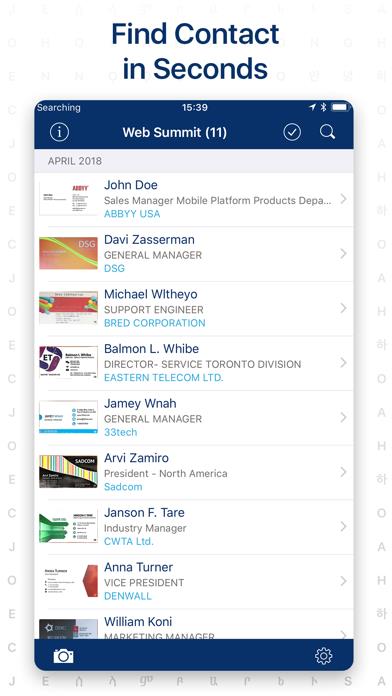
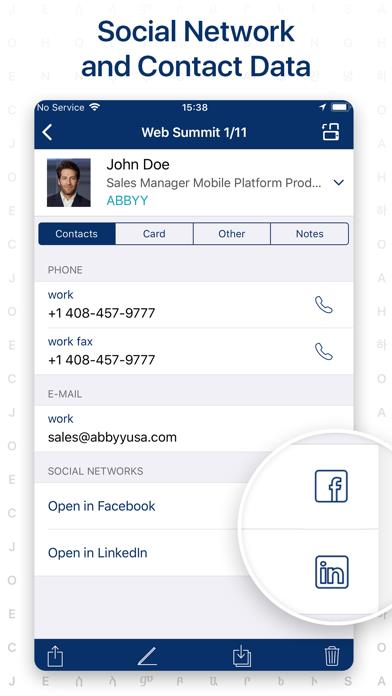
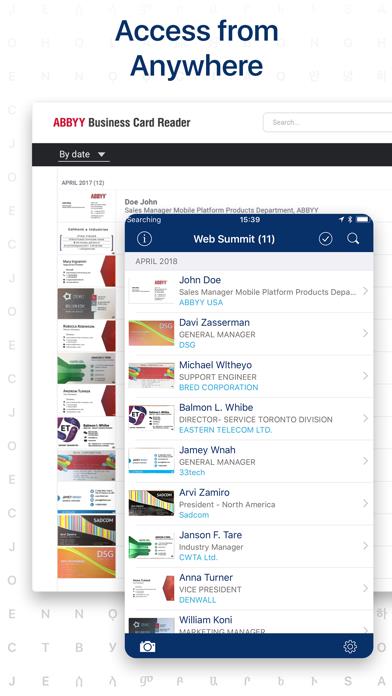
      ABBYY Business Card Reader –The World’s Fastest Business Card Scanner & Contact Management App for iPhone and iPad! Now ABBYY BCR for your Apple Watch. You won’t need to reach for your device to remember somebody’s name. View contacts and make phone calls right from ABBYY BCR on your Apple Watch! ***** Winner of the RISING STAR Award in the Mobile Star Awards ***** ABBYY Business Card Reader easily & simply captures & stores contact from business cards in 25 languages to your smartphone and tablet. BCR allows for cards to be automatically photographed, cropped and saved in 30% less time. The recognized data can be saved in either your device Contacts or in the app own digital storage. ------------------- KEY FEATURES • QUICK AND ACCURATE SCANNING ABBYYs optical character recognition technology provides quick & accurate recognition of all contact information: names, organizations, phone numbers, e-mail addresses, etc. • AUTO-CLICK PHOTO FEATURE Automatically focuses on the business card, detects its edges, crops any extraneous background & captures an image of the card all by itself. • EASY CHECK OF RECOGNIZED DATA The app highlights “unusual” characters with blue color and displays the original image so that you can quickly confirm the apps output. • APPLE WATCH APP. • AUTOMATIC NORMALIZATION OF PHONE AND EXTENTION NUMBERS BCR will automatically put in all the missing parts so that you can reach the contact even if the country code was omitted in print. • AUTOCOMPLETION OF ADDRESSES BCR corrects any typos and fills in the missing address fields so you can easily find it on the map. • SYNC AND AUTOMATIC OR MANUAL BACKUPS Sync card data across platforms to make database updated and accessible from all your devices on ABBYYBCR.COM. Automatic and manual backups to archive and restore to another device. • Export data from scanned business cards to Salesforce Leads. BCR can export business cards to Enterprise, Unlimited, and Performance Editions of SF license. Professional Edition does not allow BCR export. • Spotlight Search to find business cards from BCR • Export business cards to MS Excel in .CSV format. • Share your contacts using QR code. • Smart Facebook and LinkedIn search: connect social media account to the business card and auto upload photo of contact from Facebook. • Search in iPhone Maps for the address of your contacts. • Exchange digitally and forward recognized contacts via e-mail as VCard or JPEG files or via SMS as a plain text. • Support 25 languages including recognition of multilingual cards: - Czech - Chinese (Simplified) - Chinese (Traditional) - Danish - Dutch - English - Estonian - Finnish - French - German - Greek - Japanese - Indonesian - Italian - Korean - Norwegian (both Bokmal and Nynorsk) - Polish - Portuguese (Portugal) - Portuguese (Brazil) - Russian - Spanish - Swedish - Turkish - Ukrainian Read us: abbyy.com/blog/mobile Facebook.com/ABBYYsoft Twitter @ABBYY_Software YouTube.com/ABBYYvideos Privacy Policy https://www.abbyy.com/privacy/ Terms of Use http://www.abbyybcr.com/en/eula/ Please leave a review if you like Business Card Reader. Thank you!

      ABBYY Business Card Reader Pro Information

      Name ABBYY Business Card Reader Pro

      Category Bussiness

      Developer ABBYY

      Version 9.8.3

      Update 2022-10-29

      Languages EN,FR,DE,IT,PT,RU,ZH,ES

      Size 71.69MB

      Compatibility Requires iOS 13.0 or later. Compatible with iPhone, iPad, and iPod touch.

      Other Original Version

      ABBYY Business Card Reader Pro Screenshot
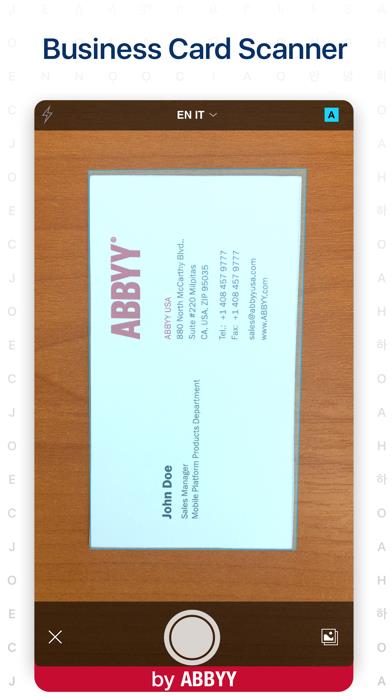
      ABBYY Business Card Reader Pro
      ABBYY Business Card Reader Pro
      ABBYY Business Card Reader Pro
      ABBYY Business Card Reader Pro
      ABBYY Business Card Reader Pro

      Rating

      4.6

      1843 Ratings

      Tap to Rate

      Please use Safari on iPhone/iPad to access the current page

      Because Panda Helper VIP service is based on iPhone/iPad device information (UDID), please access the current page in Safari on iPhone/iPad:
      • Scan the QR code on your iPhone/iPad
      • Copy the link below and open it in Safari on your iPhone/iPad
      * Safari only. Other browsers cannot get device information
      copy successfully!

      Follow us on social media

      panda helper top hover