Trending Searches

    History

      Clear All
      Gear Fit2 Navigation

      Gear Fit2 Navigation

      • Sizes:
      • Version:
      • Update: 2024/04/19
      Install by Panda Helper

      Description

      Only works with companion app for Gear Fit2. This will be released for free in July 2016.

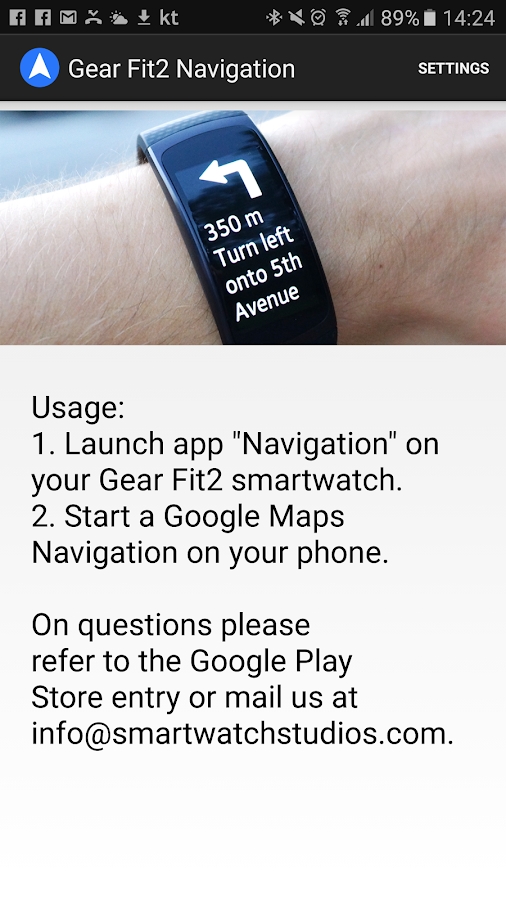
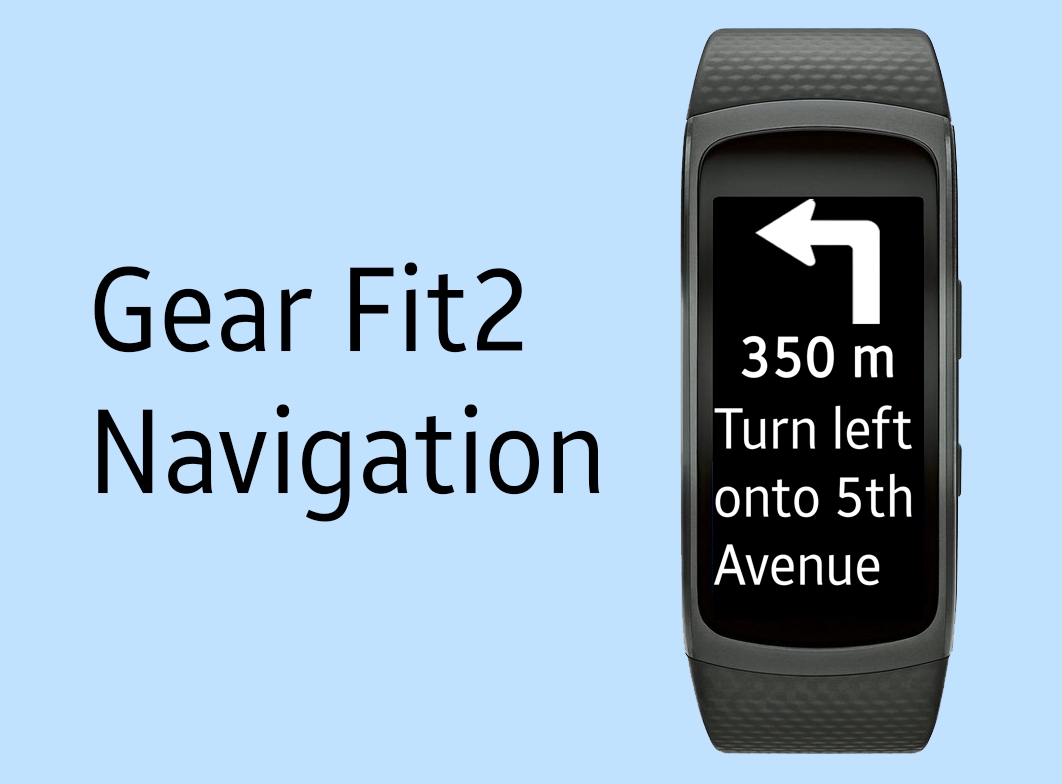
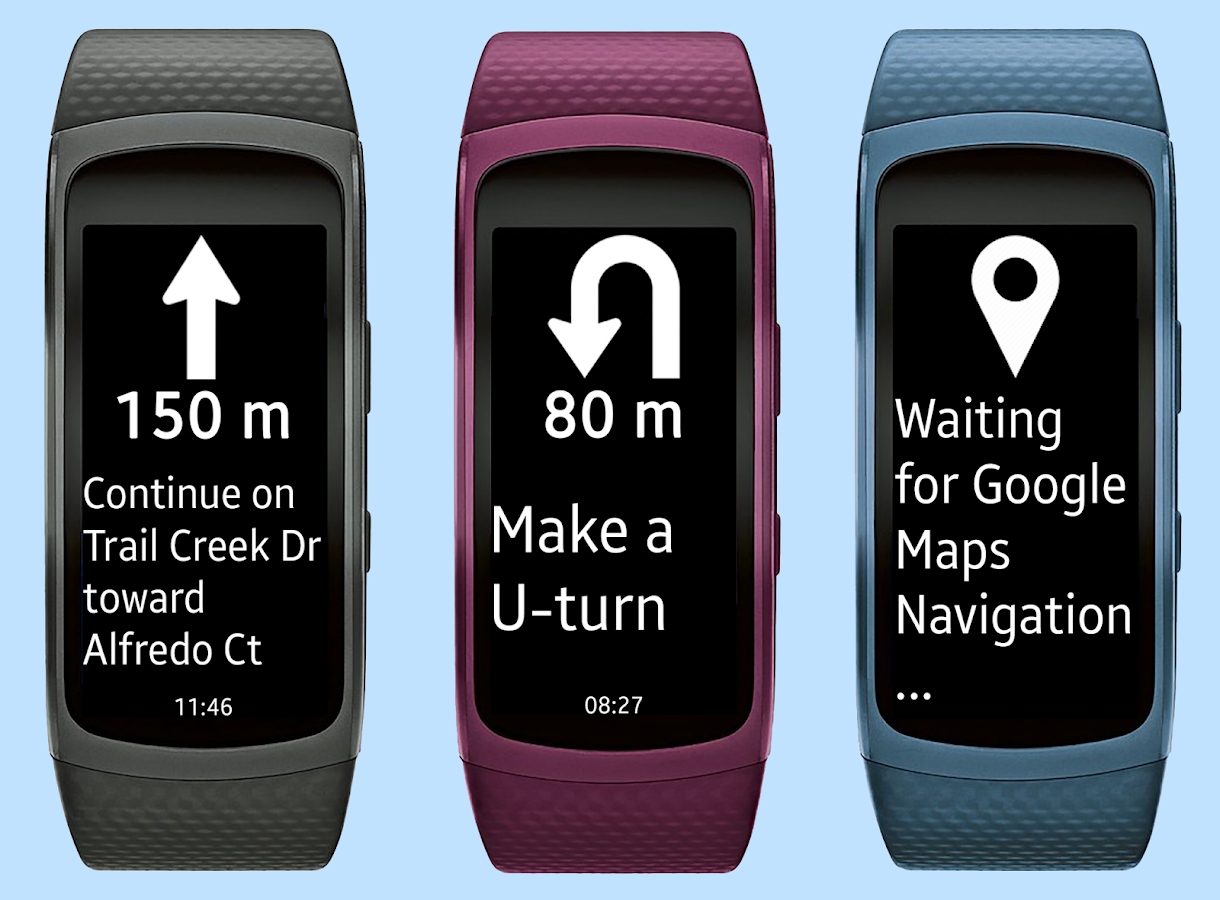
      This app displays Google Navigation instructions on your Samsung Gear Fit2 smartwatch.
      It needs a free compaion app from Samsung Gear Store to work.

      How to use:
      - Install Samsung Gear and connect with your Gear Fit2 device.
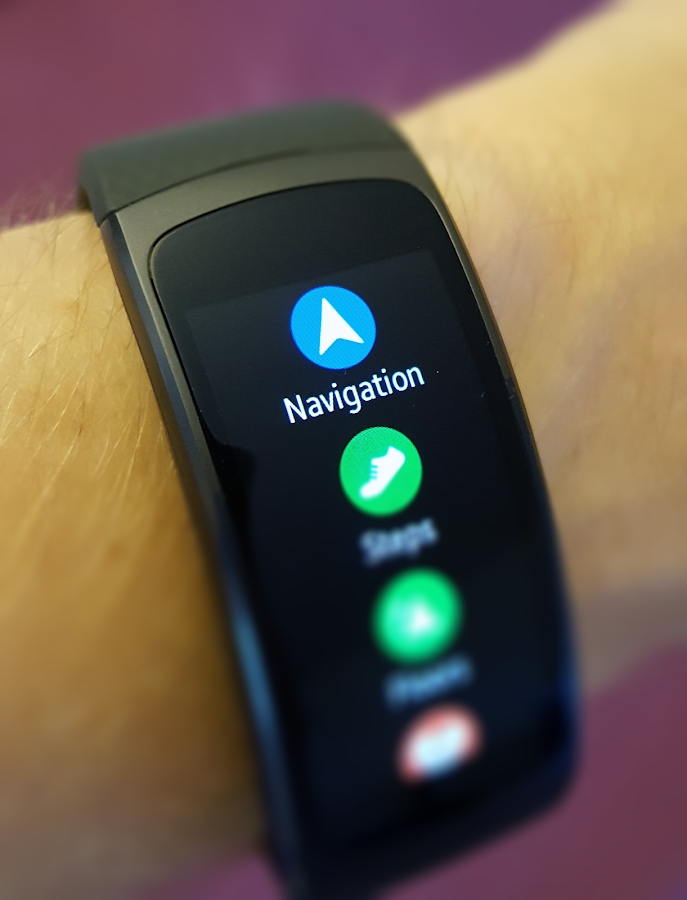
      - Install this "Gear Fit2 Navigation" app.
      - Install free "Gear Fit2 Navigation" app from Samsung Store on your Smartwatch. (Go to: Apps> Samsung Gear > Samsung Galaxy Apps).
      - Start Gear Fit2 Navigation app on your phone.
      - Allow the app to read notifications. (Go to: Settings > Security > Notification Access and enable Gear Fit2 Navigation).
      - Start Google Maps Navigation and instructions will be pushed to your smartwatch.

      Troubleshooting
      - Ensure your Gear Fit2 is connected to Phone and you have Samsung Gear installed.
      - If the app still only shows the "waiting" message, please ensure that maps notifications are activated and displayed on your phone (Go to: Settings > More > Applications > Maps and enable "Show notifications").
      - Restart smartphone AND Gear Fit
      - Uninstall and reinstall the app
      Information

      Name Gear Fit2 Navigation

      Category APPS

      Developer SmartWatch Studios

      Update 2024/04/19

      Languages English

      Root Needed No Need

      App Screenshot

      Gear Fit2 Navigation
      Gear Fit2 Navigation
      Gear Fit2 Navigation
      Gear Fit2 Navigation

      Rating

      4.7

      1872 Ratings

      Tap to Rate

      Please use Safari on iPhone/iPad to access the current page

      Because Panda Helper VIP service is based on iPhone/iPad device information (UDID), please access the current page in Safari on iPhone/iPad:
      • Scan the QR code on your iPhone/iPad
      • Copy the link below and open it in Safari on your iPhone/iPad
      * Safari only. Other browsers cannot get device information
      copy successfully!

      Follow us on social media

      panda helper top hover